EvTrack can remind people about things that are about to happen or lapse: a visit due tomorrow, a credential or user account approaching its expiry date, a registration that is still incomplete, and an approval that has waited too long. This guide covers switching reminders on, choosing which ones send and when, editing their wording, and exactly what lands in each recipient’s inbox - including how the system guarantees nobody is nagged twice about the same thing.
Turning reminders on
Open Settings > System > Reminders. Nothing sends until the master switch here is on - and even then, nothing sends until an individual reminder is also enabled on its own settings page. Two switches, both deliberate: the master switch is the emergency stop for the whole feature, the per-reminder switches choose what your system actually uses.
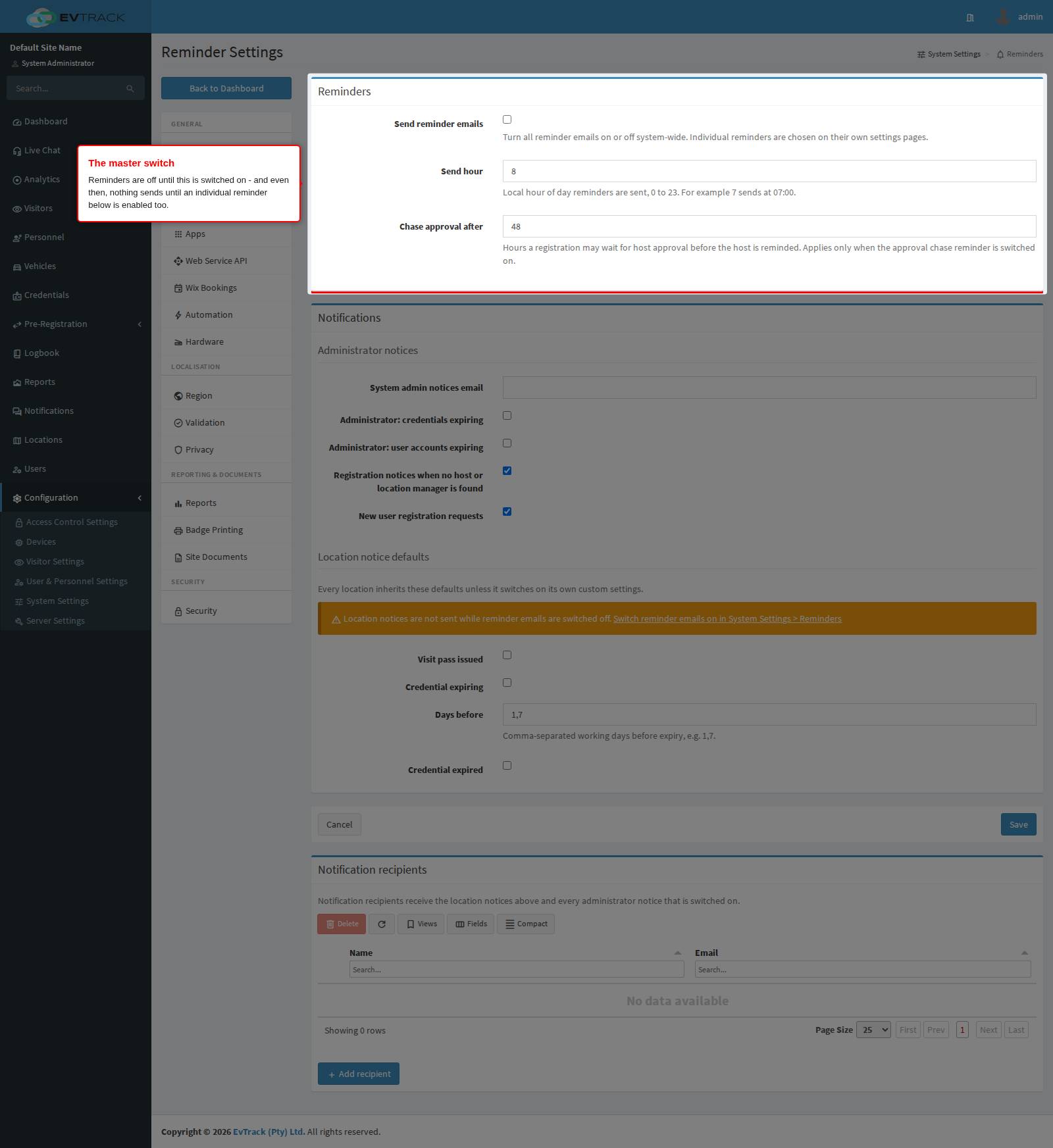
- Send reminder emails - the master switch. Off means no reminder email of any kind, system-wide.
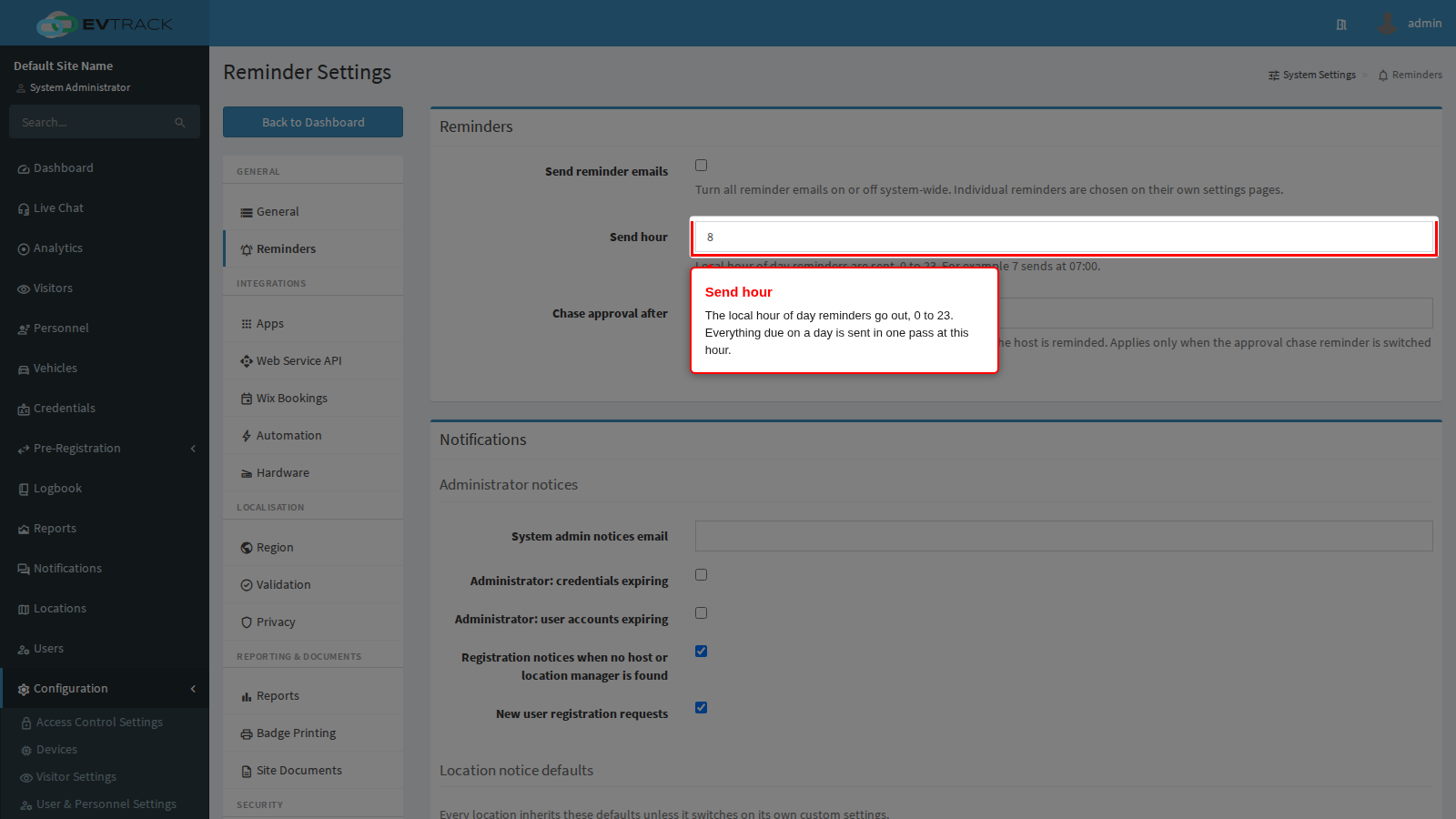
- Send hour - the local hour of day (0 to 23) at which everything due that day goes out in one pass. Pick a quiet hour; recipients get their reminders together rather than trickling through the day.
- Chase approval after - how many hours a registration may wait for approval before its host is reminded to deal with it (see the approval chase below - it works differently from every other reminder).
Choosing which reminders send
The reminders themselves live beside the things they remind about:
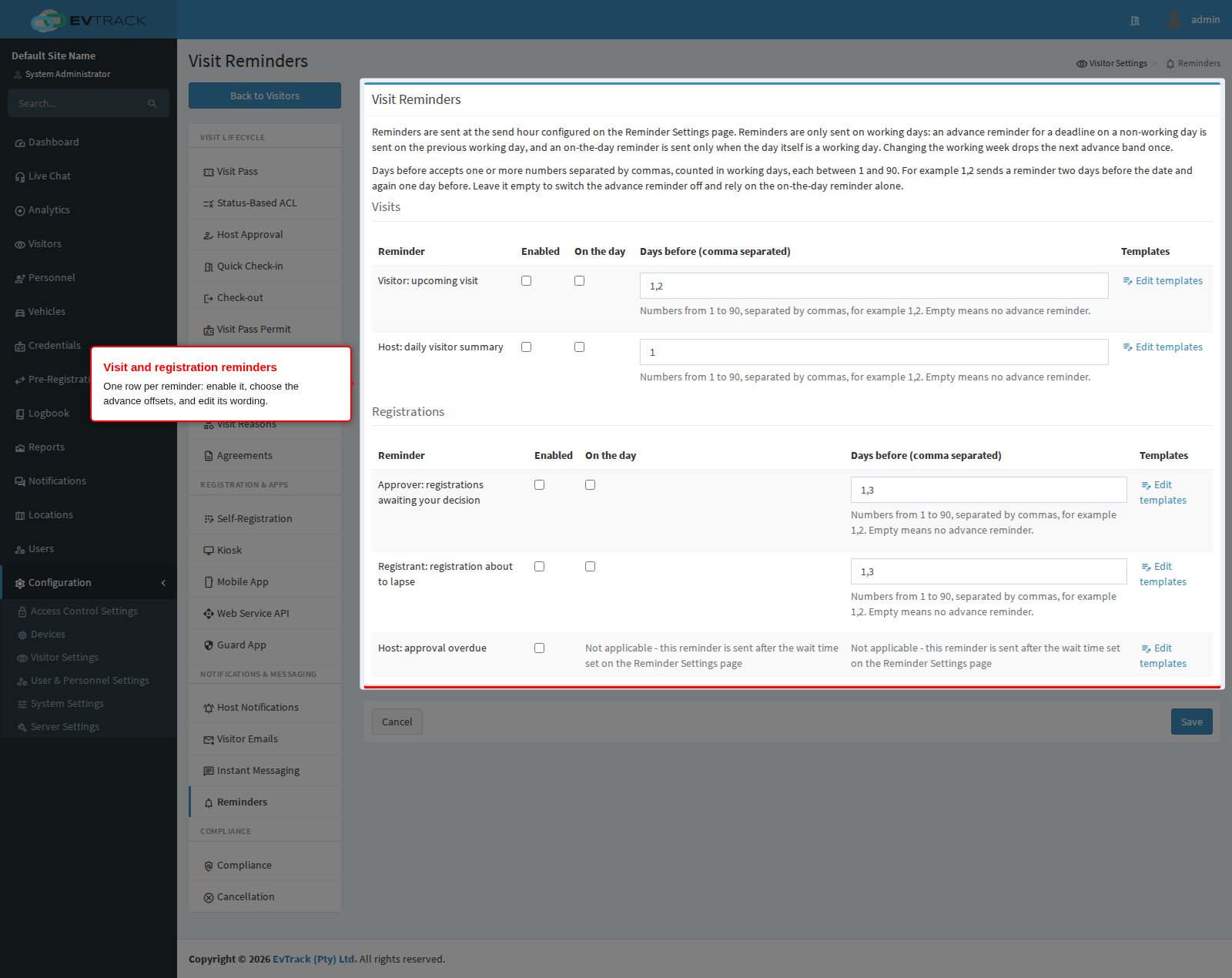
- Visitors > Settings > Reminders - upcoming-visit reminders (to the visitor, and a daily digest to each host), registration-expiry reminders, and the approval chase.
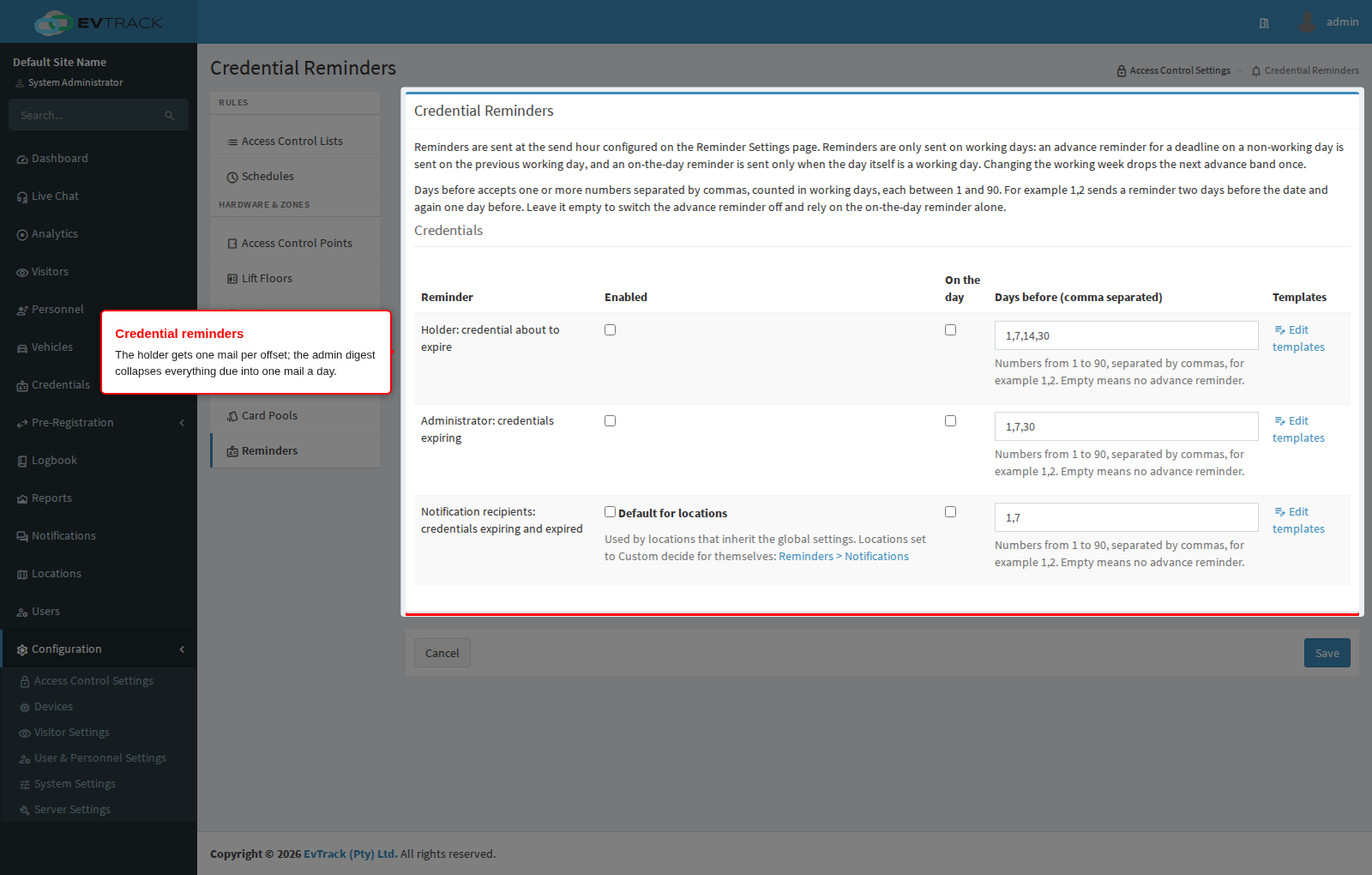
- Access Control Settings > Credentials > Reminders - credential-expiry reminders: one to each credential holder, and a daily digest to the admin notices address.
- Users > Settings > Reminders - user-account-expiry reminders, same shape: one to the account holder, one daily digest to the admin notices address.
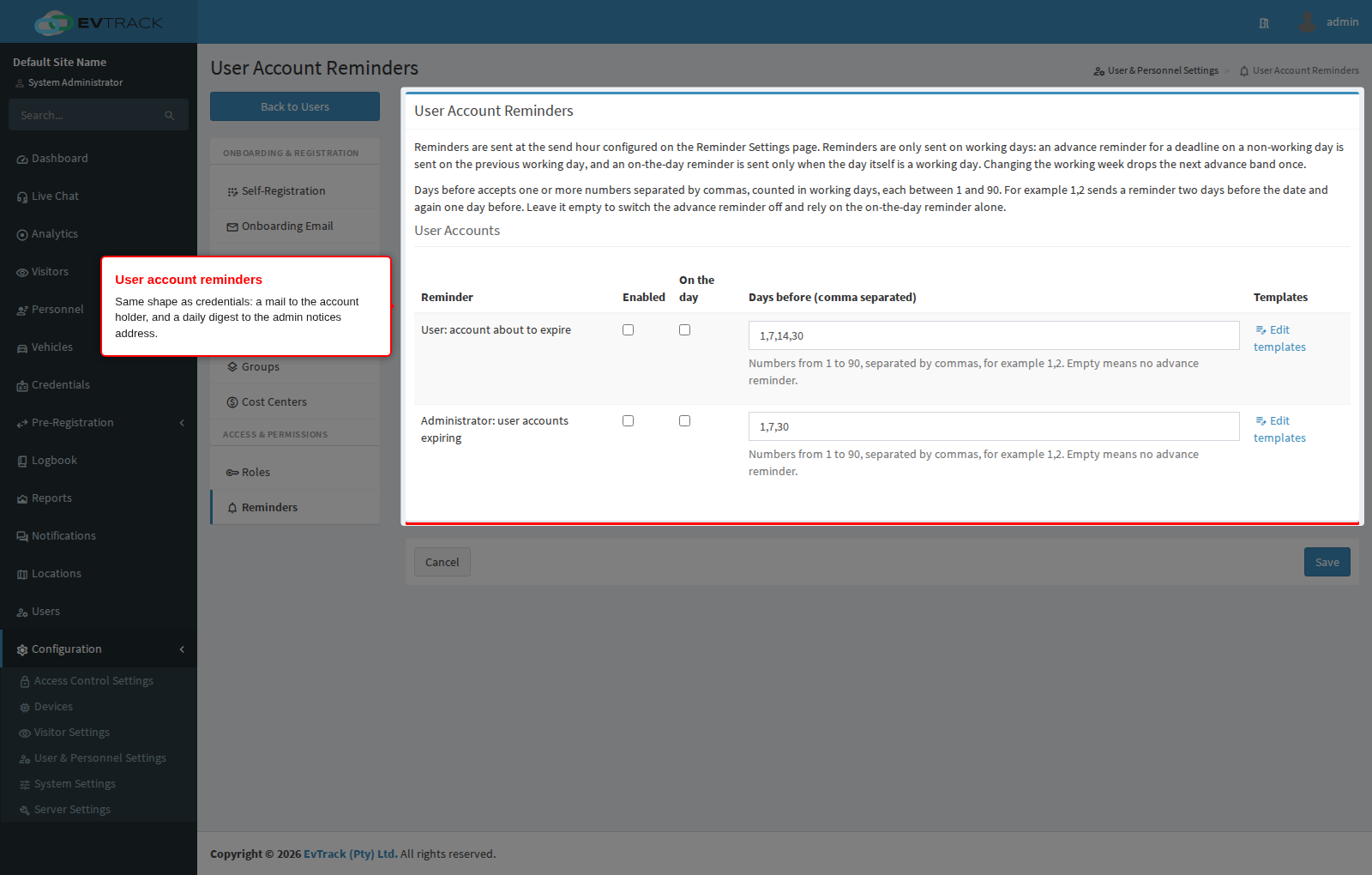
Each row has an enable switch, a “days before” field, an “on the day” switch, and a link to its template editor. The admin digests are addressed to the System admin notices email on this same page’s Notifications panel - set that address before enabling a digest, or the digest has nowhere to go.
Days before, and on the day
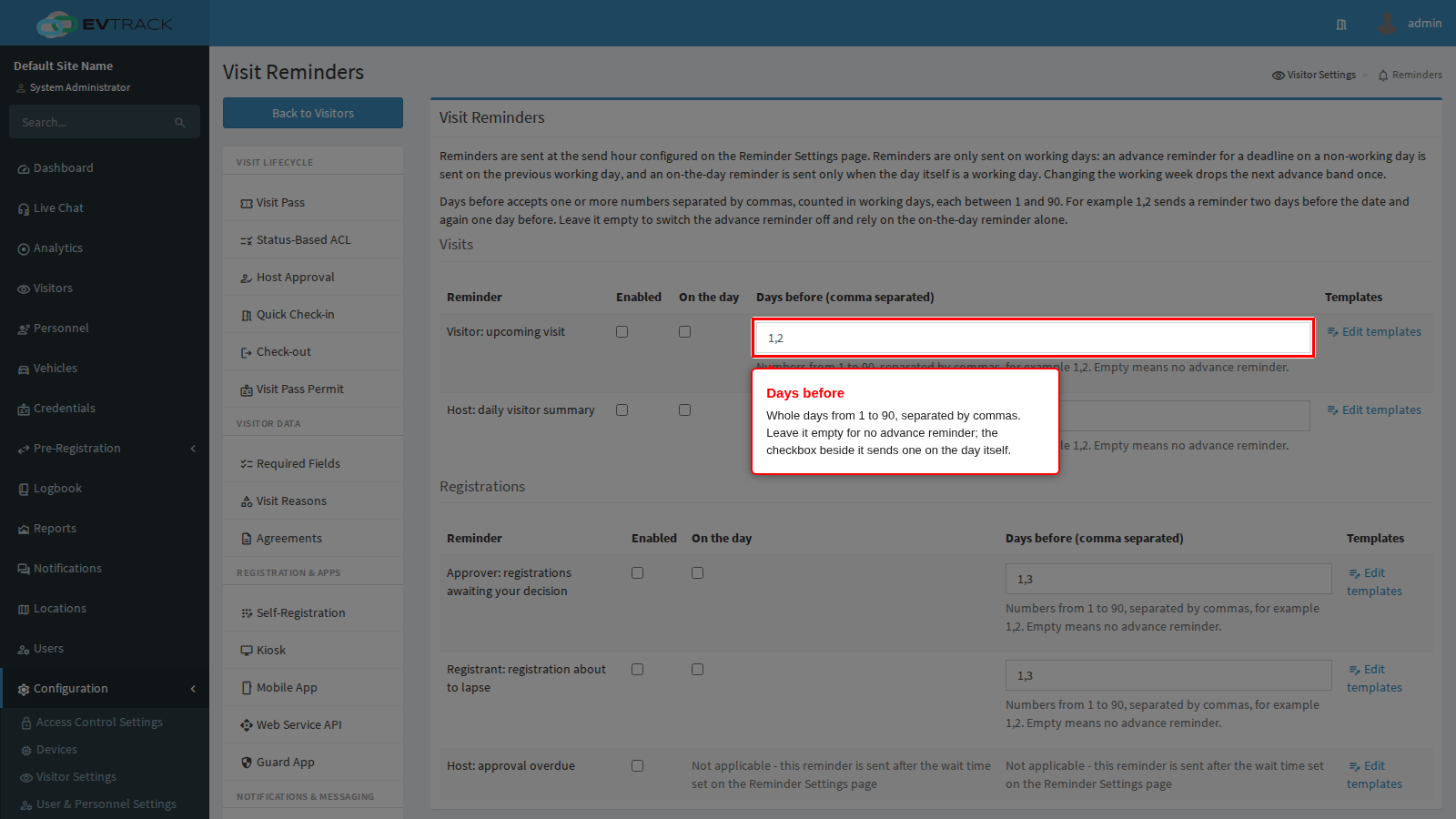
The days before field takes whole days from 1 to 90, separated by commas - 1,7,30 sends an advance reminder one day, seven days and thirty days ahead. Leave it empty for no advance reminder at all. The separate on the day switch sends one more on the date itself.
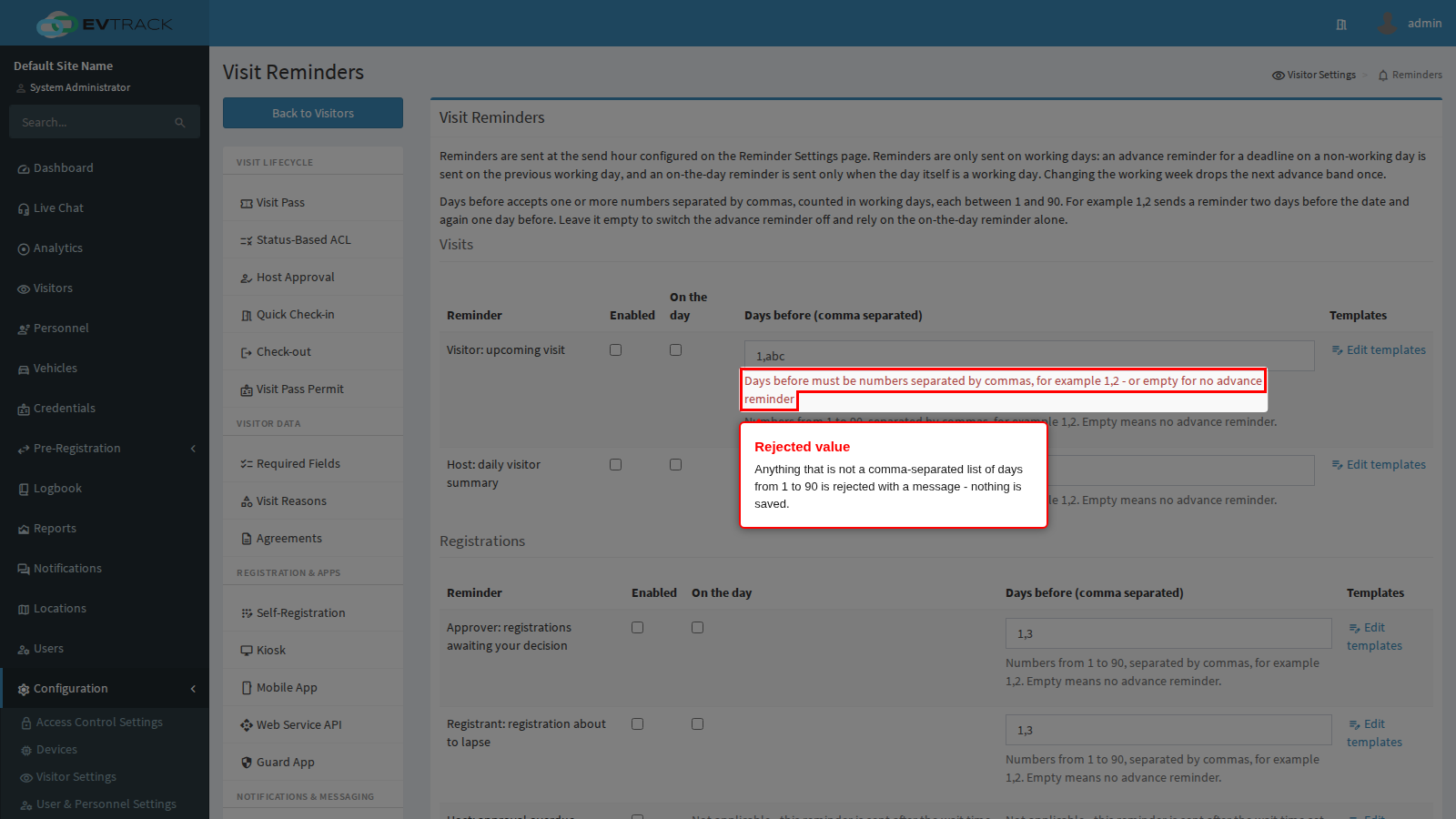
Anything else is rejected with a message and nothing is saved:
Working days
Offsets count working days, not calendar days, and reminders only send on working days. Both follow Settings > Region > Working Days:
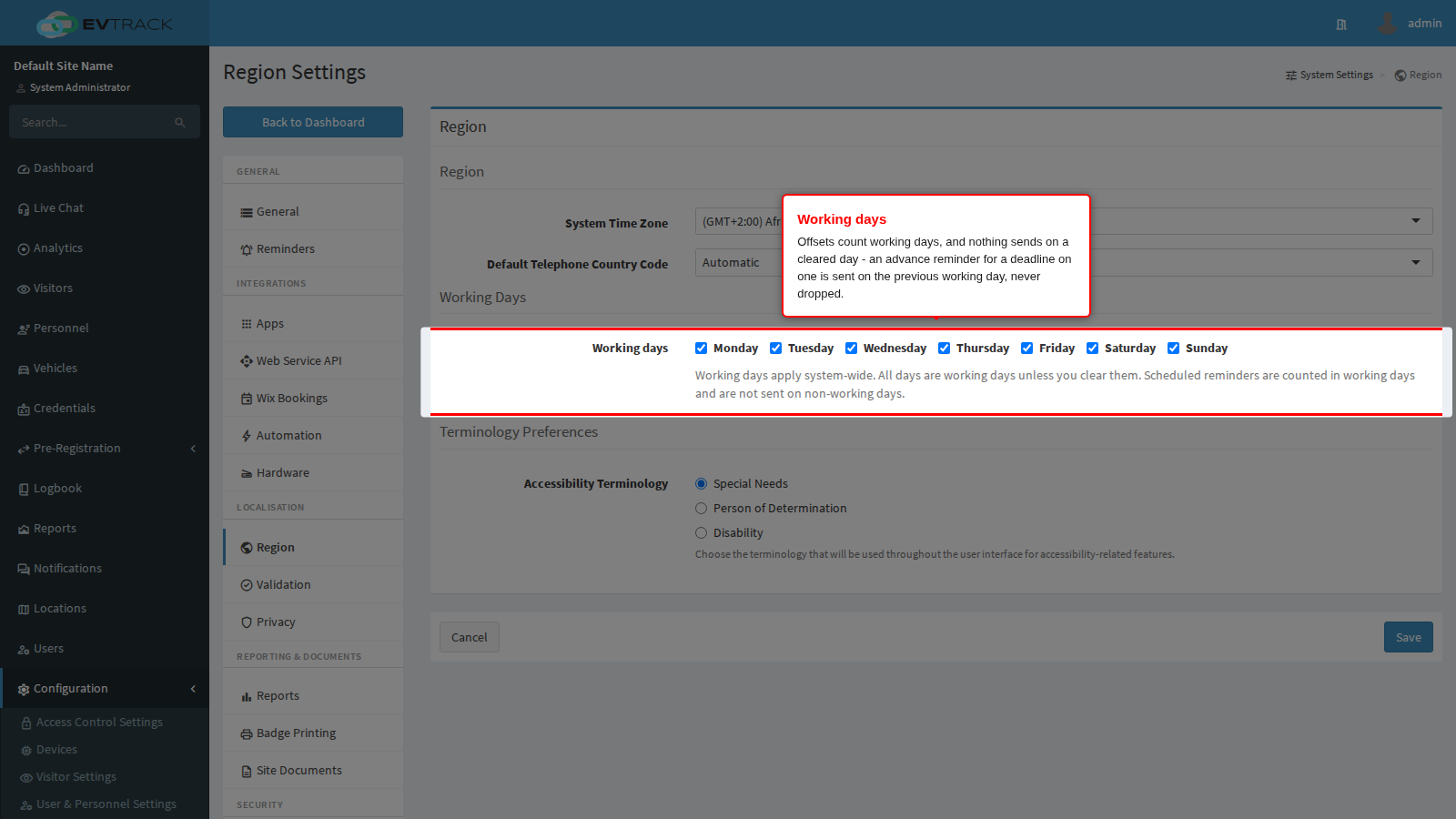
An advance reminder for a deadline on a cleared day is sent on the previous working day - never dropped. That is how the advance reminder before a weekend covers the whole weekend: with a one-day offset on a Monday-to-Friday week, Friday’s reminder covers deadlines falling on Saturday, Sunday and Monday. The on-the-day reminder is the one exception: it is only ever sent on the date itself, so a deadline on a non-working day gets its advance reminders but no on-the-day mail.
Editing the wording
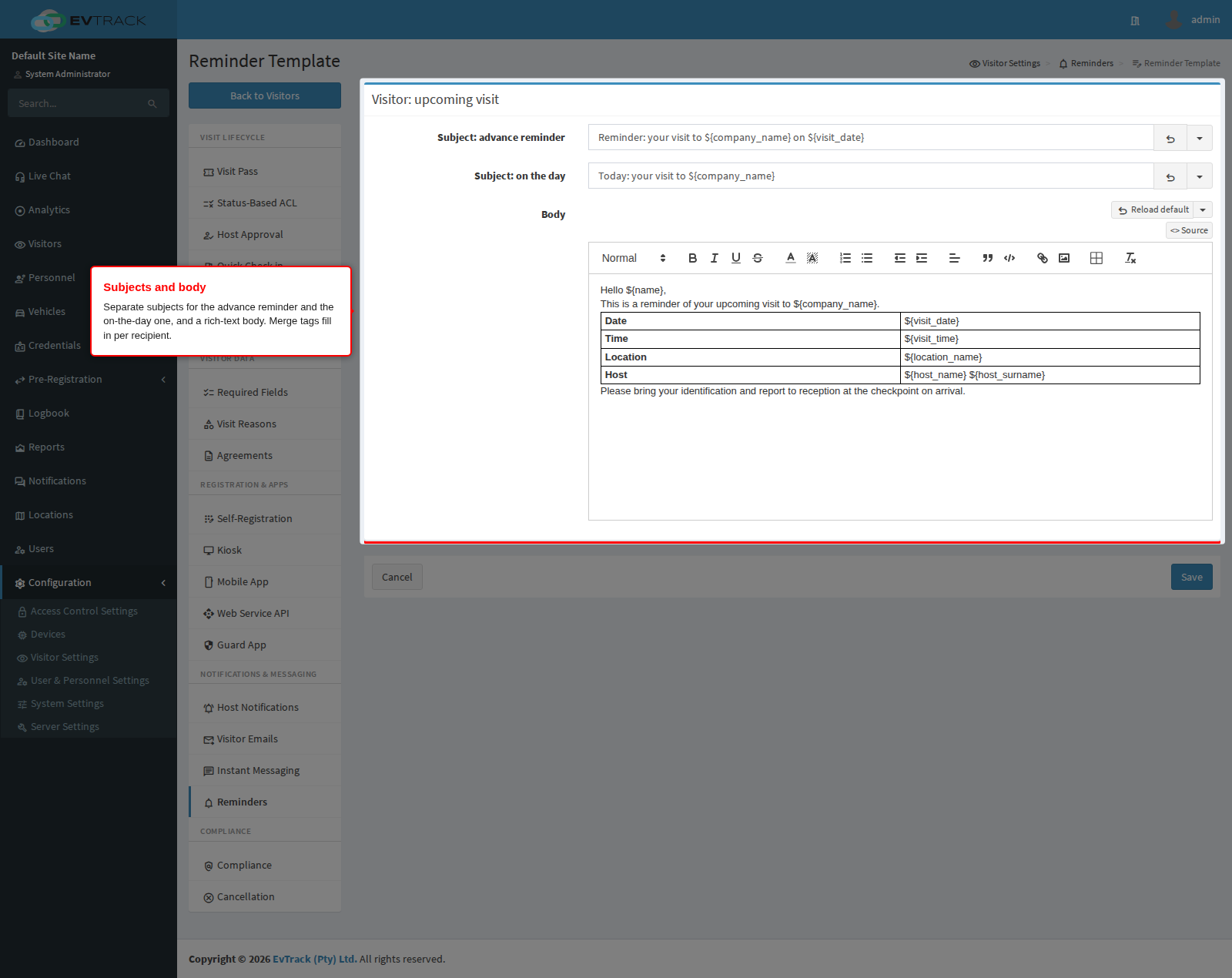
Every reminder row links to its own template editor: a subject line for the advance reminder, a separate subject for the on-the-day one (the bundled defaults say “expires on ${expiry_date}” versus “expires today”), and a rich-text body. Merge tags such as ${name}, ${expiry_date} and ${company_name} fill in per recipient - the Merge Tags reference lists what each reminder type supports.
Sending in another language
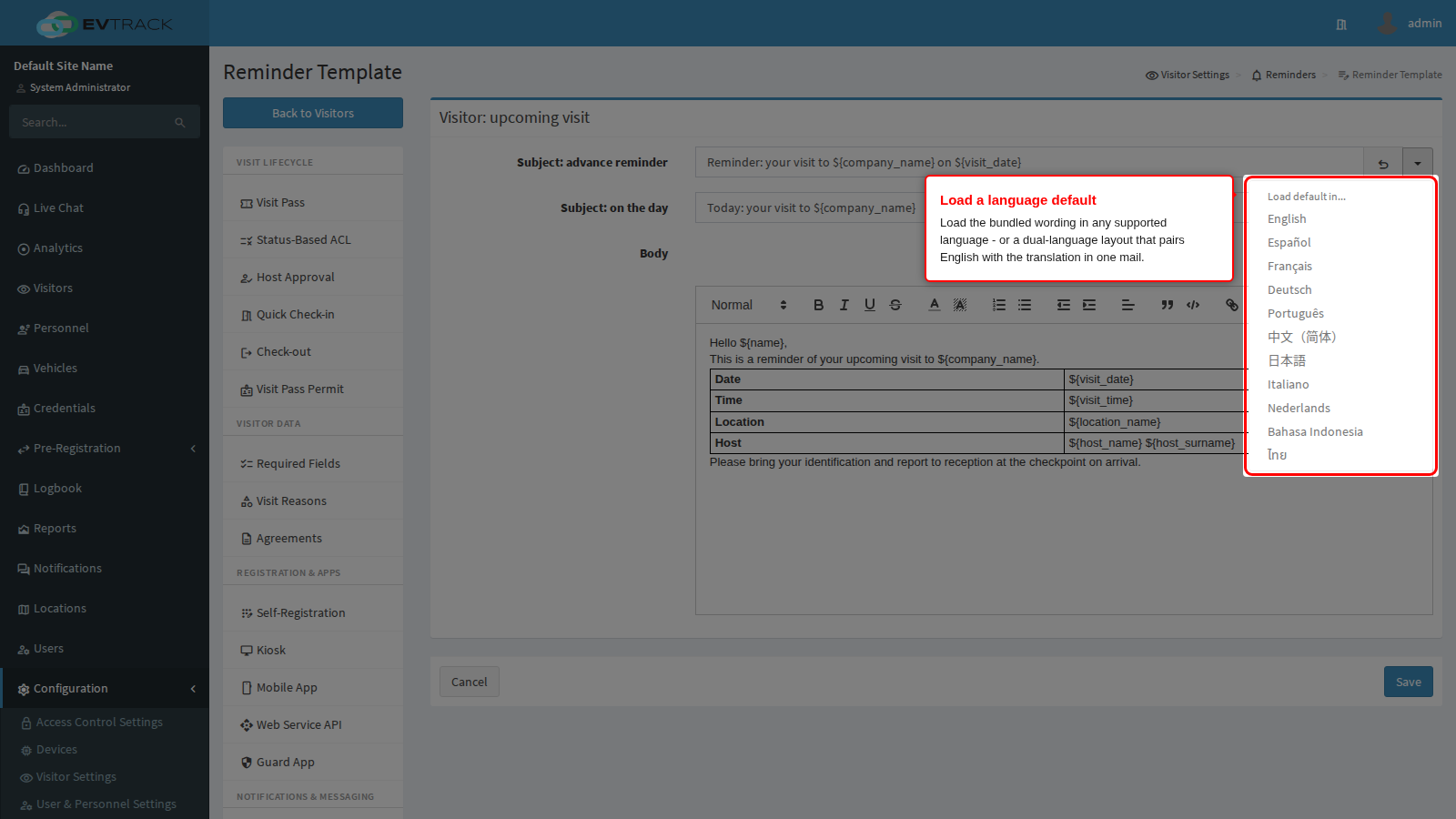
The Reload default button next to each field is a split button: open its menu to load the bundled wording in any supported language, or a dual-language layout that pairs English with the translation in a single mail. Right-to-left languages arrive correctly aligned automatically - there is nothing to configure.
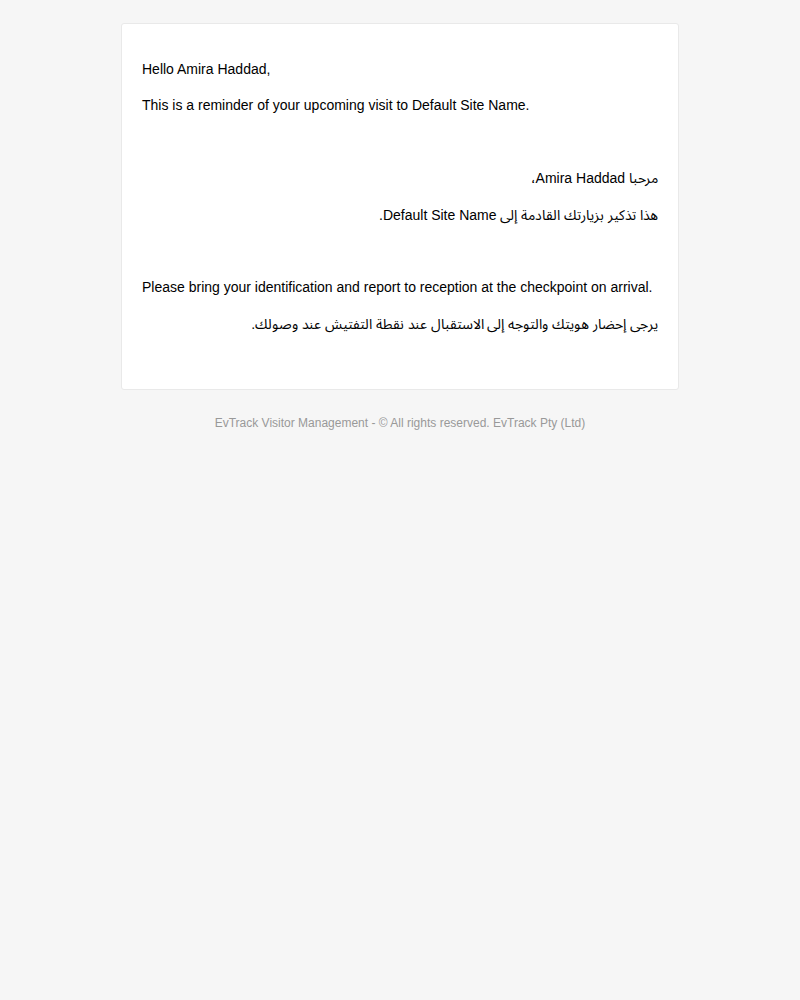
A delivered dual-language reminder (English and Arabic in one mail, the Arabic half right-aligned):
What the recipient gets
Real delivered examples, one per reminder family. Where a family has both a per-person mail and a digest, both are shown - they look nothing alike.
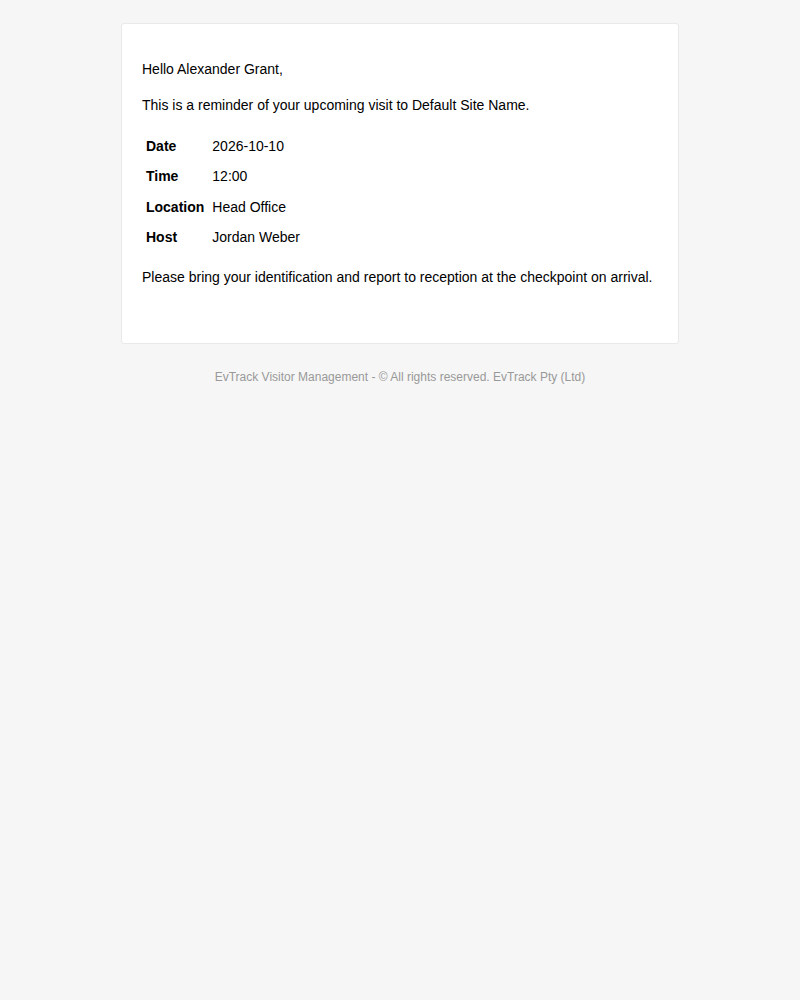
A visitor’s upcoming-visit reminder - sent to the visitor ahead of the visit, with the date, time and location resolved:
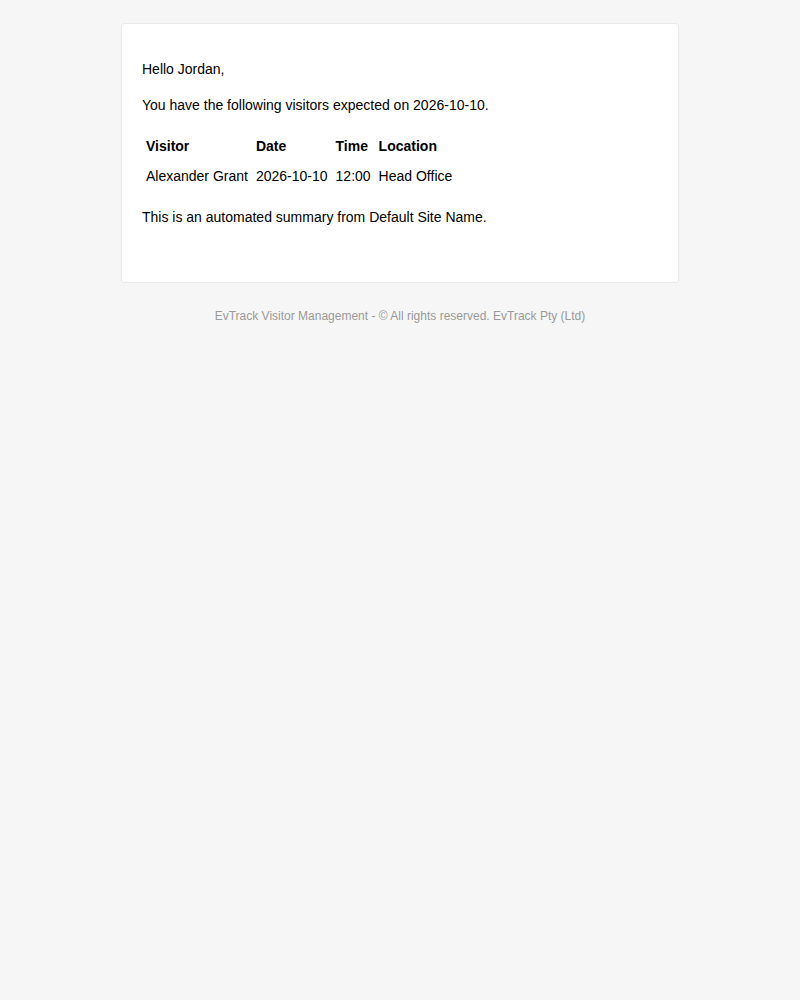
The host’s daily digest - one mail per host per day listing every expected visitor, however many offsets matched:
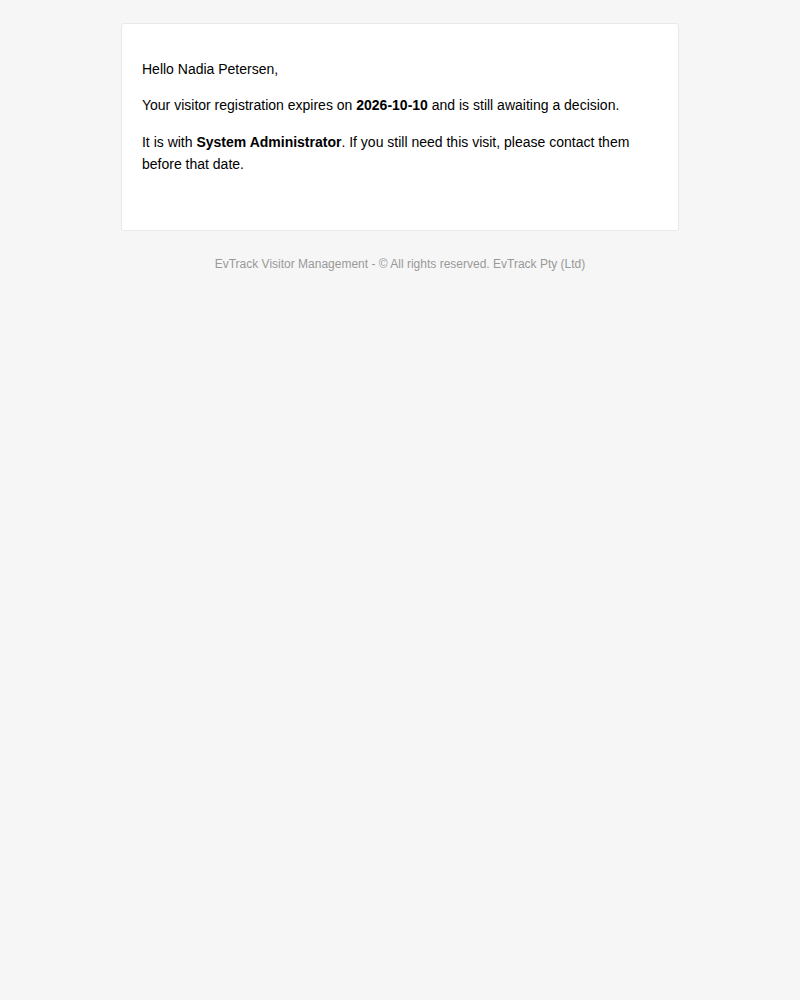
A registration-expiry reminder - sent to someone whose registration is still in progress and about to lapse, so they can finish it in time:
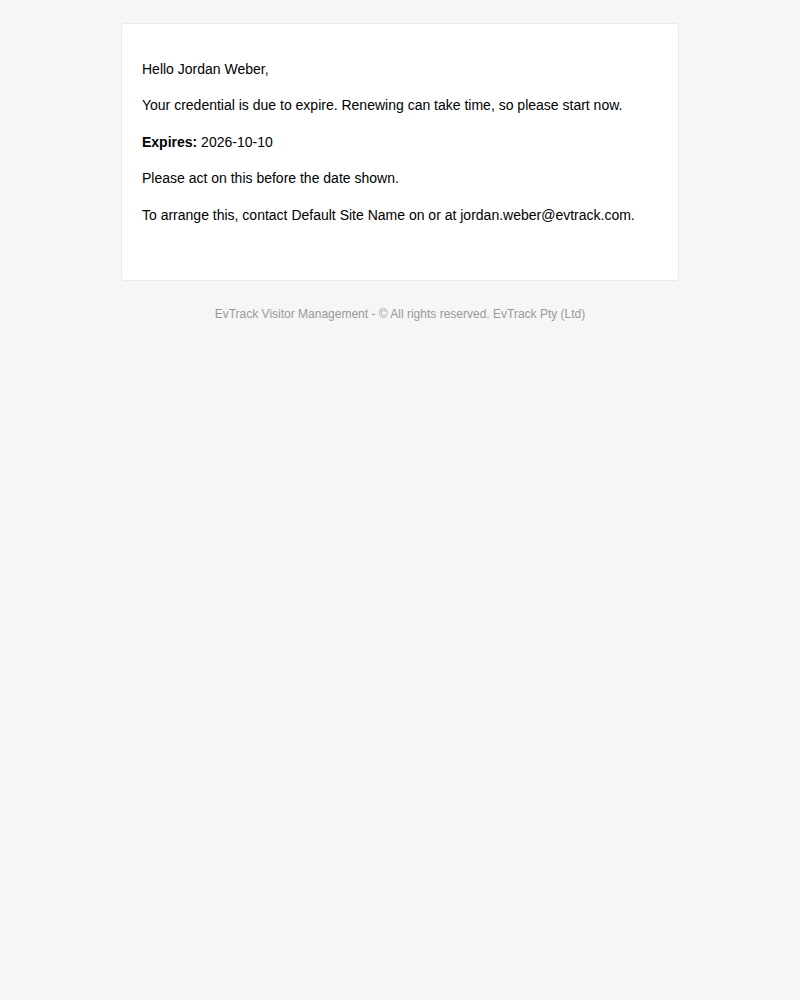
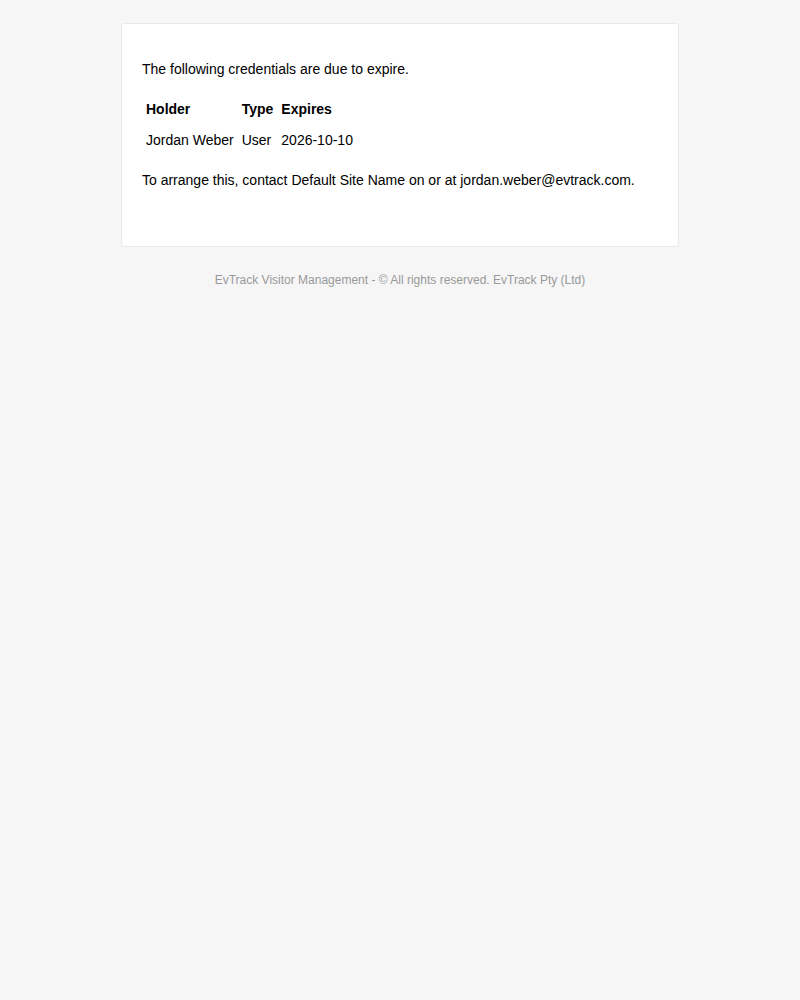
A credential-expiry reminder - sent to the credential holder ahead of the expiry date:
The credential digest - one mail per day to the admin notices address, listing every credential due at any enabled offset:
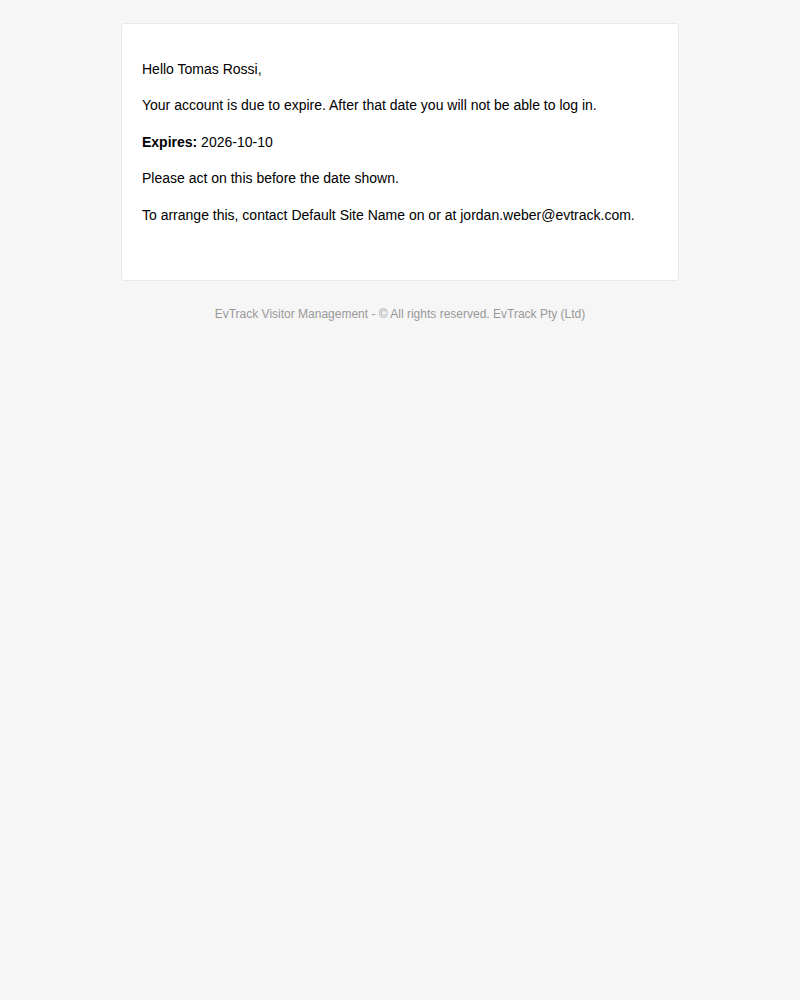
A user-account-expiry reminder - sent to the account holder while they can still reach their mailbox and act on it:
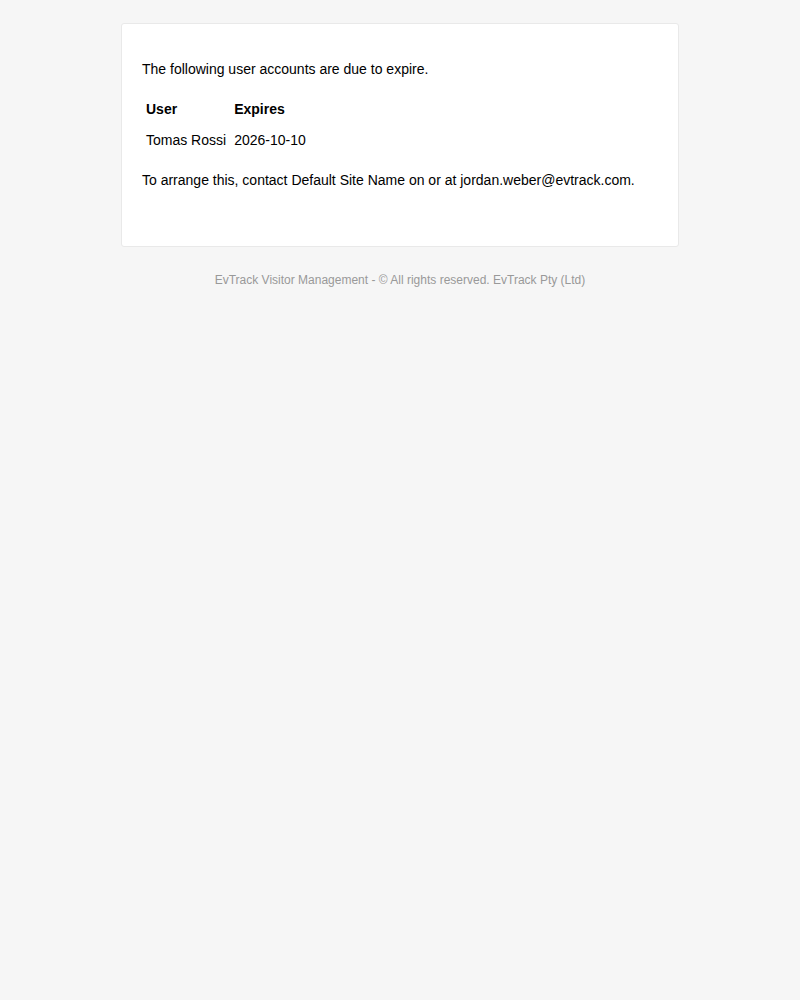
The user-account digest - the admin-side view of the same deadlines:
When exactly does each reminder fire?
Seven questions answer it for every reminder:
| Question | Answer |
|---|---|
| What starts the clock? | The date the offset counts back from: the visit start, the expiry date, or (for the chase only) the moment the registration was created |
| Which direction? | Backwards from a future date - except the approval chase, which counts forwards (see below) |
| Working days or calendar days? | Working days. An advance reminder for a deadline on a non-working day is sent on the previous working day, not dropped |
| Who receives it? | The person the deadline belongs to (visitor, registrant, credential or account holder), the host, or the admin notices address |
| How many can arrive? | One per offset for personal reminders; ALL offsets collapse into ONE digest mail per recipient per day |
| What stops a repeat? | A send-once record, kept per person per offset (per recipient per day for a digest) - re-running a day never re-sends |
| What if it is enabled late? | Nothing is sent late. A reminder whose moment has already passed is skipped, and the next offset (or the on-the-day mail) picks the person up |
Two of these catch people out reliably, so read them twice:
- The approval chase counts FORWARDS. Every other reminder counts backwards from a future date. The chase (Chase approval after on the global panel) fires a fixed number of hours AFTER a registration was submitted and is still waiting for its host’s approval. There is no “days before” for it - the thing it reminds about is already overdue.
- Digest offsets do not multiply. Setting
1,7,30on a digest does not send three mails. The digest gathers everything due at ANY of those offsets and sends ONE mail that day. Only the personal reminders send once per offset.
A worked example ties it together. A credential expires on the 30th, and both credential reminders are enabled with offsets 1,7,14,30:
- The holder gets four separate mails: on the 30th of the previous month, then the 16th, the 23rd and the 29th.
- The admin digest gets at most one mail on each of those days - and if fifty credentials are due that day, it is still one mail, with fifty rows.
How often a reminder can arrive, and for how long
Each personal reminder sends once per person per offset - the send is recorded, and no later pass repeats it. Digests collapse to one mail per recipient per day. Disabling a reminder loses nothing: when it is switched back on, anything still inside its window sends normally, because nothing was recorded while it was off.
Two things are not visible in the UI and worth knowing:
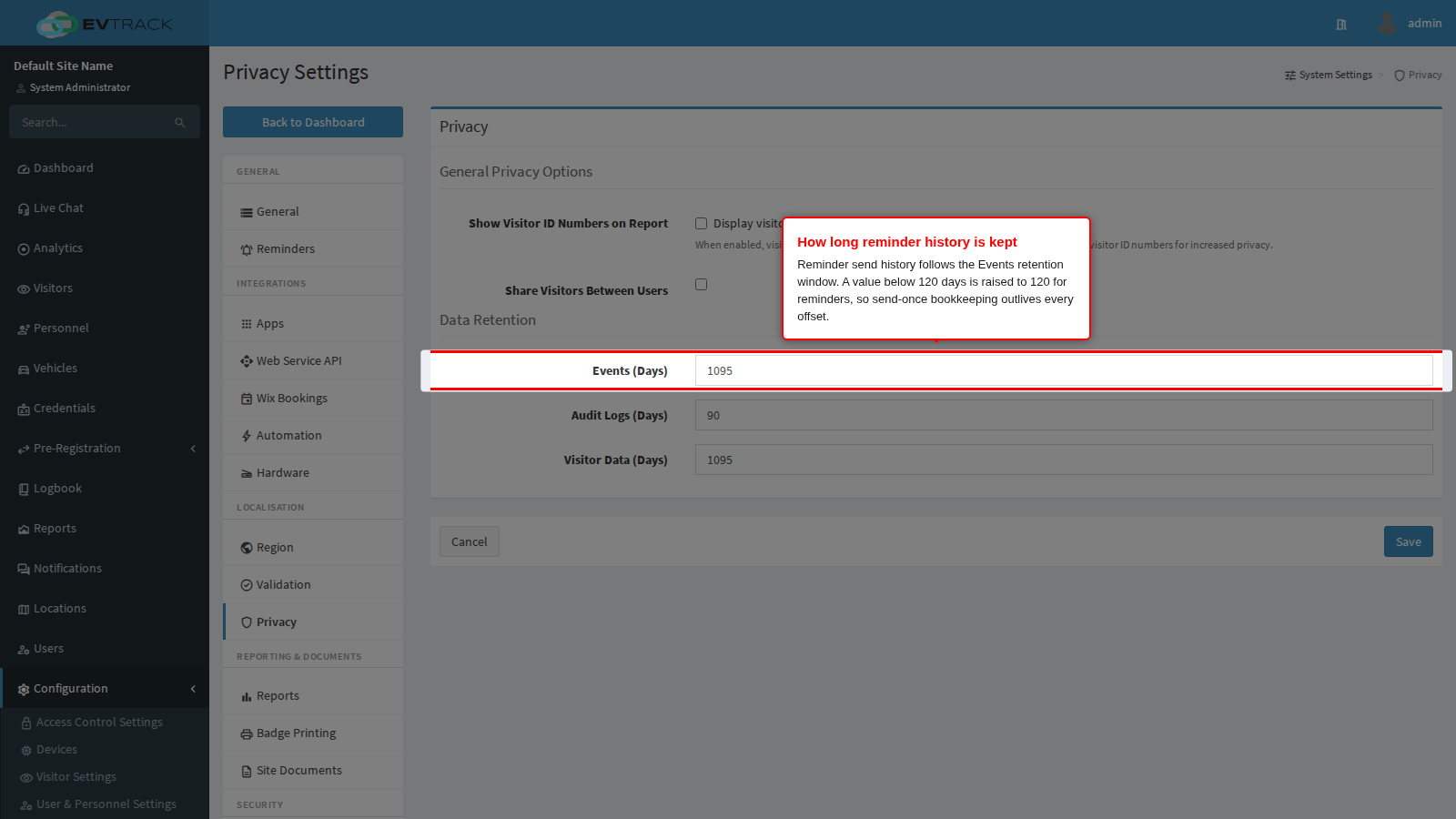
- Reminder history follows the Events retention window on the Privacy page - the send-once records are cleaned up on the same schedule as your event data.
- An Events retention below 120 days is raised to 120 for reminders. The send-once bookkeeping must outlive the longest offset cycle, so reminders keep at least 120 days of history regardless of a shorter events setting.