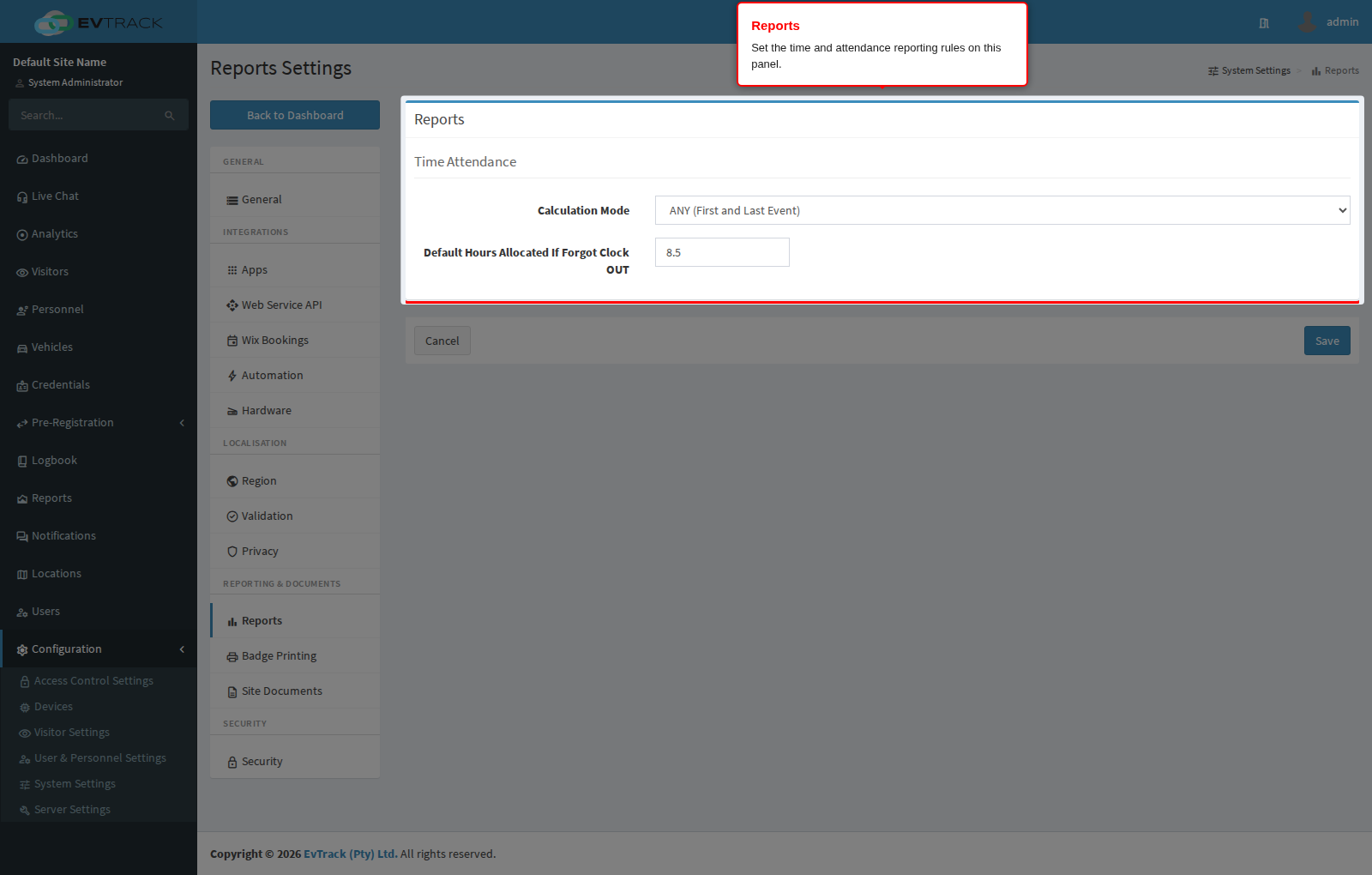
Open Configuration > System Settings > Reports to configure report output options - currently the rules used by the time and attendance report to turn IN/OUT events into worked hours.
Settings
Time Attendance
- Calculation Mode - how a day’s worked hours are calculated from movement events: First IN and Last OUT Event counts only from the first IN to the last OUT of the day, while ANY (First and Last Event) uses the first and last event regardless of direction; choose ANY when your checkpoints do not reliably record direction.
- Default Hours Allocated If Forgot Clock OUT - the number of hours credited for a day where a person clocked in but never clocked out; set it to your standard shift length so a missed clock-out does not zero the day.
See also: System Settings for the other system-wide defaults, and Privacy for whether identity numbers appear on reports at all.