Reception desks often have a document scanner, an ID card reader or a card encoder plugged into them. EvTrack talks to those devices through a small service that runs on the workstation itself, and this panel decides which of those device types the browser is allowed to use.
Everything here starts switched off. Turn on only what you actually have. A switch that is off costs you nothing: the device software is never downloaded, the screens that would use it remain clean, and the browser is not permitted to open a connection to the workstation.
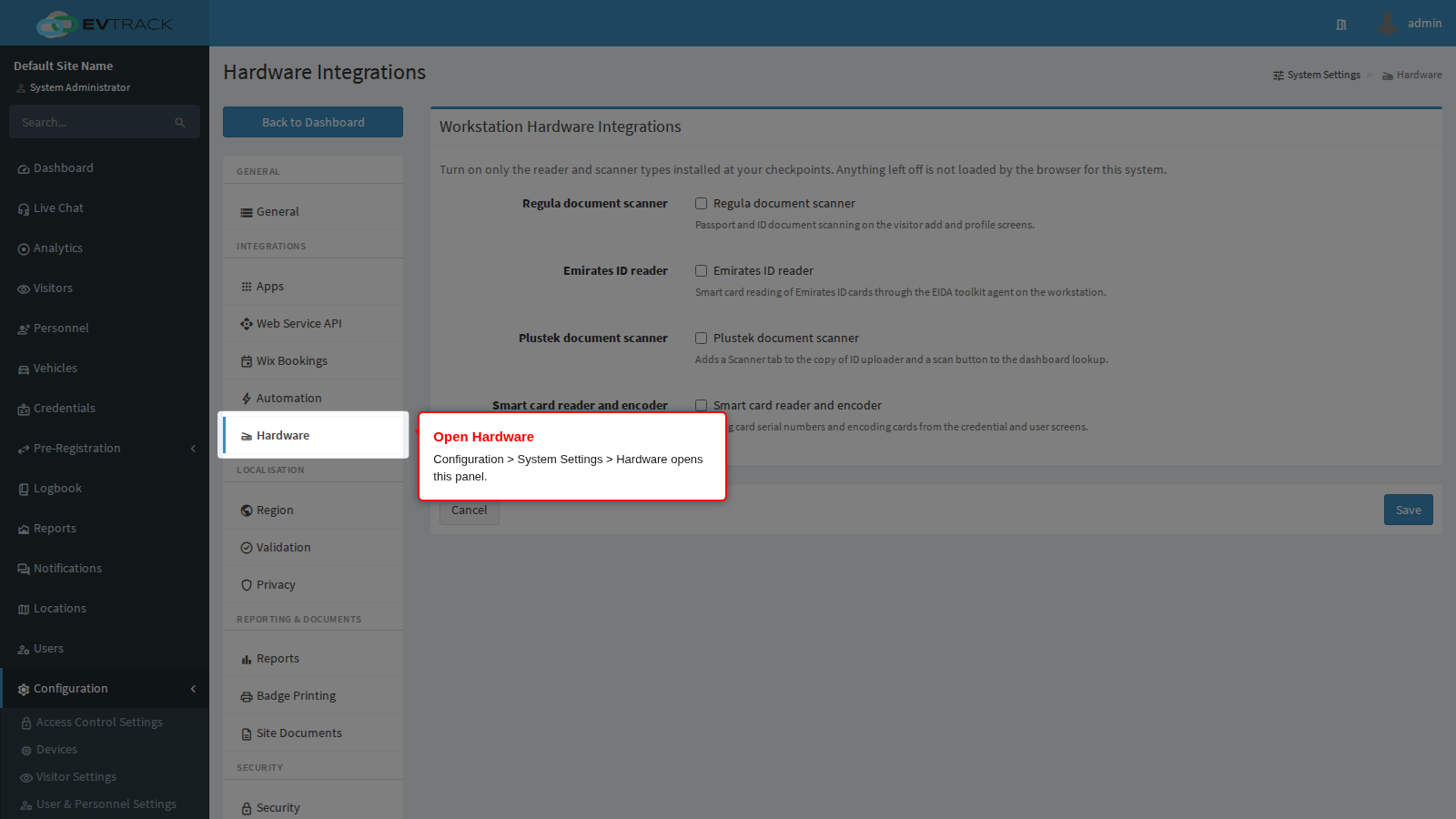
The panel
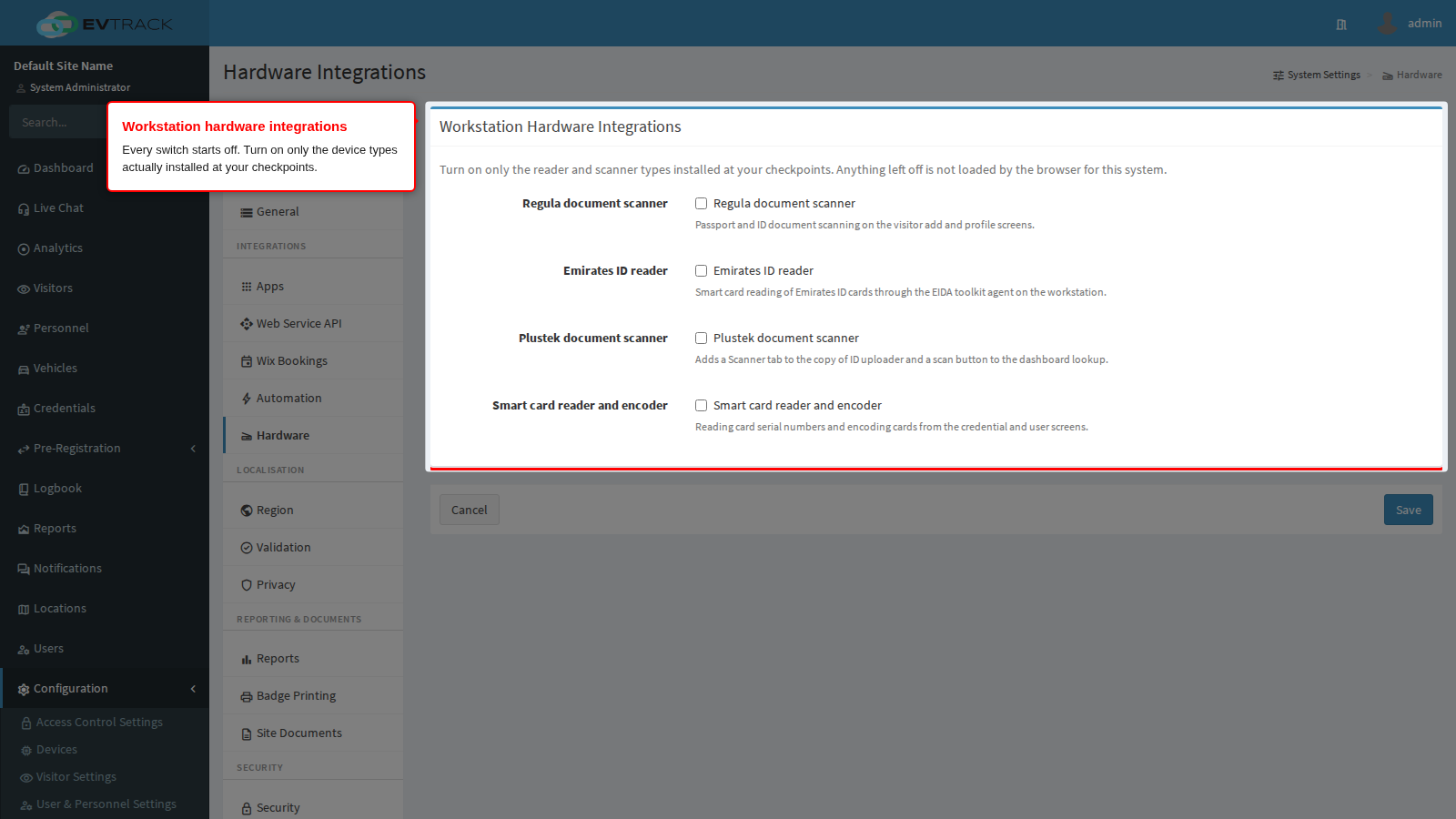
Each switch does two things at once. It decides whether the device’s software is sent to the browser at all, and it decides whether the browser is allowed to connect to the matching service on the workstation. The two always move together, so a device you have not switched on can never half-work.
Switching a device on is system-wide, but it does not force anything onto desks that do not have the hardware. The device’s button or tab only appears once the software finds a device answering on that workstation. A site with scanners at two of its six desks turns the scanner on once, and the other four desks simply never show the control.
Regula document scanner
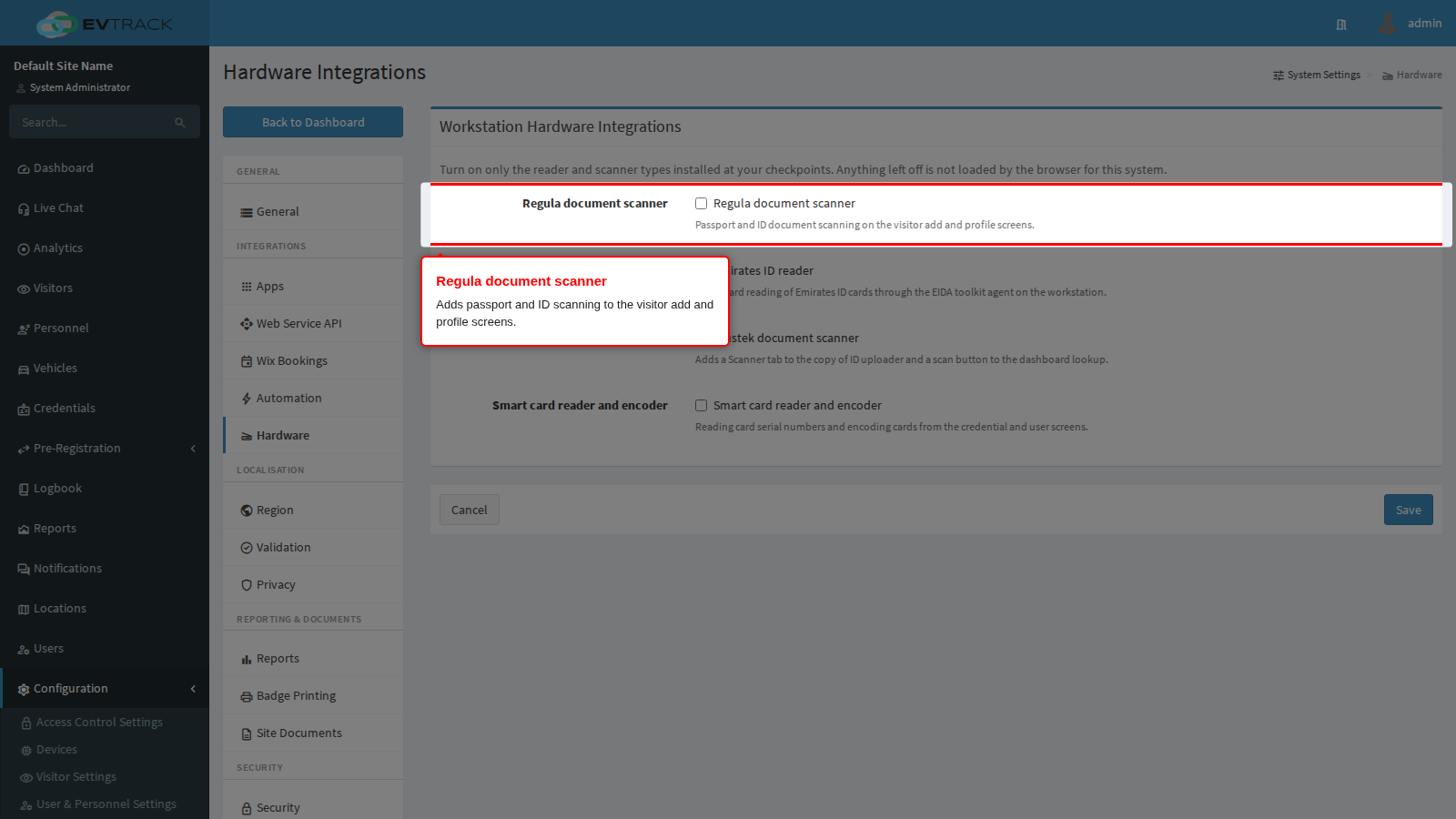
Passport and ID document scanning on the visitor add and visitor profile screens. Full setup steps: Regula document scanner.
Emirates ID reader
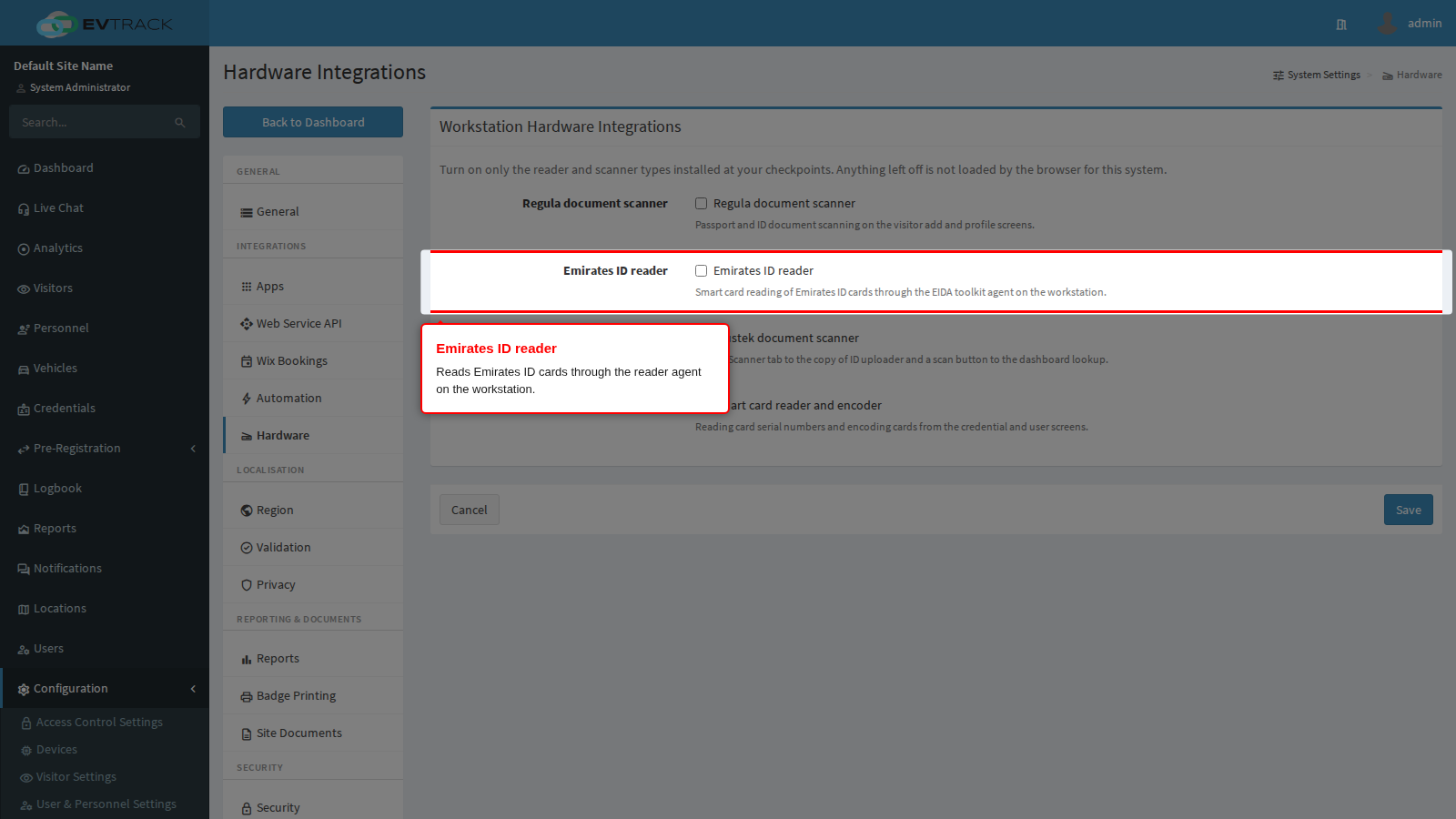
Reads Emirates ID cards and fills the visitor form from the card. Available on the visitor add and profile screens and on the dashboard quick lookup. Setup steps: Emirates ID reader.
Plustek document scanner
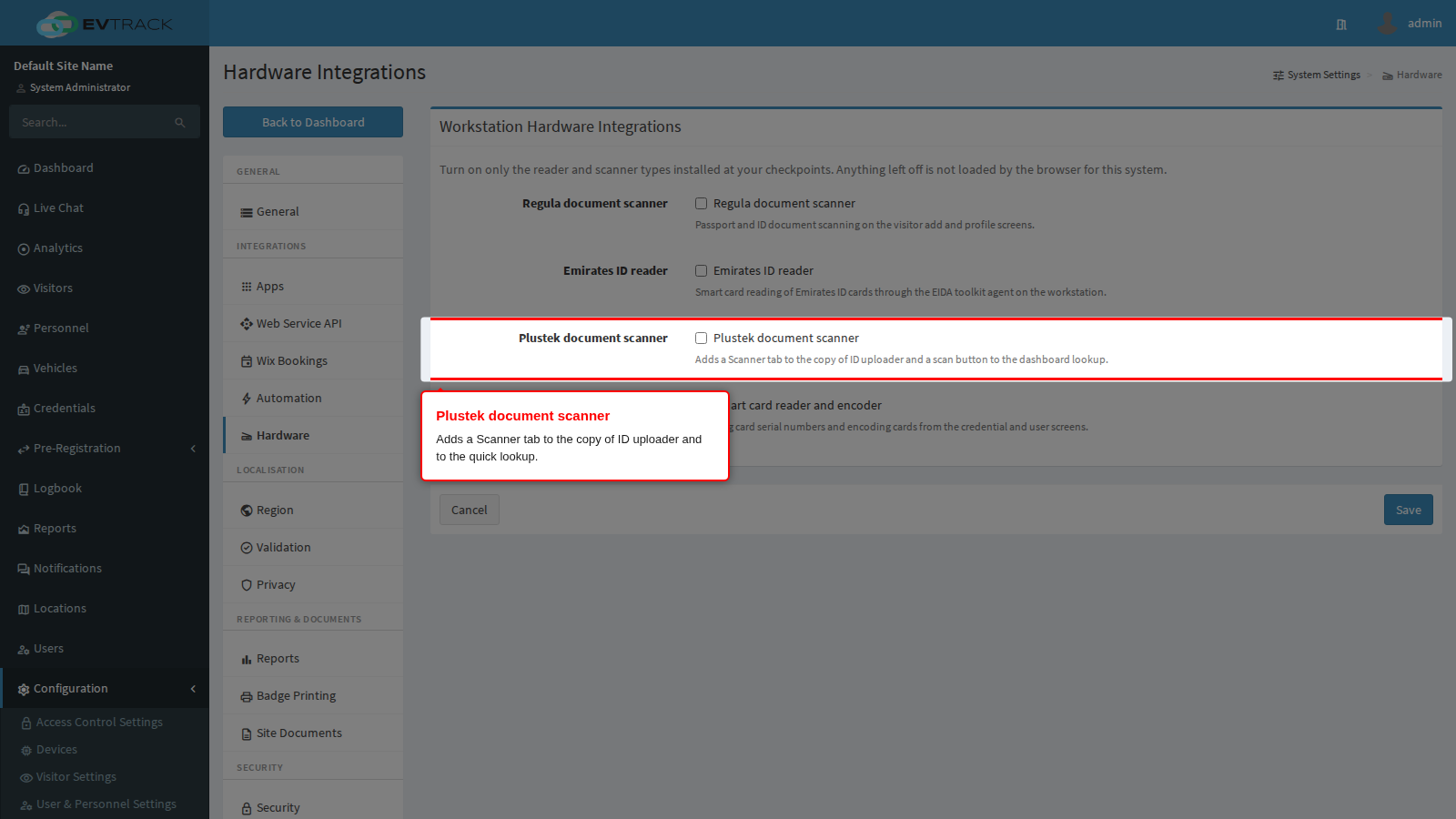
Adds a Scanner tab to the copy of ID uploader, so an operator can scan a document straight into the visitor record instead of uploading a file, and adds a scan button to the dashboard quick lookup. Setup steps: Plustek document scanner.
Smart card reader and encoder
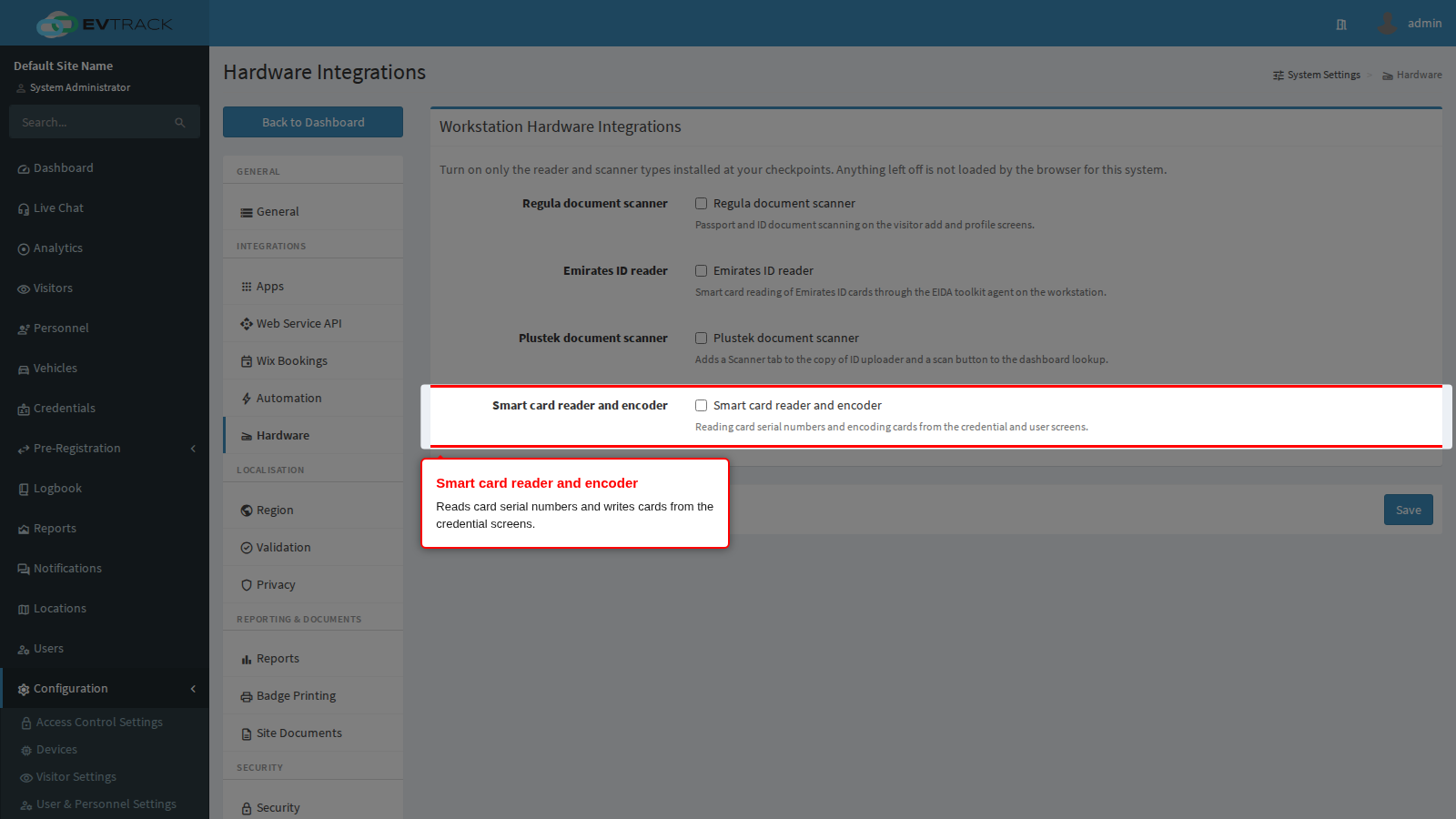
Reads a card’s serial number when issuing a credential, and writes cards from the credential and user screens. Setup steps: Smart card reader and encoder.
Saving
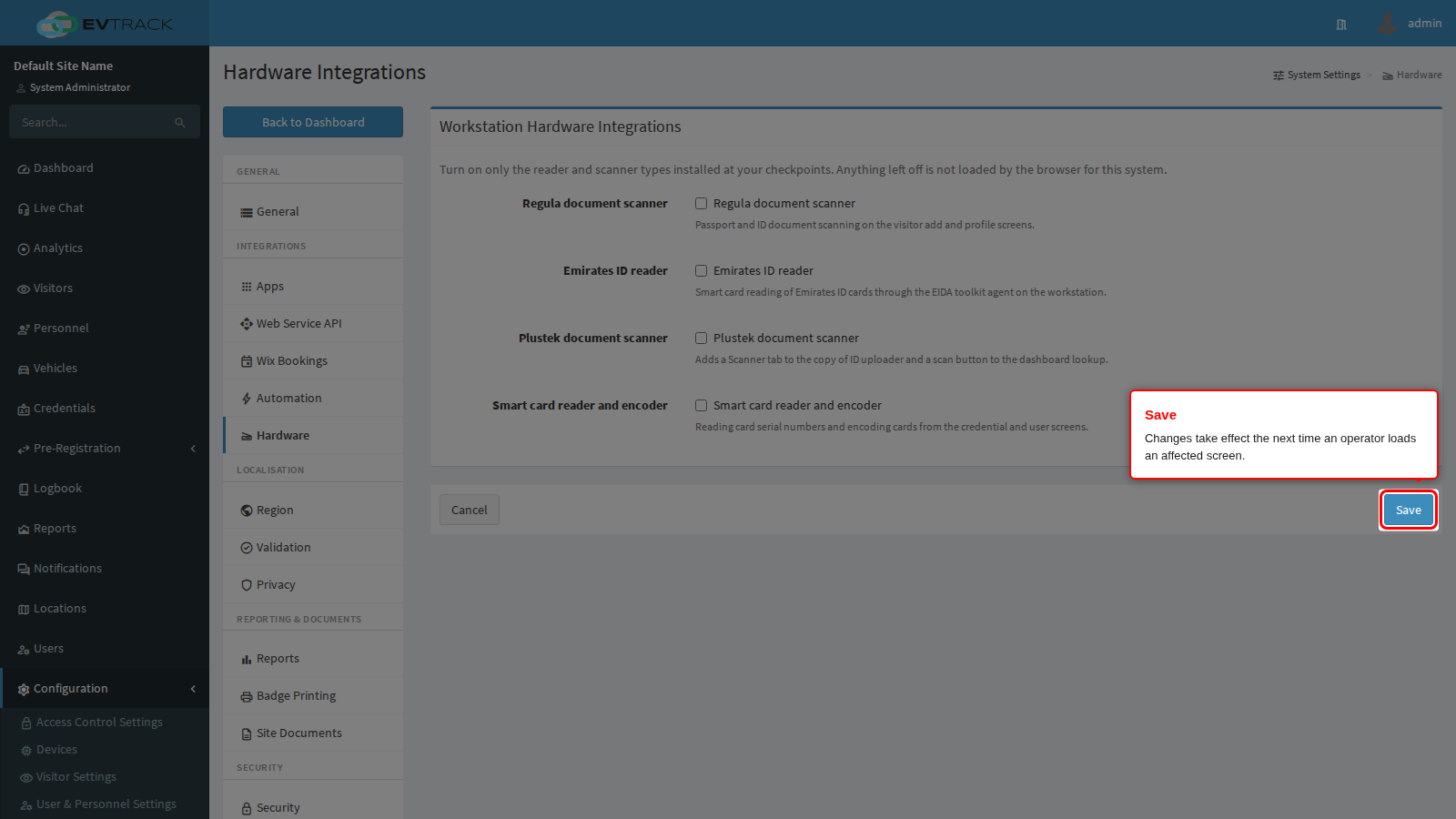
Changes apply the next time an operator loads one of the affected screens. Anyone already sitting on a visitor screen should refresh it.
Upgrading an existing system
If your site used any of these devices before this panel existed, they will be off after the upgrade and must be switched on here once. Nothing else needs to change: the workstation services and drivers are untouched.