The Emirates ID reader reads an Emirates ID card at the desk and fills the visitor form from the card, instead of the operator typing the details by hand.
What you need
- A supported smart card reader connected to the reception workstation, with an Emirates ID card to read.
- The Emirates ID reader agent installed and running on that same workstation. It listens on ports 9004, 9005 and 9020.
- Windows only. The reader agent is a Windows product, so EvTrack does not look for it on any other operating system and the button never appears there.
- The reader is per workstation. Desks without one never see the read button.
Step 1: turn it on for the system
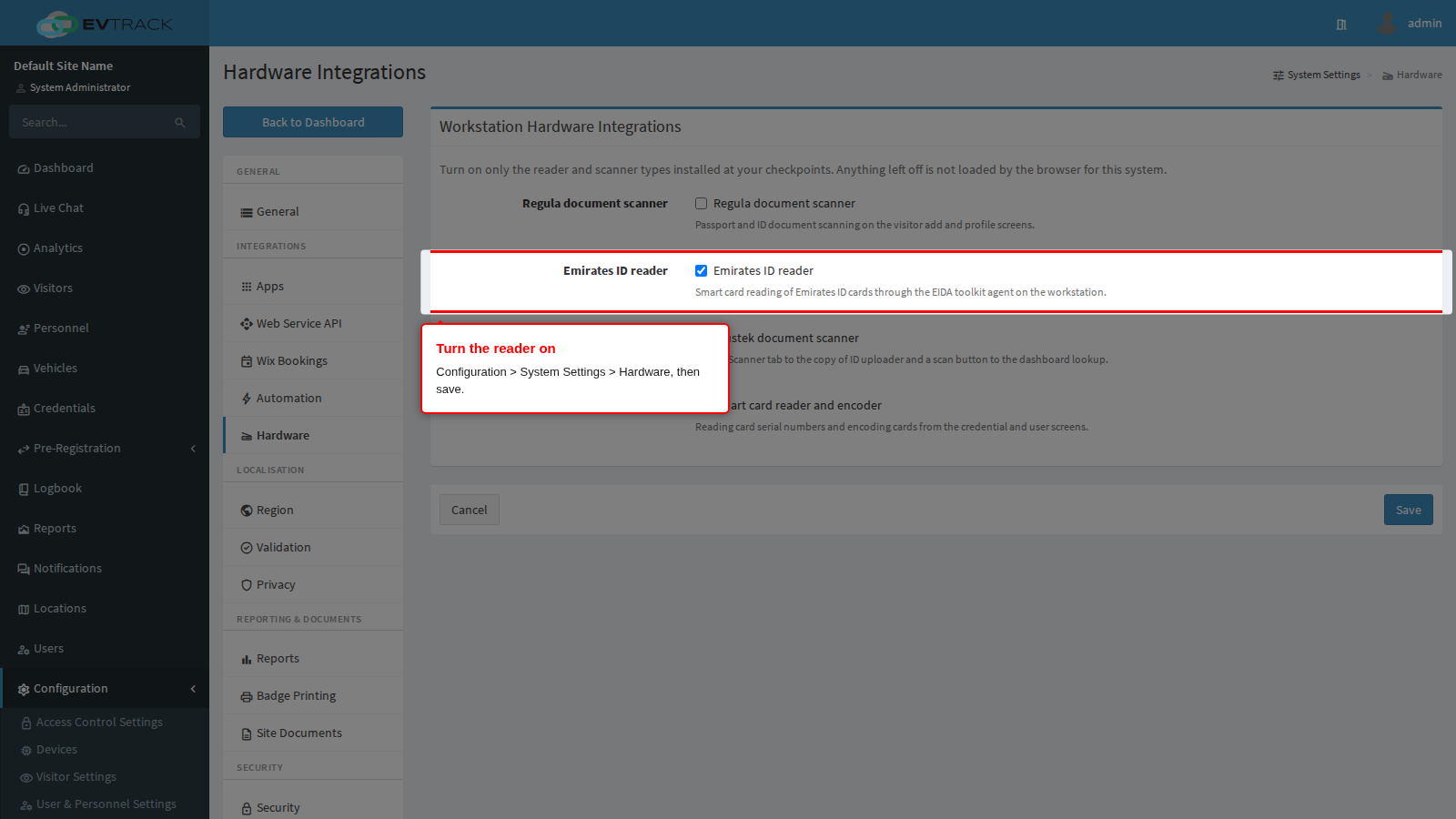
Go to Configuration > System Settings > Hardware, tick Emirates ID reader, and save. Until this is on, the reader software is never sent to the browser, so the read button cannot appear regardless of what is connected.
Step 2: check it appears
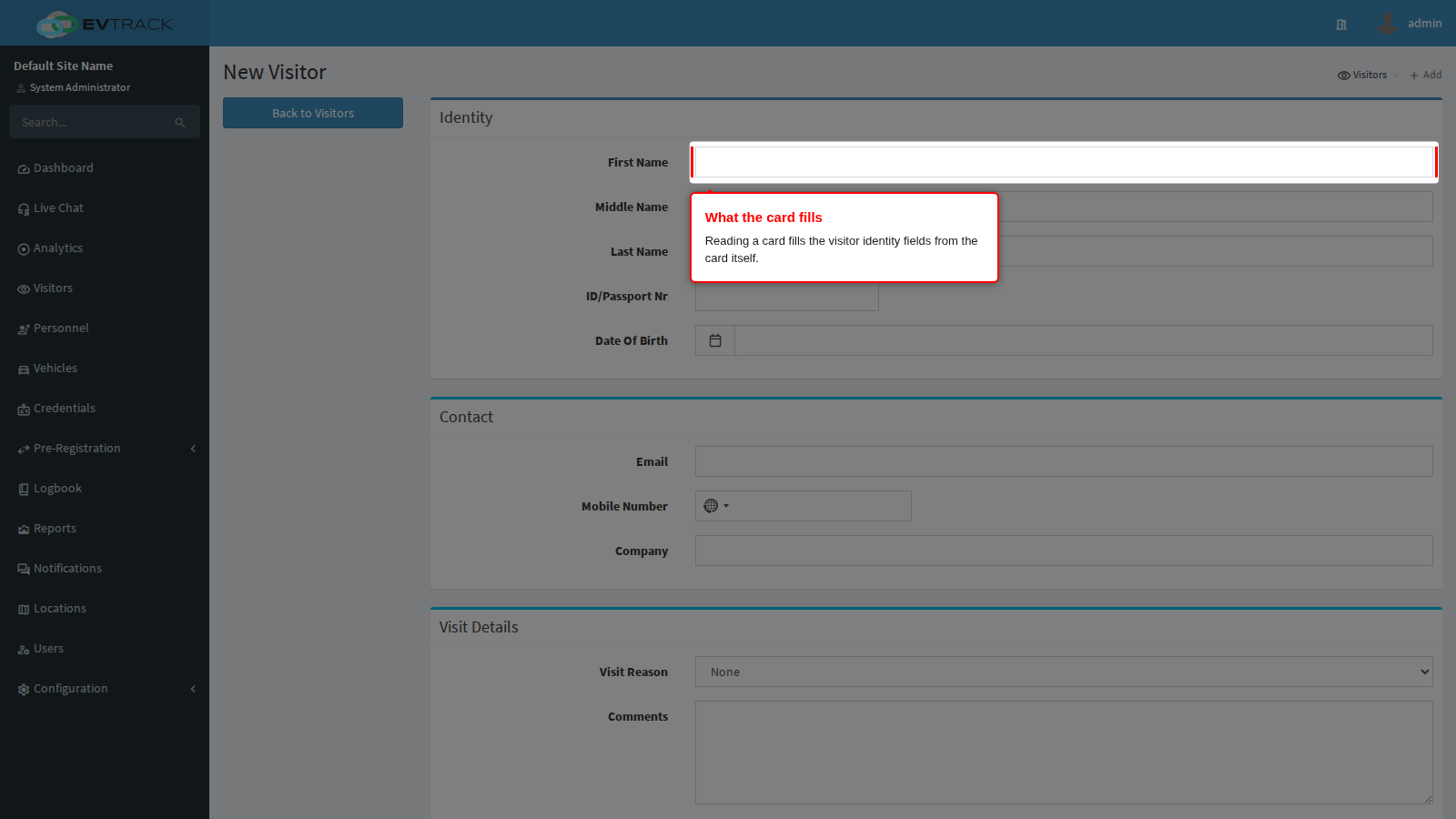
Open Visitors > Add Visitor, an existing visitor’s profile, or the dashboard quick lookup. A Read Emirates ID button appears once the reader agent answers on that workstation, so it shows up on reader desks and remains hidden everywhere else. That is deliberate: an operator without a reader is never offered a control that cannot work.
Step 3: read a card
Insert the card and choose Read Emirates ID. The visitor identity fields are filled from the card, along with the card photo where the card carries one.
If a read fails with the card clearly inserted, remove the card, reinsert it, and read again. The reader loses its hold on a card that has been read once or seated poorly, and a fresh read recovers it.
If the read button does not appear
- Confirm the switch is on under Configuration > System Settings > Hardware, then reload the screen.
- Confirm the workstation is running Windows. The button is not offered on other systems.
- Confirm the reader agent is running on that workstation, not on the server.
- Confirm the reader is connected and a card is seated.
If reading always fails
- Check the agent is listening on ports 9004, 9005 and 9020 and that no other program has taken them.
- Try the card in the reader’s own bundled utility. If that cannot read it either, the problem is the card, the reader or its driver rather than EvTrack.