SMS carries visit passes, PIN codes and host notifications to phones that have nothing but a number. EvTrack sends through one of three gateway types - pick the provider you have an account with:
- Clickatell - the Clickatell REST API
- BulkSMS - the BulkSMS.com API
- Email to SMS - any provider that accepts SMS by email, delivered through your email server
Before you start: you need settings administration rights and an account with the chosen provider. The Email-to-SMS option additionally needs the email server working first.
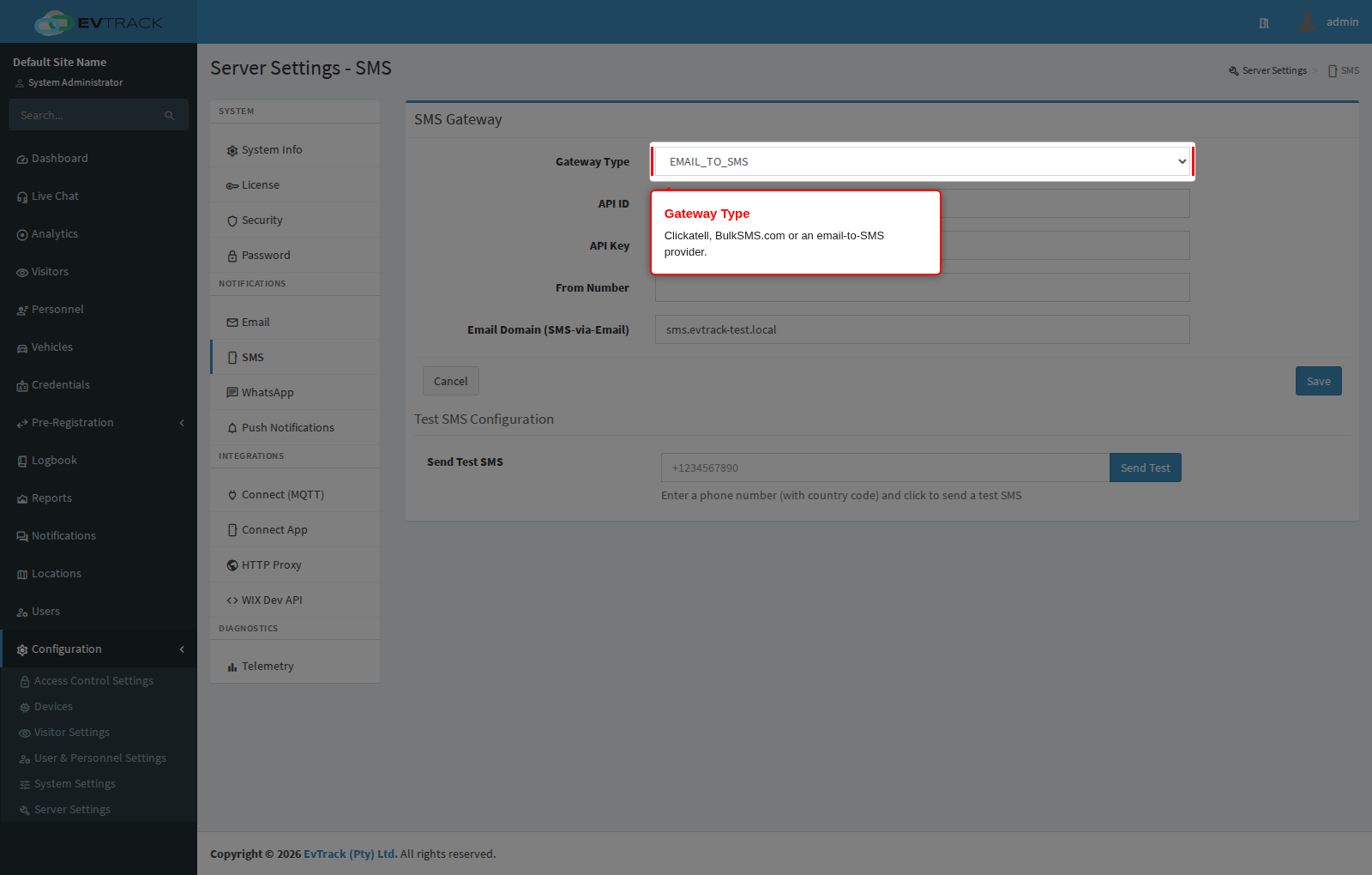
Step 1: Choose the gateway type
Open Configuration > Server Settings > SMS and select the Gateway Type. The credential fields below serve all three types - each provider page linked above explains exactly which to fill and where the values come from.
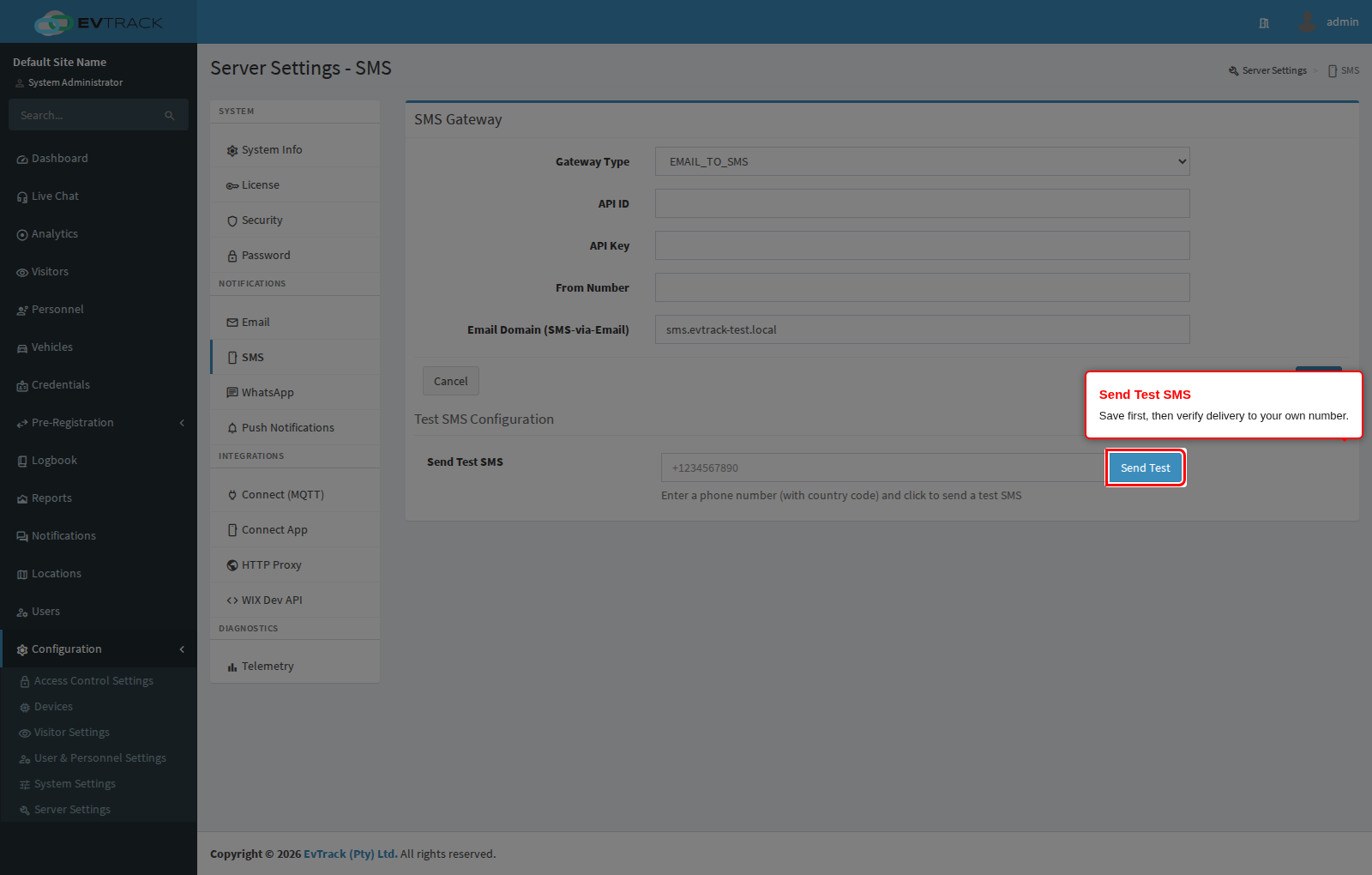
Step 2: Save, then send a test SMS
Click Save, enter your own mobile number under Send Test SMS (international format, for example +27831234567) and send. The gateway’s response appears next to the button; the message should arrive within a minute or two.
Step 3: Author the message templates
The message content lives under Visitors > Settings > Instant Messaging - see the Instant Messaging reference and the SMS guide. Keep SMS templates short and plain: line breaks are removed at send time, non-standard characters may be dropped by the gateway, and messages are truncated to the configured part count.
Troubleshooting
- Test returns an authentication error - the API credentials are wrong for the selected gateway type; check the provider page for which field holds what.
- Test succeeds but no message arrives - confirm the number is in international format and the provider account has credit and coverage for the destination country.
- From Number rejected - some countries require a registered sender ID; use the number or ID your provider assigned.