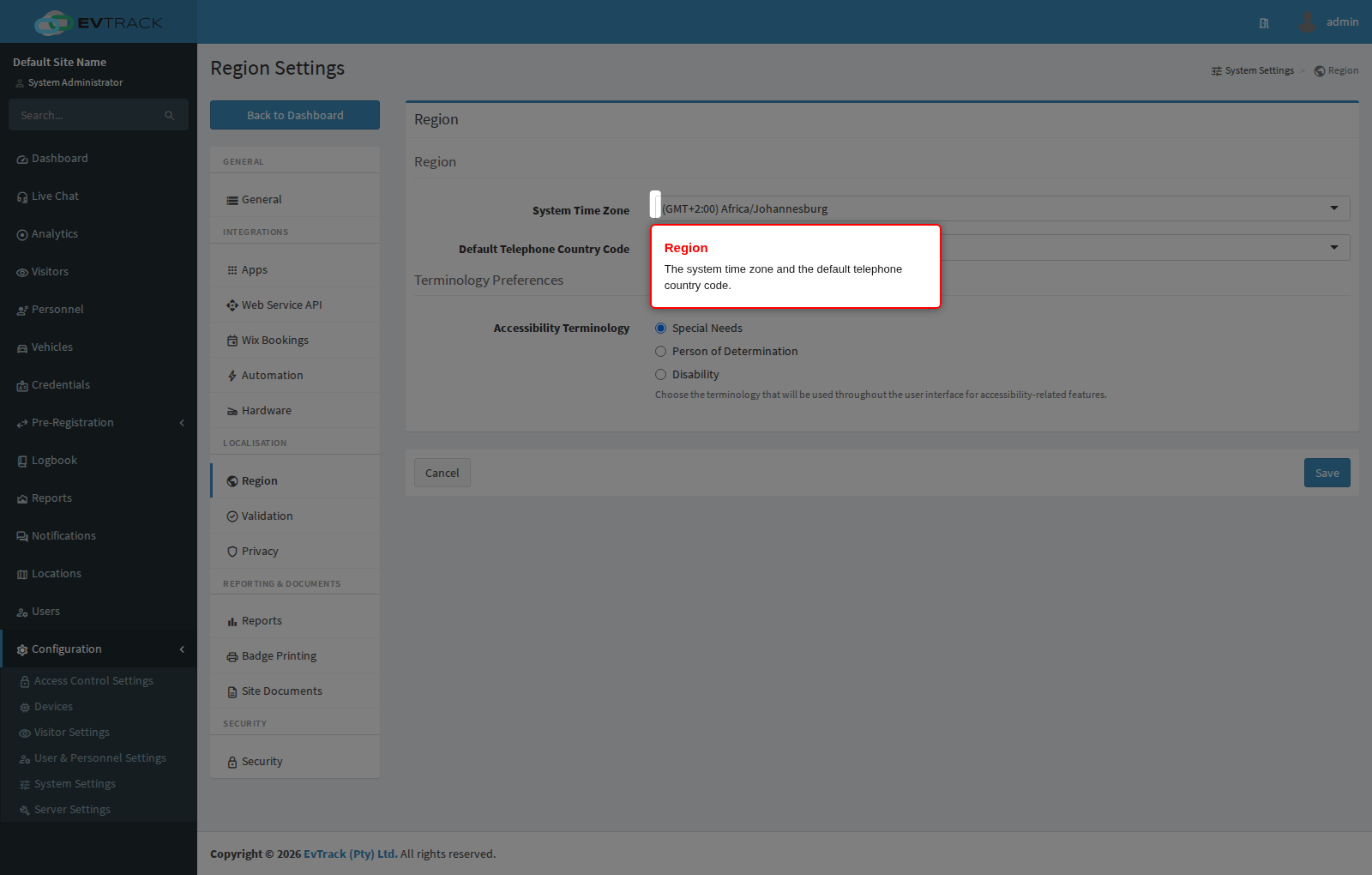
Open Configuration > System Settings > Region to set the regional defaults: the system default time zone, the default telephone country code for phone inputs, and the terminology used for accessibility-related features. The page has two sections.
Region
- System Time Zone - the default time zone for the whole system, chosen from a searchable list. Every timestamp in the application, in emails and on reports is displayed against this zone, so set it to your site’s local zone before you start capturing data. Changing it later does not rewrite stored timestamps; it changes how they are displayed from that point on.
- Default Telephone Country Code - the country pre-selected in telephone inputs throughout the application. Leave it on Automatic to detect the country, or pin it to the country where your site operates so operators do not have to pick it on every visitor.
Terminology Preferences
- Accessibility Terminology - the wording used throughout the user interface for accessibility-related features: Special Needs, Person of Determination, or Disability. Pick the term that matches your regional or organisational convention; the choice applies to labels wherever the attribute is shown or captured.
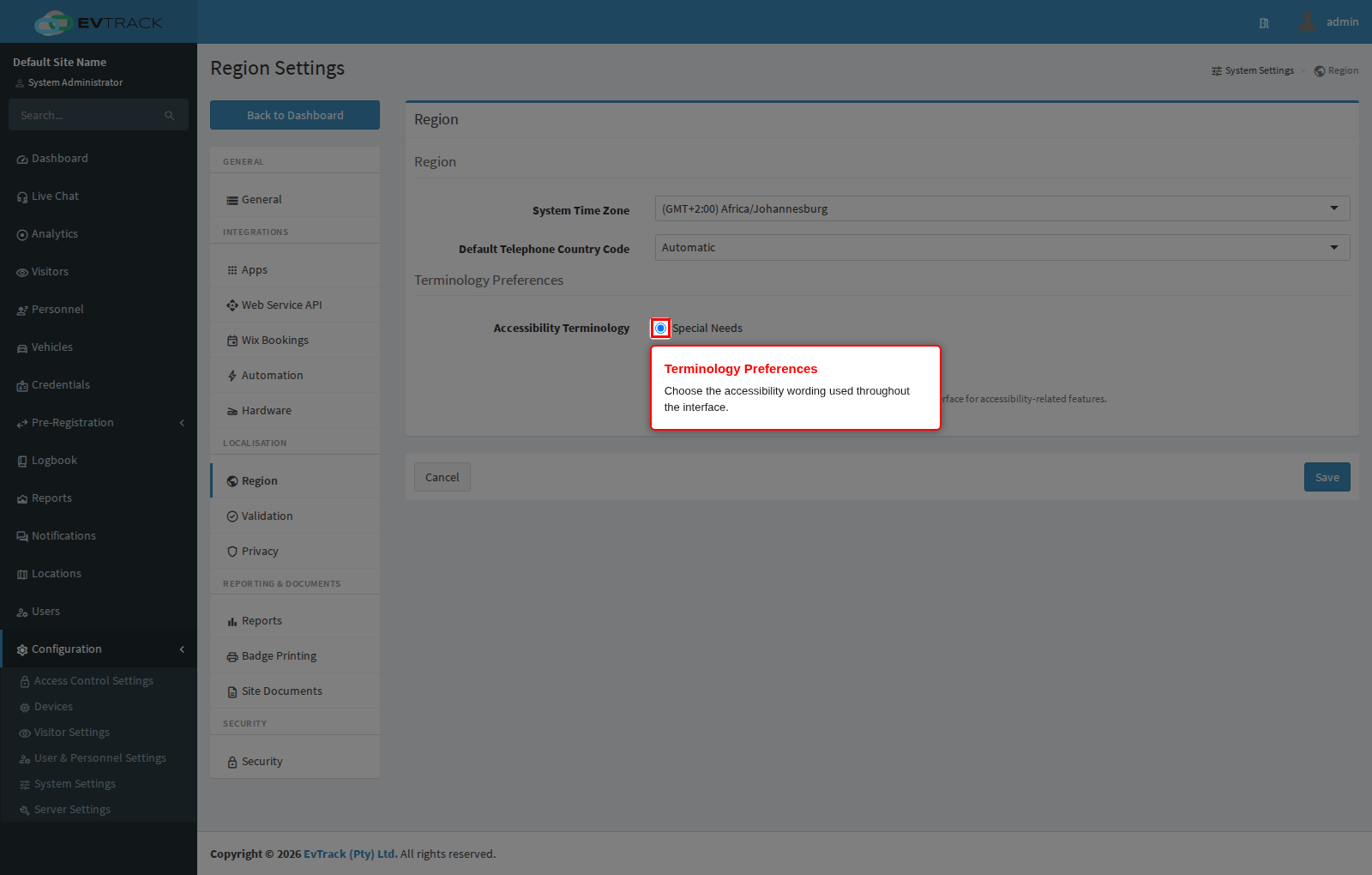
Click Save to apply your changes. The time zone takes effect immediately for newly rendered pages.