A location can have its own access model. One location may clear visitors through a handheld at a boom before a host approves them; another may have no boom at all and grant nothing until the host has said yes. The Status-Based Access Control panel on a location’s Advanced tab lets each location decide what a visit status grants there, while every other location keeps the system-wide rule.
Before you start:
- Build the access control lists each location needs under Configuration > Access Control Settings > Access Control Lists. Every location’s lists are its own: a “Tier 1” list at one location is not the same list as “Tier 1” at another.
- Read Status-Based Access for what each status means. The rows here are the same five rows, applied to one location.
- Set the ACL Update Strategy on Visitor Settings > Visit Pass > General to ENFORCE. Only ENFORCE removes the previous status list when a visit moves on, so a location-specific list is replaced rather than accumulated.
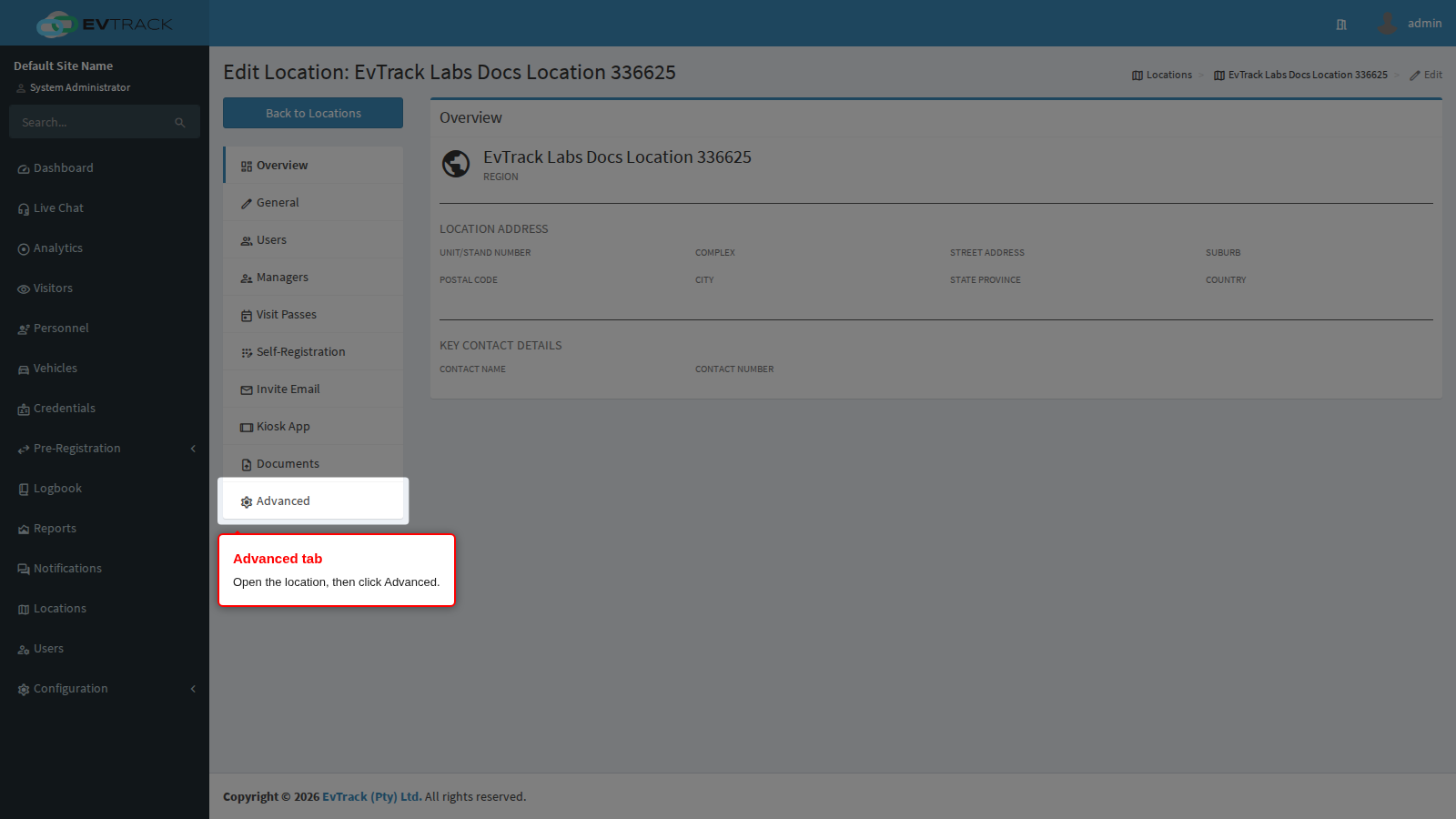
Step 1: Open the Advanced tab
Open Locations in the sidebar, edit the location, and click Advanced.
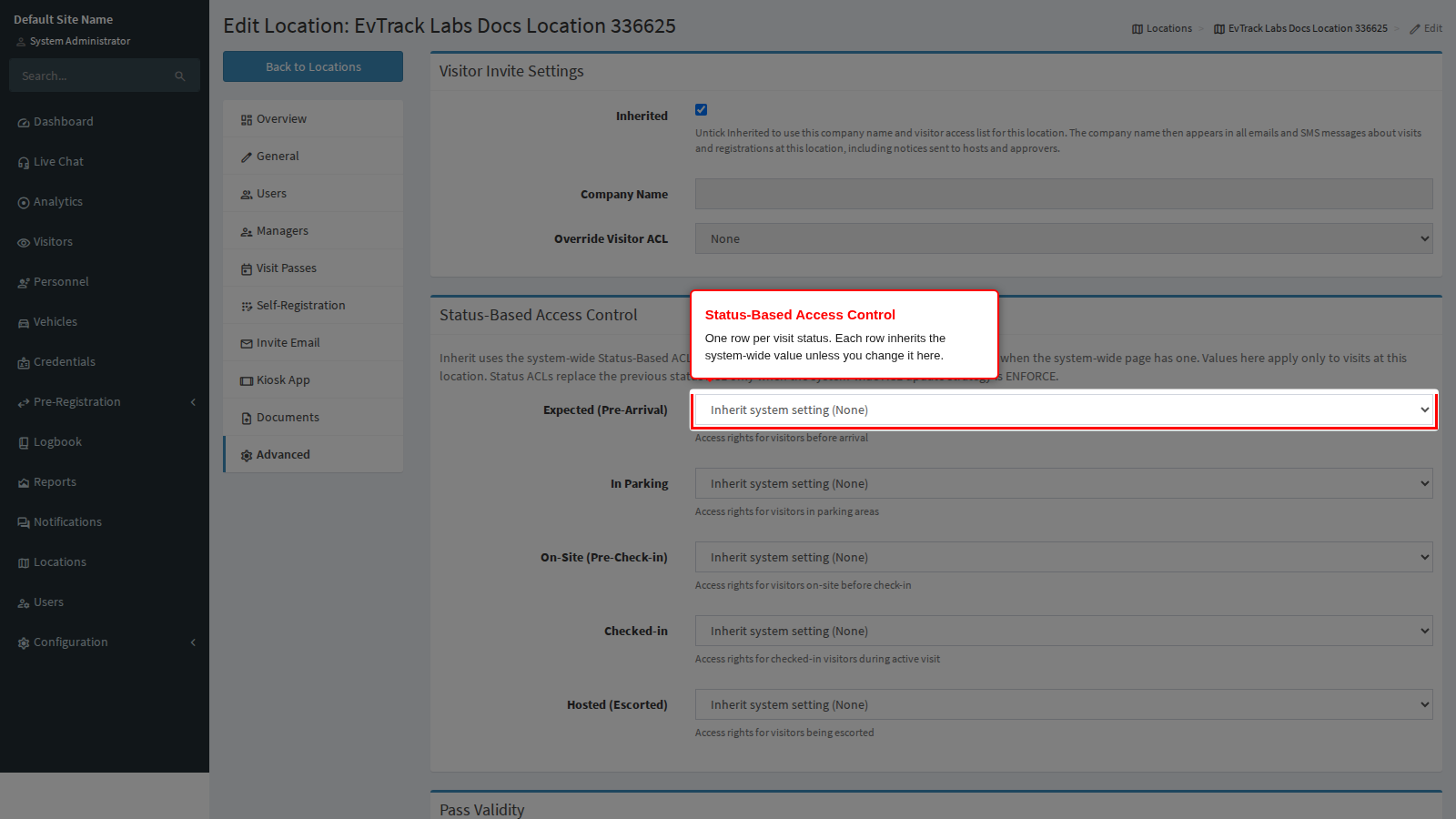
Step 2: Find the Status-Based Access Control panel
The panel has one row per visit status, in the order a visit normally travels through them. Every row starts on Inherit, so a location you have never touched behaves exactly like the system-wide page.
Step 3: Choose what each status grants at this location
Each row offers three kinds of value:
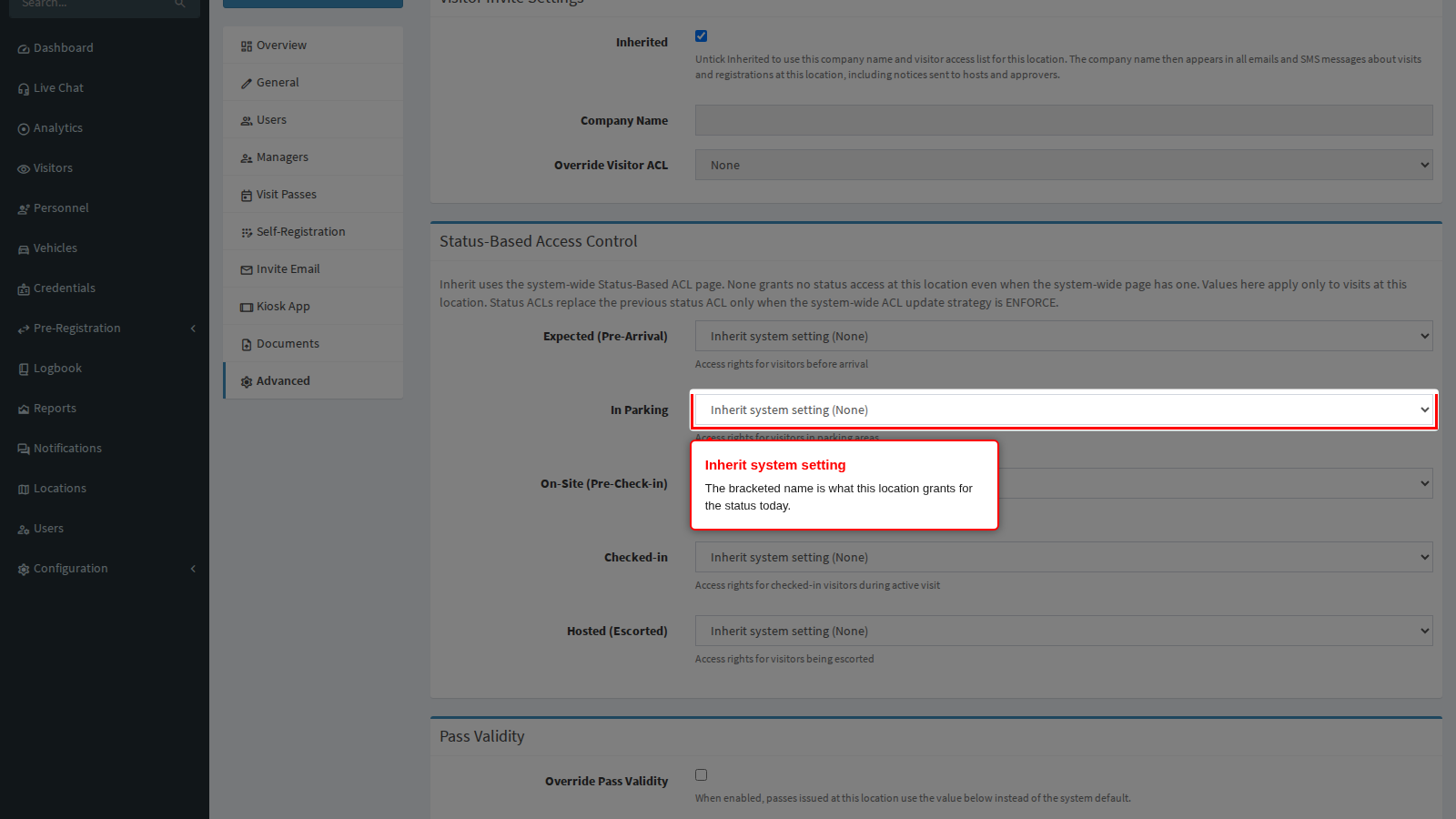
- Inherit system setting (…) uses the row on the system-wide Status-Based Access page. The name in brackets is what that currently is, so you can see what the location grants today without leaving the page.
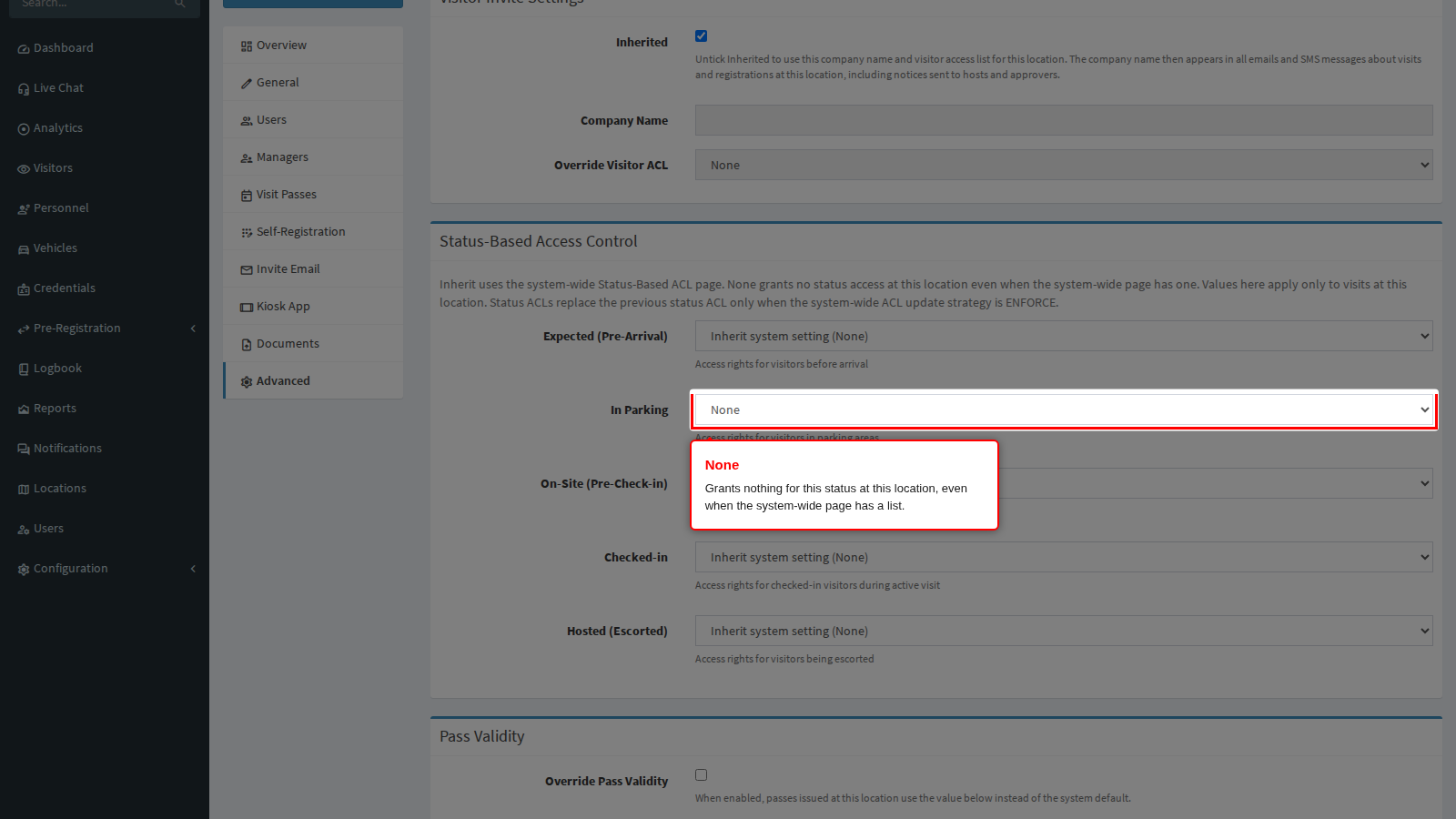
- None grants nothing for that status at this location, even when the system-wide page has a list. Use it where a status never applies here: a location with no first-line reader has nothing to grant while a visitor is In Parking.
- An access control list replaces the system-wide row for visits at this location only.
The Inherited checkbox in the Visitor Invite Settings panel further up the tab does not affect these rows. It governs the company name and the single Override Visitor ACL only.
Typical location models. Three patterns cover most estates. Names are placeholders for the lists you built for that location.
| Location model | Expected | In Parking | On-Site | Checked-in | Hosted |
|---|---|---|---|---|---|
| First-line reader plus host approval, inner readers | None | location’s first-line list | None | location’s inner list | location’s inner list |
| Host approval only, no first line | None | None (choose it, do not leave Inherit) | None | location’s inner list | location’s inner list |
| First-line reader only | None | location’s first-line list | None | location’s first-line list | location’s first-line list |
Leave the system-wide Visitor Default ACL on a list with no doors when you use location models like these, so a visitor holds nothing before the location’s own rows apply.
Step 4: Save
Click Save at the bottom of the tab.
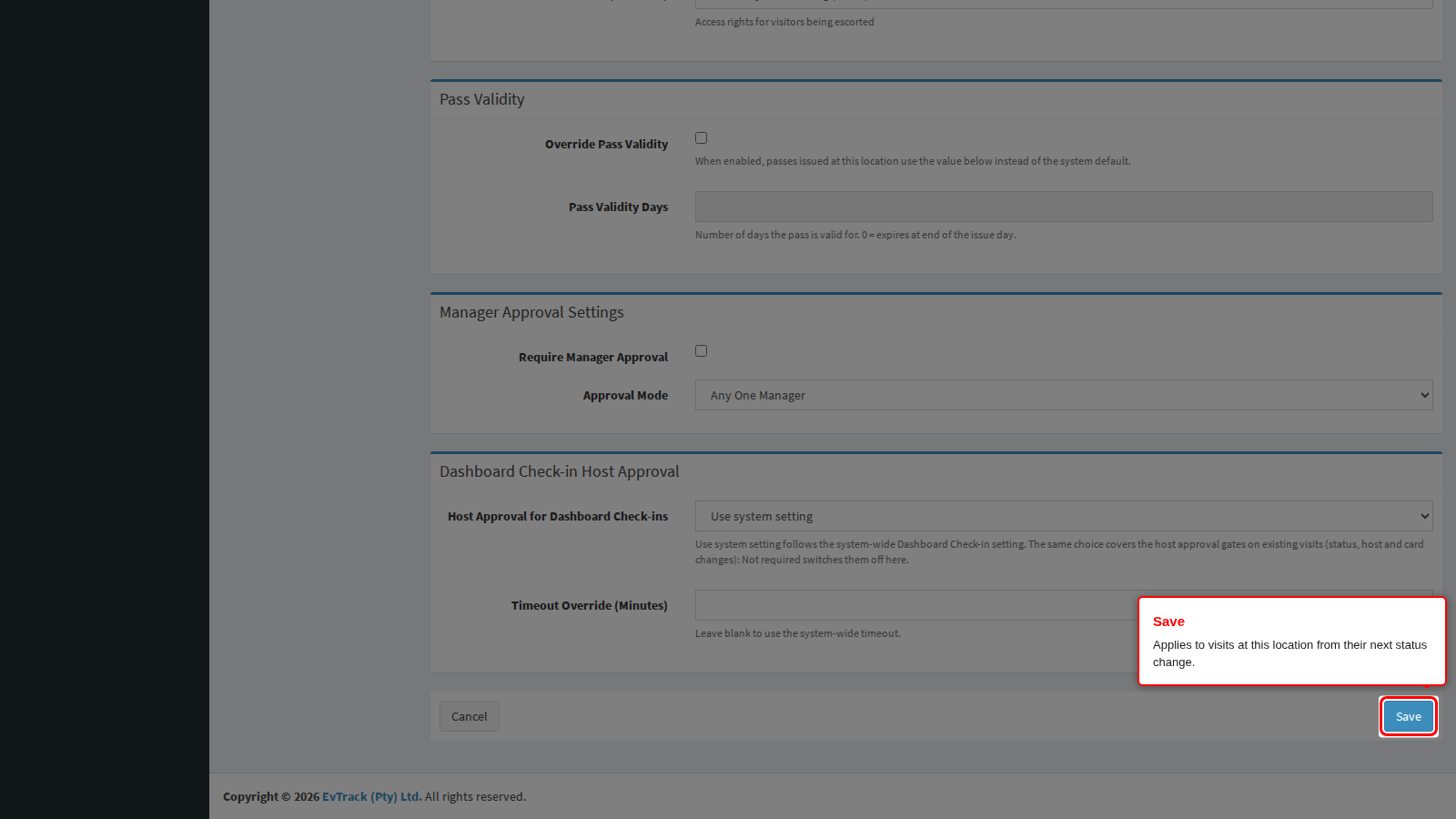
End state: new visits at this location pick the rows up immediately. Visits already in progress are recalculated the next time they change status or are edited, not at the moment you save. To move an active visit onto the new rows now, change its status to another status and back from the Visit Pass; saving the pass without a change does nothing.
What these rows do not change
These rows replace only the per-status list. A visit still receives the Visitor Default ACL, the pre-check-in parking list, any visit reason override, the Override Visitor ACL of the visit’s own location, the Override Visitor ACL of the host’s location, and any credential-type lists - all on top of whatever this panel grants for the current status. To keep locations separate, leave those other lists on None or on lists with no doors, and remember that a host based at another location brings that location’s Override Visitor ACL with them: for a visit at location A whose host is based at location B, the credential receives the Visitor Default ACL, location A’s list for the current status, AND location B’s Override Visitor ACL.
Which location applies
A visit uses the location recorded on it. An invitation or registration that does not choose a location records the host’s own location instead, and an access control point configured to update the location moves the visit to its location when the visitor passes through. The Visit Pass page shows, beside each status row, where its list came from - <name> below is always the name of the location recorded on the visit:
- **Location setting:
** - the row is supplied by that location's Advanced tab. - System setting - the row falls back to the system-wide Status-Based Access page.
- **None - Location setting:
** - that location explicitly grants nothing for the status; no list is applied. - **Removed access control list - Location setting:
** - see the Troubleshooting bullet below.
A visitor should have one active visit at a time: if the same visitor holds two active visits at two locations, each visit has its own pass, and whichever visit last changed status is the one deciding what that visitor can currently access - so keep one active visit per visitor.
How each entry point applies the mapping
It does not matter what moves the visit. A receptionist changing the status on the dashboard, a visitor presenting a pass at a reader, a kiosk, the Guard app at the checkpoint, another system calling the web service API, and re-opening a finished visit all resolve the rows the same way, and the result reaches the visitor’s credential as part of the same change.
- Kiosks, checkpoints and readers use the visit’s location, not the device’s. The rows applied are the ones on the location recorded on the visit. A handset or kiosk standing at another location does not lend its own location to the visit it is processing.
- An access control point can move the visit to its own location. Where a point is configured to update the location on passage, the visit is moved to that point’s location first, and the rows the visitor then holds are that location’s. This is the supported way to hand a visitor from one location to another during a visit.
- Offline transactions change nothing until the device reconnects. A kiosk or handset working through a network outage records the movement, but neither the status nor the access control lists move, so the visitor keeps exactly the lists they already held. The visit catches up once the device is back online.
- A visit booked for one location keeps that location’s rows wherever it is presented, until an access control point moves it or an operator changes the location on the visit. A visitor who drives to another location without passing such a point is still on the first location’s rows, which is why a shared list across locations grants more than it looks like it does.
What each of those moves does to the credential itself depends on the ACL Update Strategy on Visitor Settings > Visit Pass > General: ENFORCE replaces the lists on the credential with the ones the new status and location grant, ADDITIVE adds them and keeps whatever was already there, and MANUAL leaves the credential untouched.
Deletes are refused while a row is in use
An access control list cannot be deleted while a location’s Advanced tab, a visit reason, or the system-wide Status-Based Access settings still use it. Attempting it shows: “The Access Control List ‘Tier 1’ is in use by visitor invite settings, a location or a visit reason and must be removed there first.” Open the location’s Advanced tab (and the visit reason and the system-wide page, if they also reference it), set the row to None, save, then delete the list.
A location cannot be deleted while it has visits that are not finished. Attempting it shows: “The Location ‘North Entrance’ has visits in progress and must be checked out or cancelled before it can be removed.” You must check out or cancel every visit still open at that location, then delete it.
Troubleshooting
- A row is on Inherit but the location should grant nothing. Choose None. Inherit means the system-wide row, which may not be empty.
- A visitor keeps a previous location’s list after moving to another location. Check the ACL Update Strategy is ENFORCE. ADDITIVE keeps earlier lists.
- The Visit Pass shows System setting for a status you set here. The visit is recorded at a different location. Check the location on the pass.
- The ACL Update Strategy is MANUAL. With MANUAL, changing a visit’s status never applies any of the rows on this panel (or the system-wide page) to a pass - passes keep whatever list they already hold until someone updates them by hand. Set the strategy to ENFORCE or ADDITIVE on Visitor Settings > Visit Pass > General if you want these rows to reach passes automatically.
- The Visit Pass shows “Removed access control list” beside a status. That row’s access control list was deleted before deletes were refused while in use, on data from before this version - it grants nothing for that status until you open this row on the location’s Advanced tab, choose a value again, and save.
Related chapters
- Status-Based Access - the system-wide rows these inherit from.
- Access Control Lists - building the per-location lists.
- Visit Passes - reading a pass’s effective access levels and their source.