Privacy covers two different things on one panel: who can see visitor identity data inside the product, and how long the system keeps the data it has collected. The retention values on the lower half of this page delete data permanently, so read the section on them before you change anything.
Before you start: you need settings administration rights, and you should know the retention period your organisation’s data-protection policy requires. Agree that number first, then set it here - not the other way round.
Step 1: Open Privacy
In the left sidebar open Configuration, click System Settings, then click Privacy under Localisation.
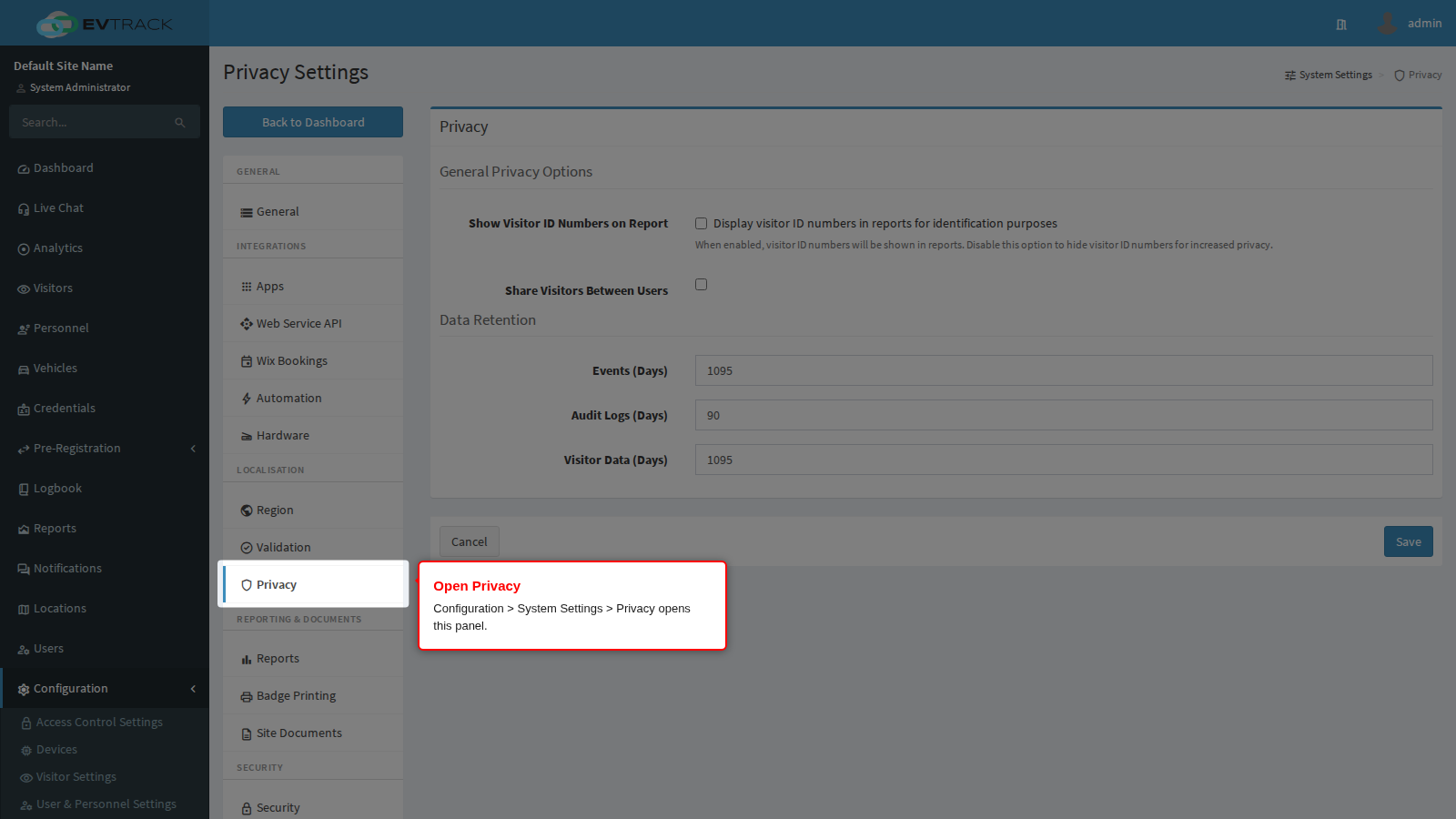
Click Save at the bottom of the panel to apply your changes, or Cancel to discard them.
General Privacy Options
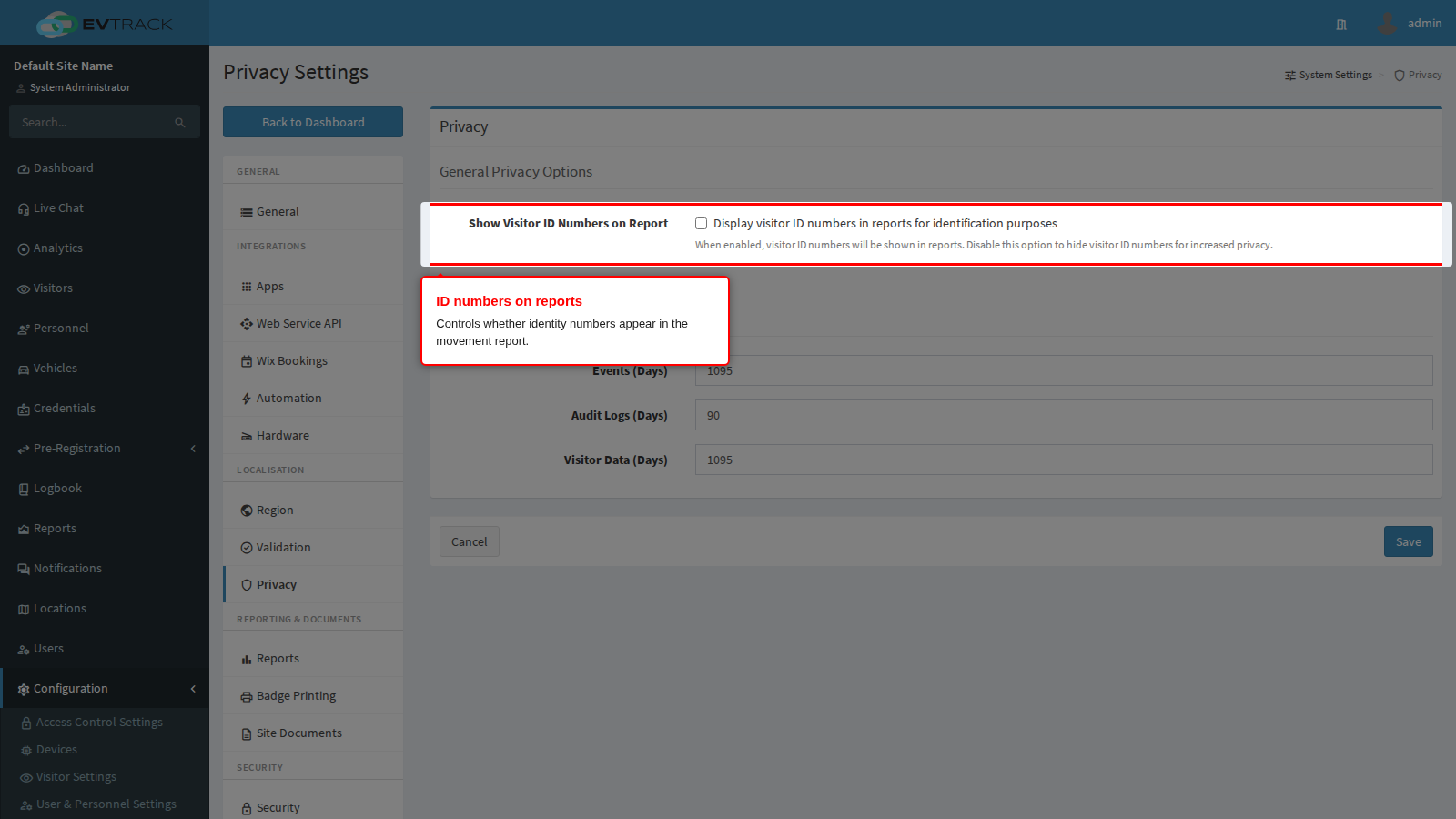
Show Visitor ID Numbers on Report controls whether visitor identity numbers are printed in the visitor movement report. It is off by default, and off is the safer setting: a movement report is routinely exported, emailed and left on a desk, and an identity number in it is the single most sensitive field a visitor gave you.
Turn it on only where the report is genuinely used to identify individuals - for example a regulated site that must be able to prove who was on the premises. The setting affects the report only; identity numbers remain visible on the visitor record itself to operators who may open it.
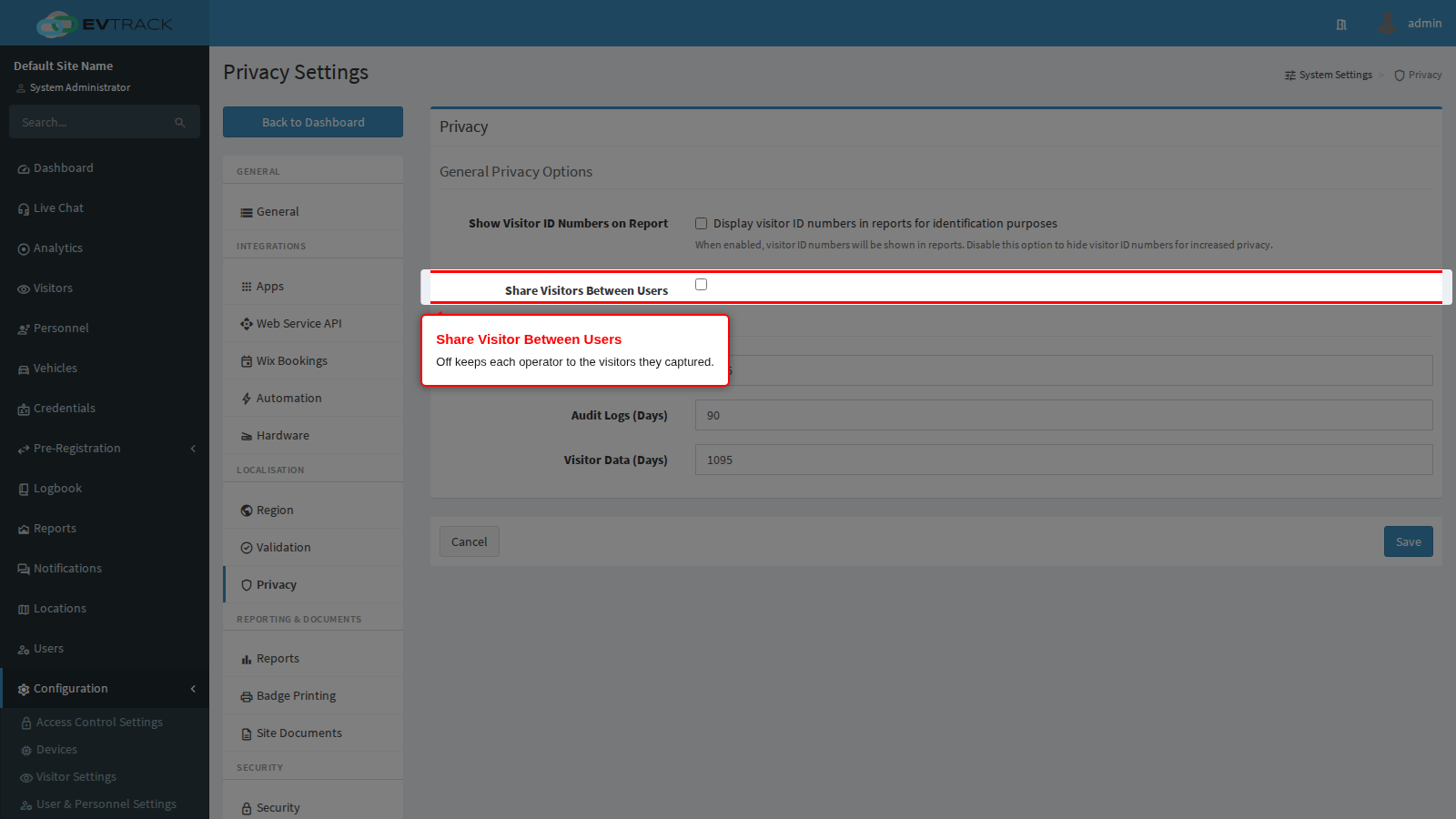
Share Visitor Between Users decides whether one operator can see visitors captured by another.
- On - every operator sees every visitor. This is the usual choice for a shared reception desk, where whoever is on duty must be able to find and check in any expected visitor.
- Off - an operator sees only the visitors they created. Use it where hosts capture their own visitors and should not browse each other’s, for example in a serviced office or a shared building.
Off is not a hard wall: an account holding the “view all visitors” administrative permission still sees everything, by design, so supervisors and reception managers keep working. Turning it off after the fact does not remove anyone’s access to a visitor they created; it only stops them seeing other people’s.
Event and Logs: data retention
A maintenance job runs on the server roughly every half hour and deletes anything older than the periods set here. Deletion is permanent. There is no undo, no recycle bin, and no way to recover a record once the job has removed it. Shortening a period takes effect at the next run, which means data that was in the system this morning can be gone this afternoon - export anything you still need first.
Be precise about what each value governs; they are not interchangeable.
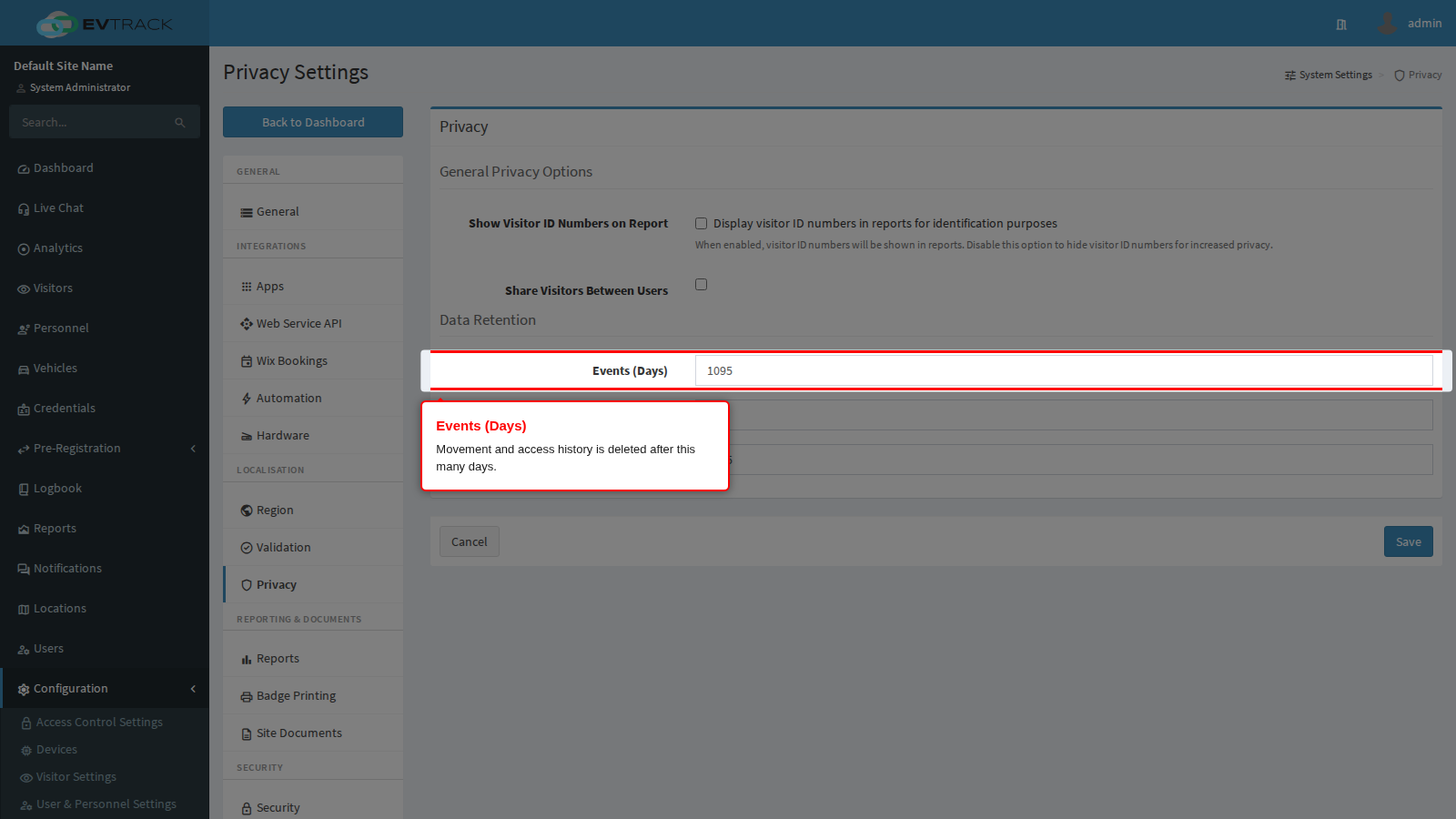
Events (Days) governs the operational history: access and movement events, user activity events, visit events, statistics rows, and expired visitor credentials. This is the data behind reports, the logbook and the movement report, so it also sets how far back you can report. Accepted values are 1 to 1095 days (three years).
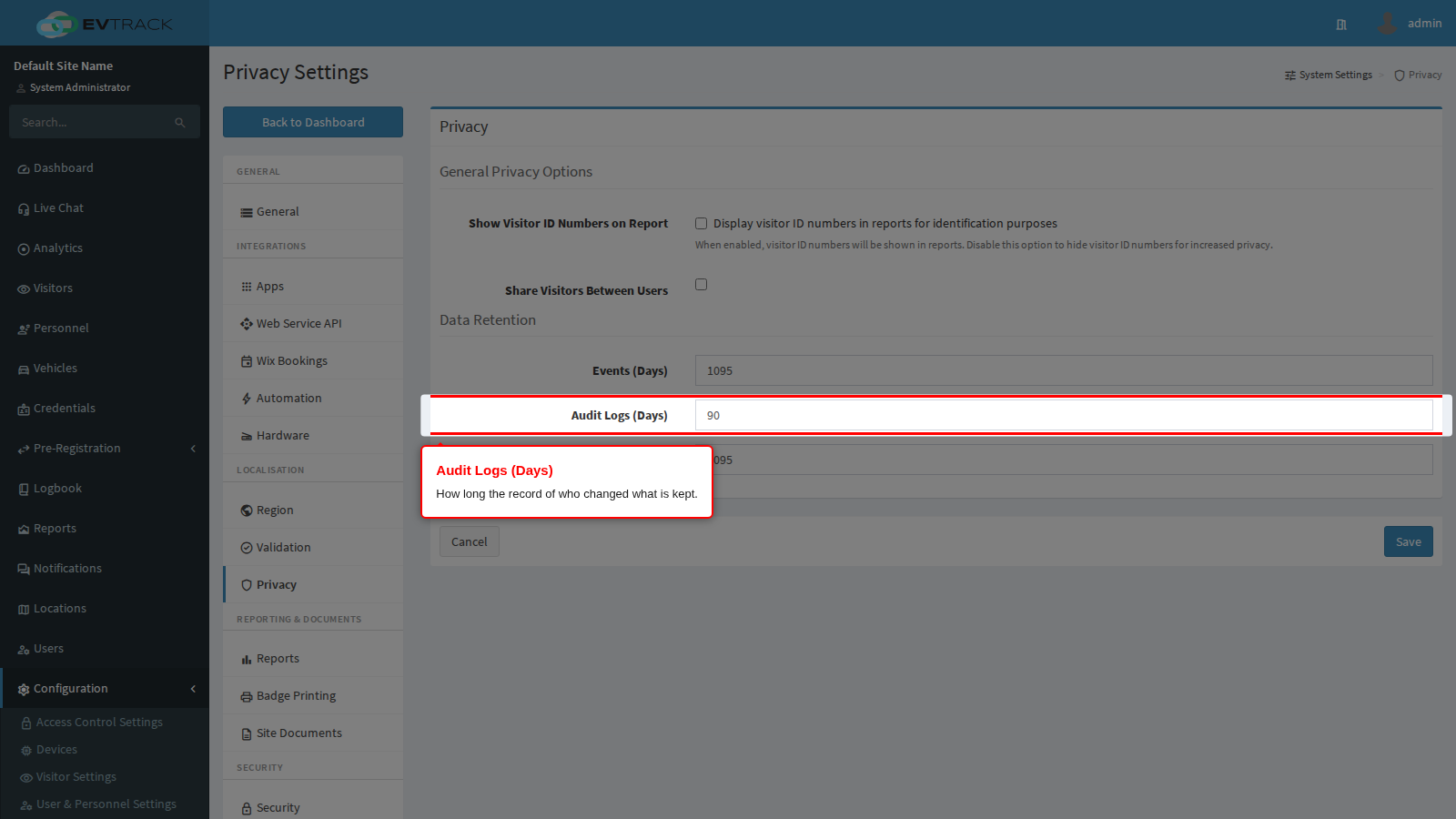
Audit Logs (Days) governs the audit trail: the record of who changed which setting or record, and when. Archived audit exports are removed on the same schedule. Accepted values are 1 to 180 days, so this period is deliberately shorter than the others; set it long enough to cover the window in which you would realistically investigate an incident. Audit entries are read-only while they exist, and they are kept even for records that have since been deleted - so the fact that somebody deleted something survives the deletion, until this period expires.
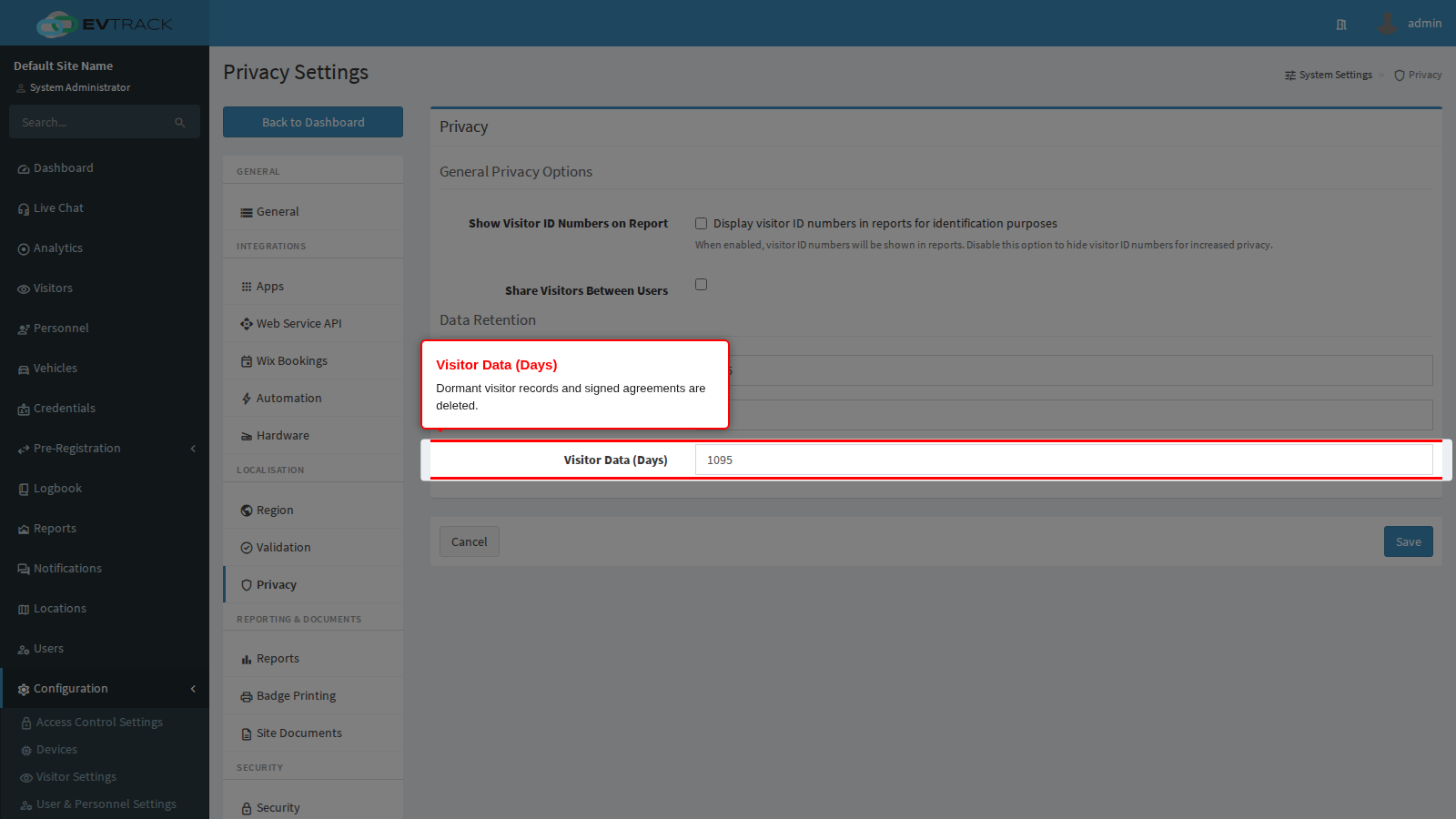
Visitor Data (Days) governs personal visitor data: signed agreements and consent records older than the period are deleted, and dormant visitor records are removed entirely. Accepted values are 1 to 1095 days.
One detail matters here, and it is the reason short values sometimes appear not to work. A visitor record is only deleted once it has no events left attached to it. While a visitor still has movement history, the record is retained and its last-activity date is realigned to that history instead. In practice that means a visitor disappears only after their events have aged out under Events (Days), so an effective visitor-data period is never shorter than the events period. If your policy requires visitor data to be purged after, say, 90 days, set both values to 90.
What is deleted, and what is not
Be careful with the word “anonymised” when describing this to an auditor. The retention job deletes; it does not anonymise, pseudonymise or archive:
- Expired events, user events, visit events and statistics rows are deleted.
- Expired audit entries and archived audit exports are deleted.
- Expired signed agreements are deleted.
- Visitor records past the visitor-data period, and with no remaining events, are deleted.
- Nothing is written to a holding area first, and nothing can be restored afterwards except from your own database backups.
Separately from retention, personal data is masked in the server’s application logs, so a log file does not become a second uncontrolled copy of your visitor data. Masking in logs is not the same thing as deletion, and it does not satisfy a retention obligation on its own.
Compliance notes
- Retention periods are the operative control for POPIA and GDPR “storage limitation”: collect only the fields you need (set under the required-fields pages), then keep them only as long as the purpose requires (set here).
- When a person exercises a right to erasure, deleting their record takes effect immediately. The audit entry describing the deletion is retained for the audit period above, which is normal and expected - it records the action, not the erased data.
- On the EvTrack cloud service, data is encrypted at rest and in transit, and encrypted backups are taken daily and retained for seven days. A record deleted by retention can therefore still exist in a backup until that backup ages out.
Related pages
- Validation - the duplicate-detection rules that decide when two registrations are the same person.
- Security - QR code, identifier format, mobile app and smart card security options.
- Configuration > Visitor Settings > Required Fields - which personal fields are collected in the first place.