- Log in to https://app.evtrack.com
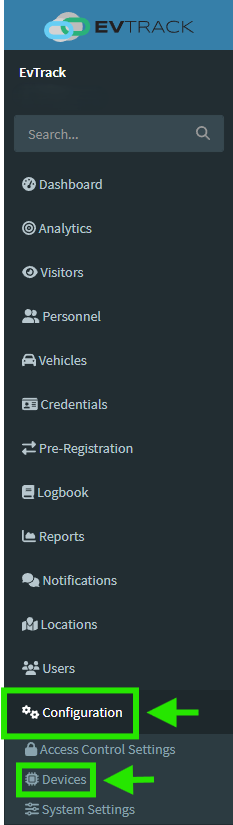
- Navigate to Configuration → Devices
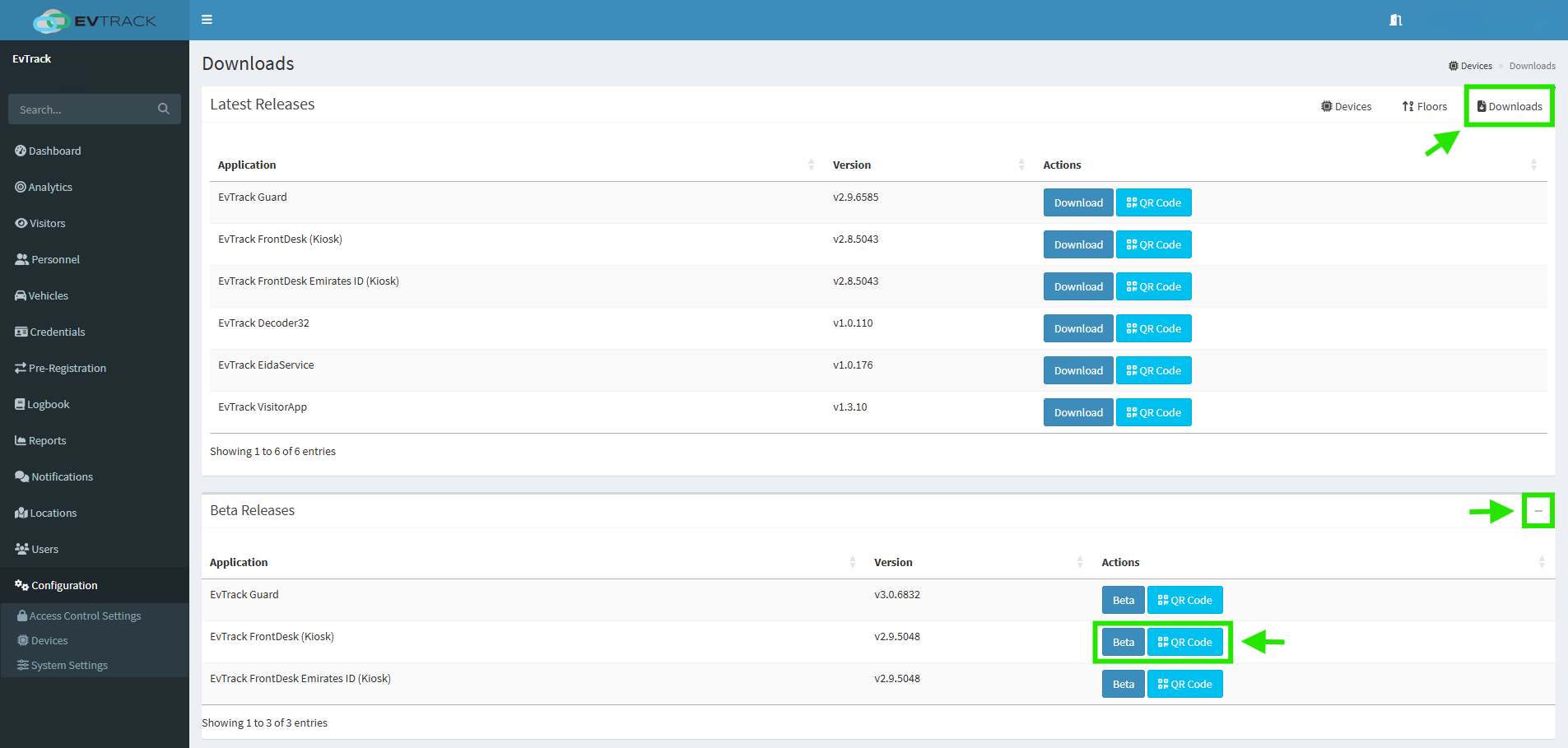
- Tap Downloads
- Expand the Beta Releases section
- Download the EvTrack FrontDesk (Kiosk) APK
- Tap on
evtrack-front-desk-universal-release.apk to begin installation 
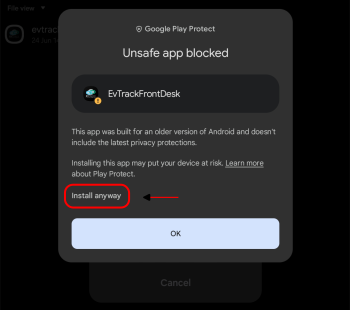
- If prompted with a security warning: Tap More details
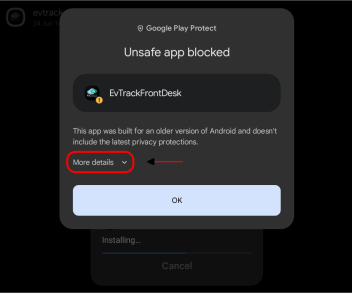
- Then tap Install anyway
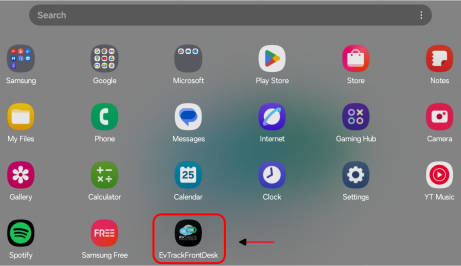
- Open the installed app
- Grant the necessary permissions when prompted:
- Camera (to take pictures and record video)
- Microphone (to record audio)
- Location (to access device location)
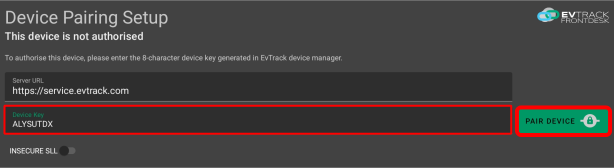
- Enter the Device Key generated from the web portal
- Tap Pair Device