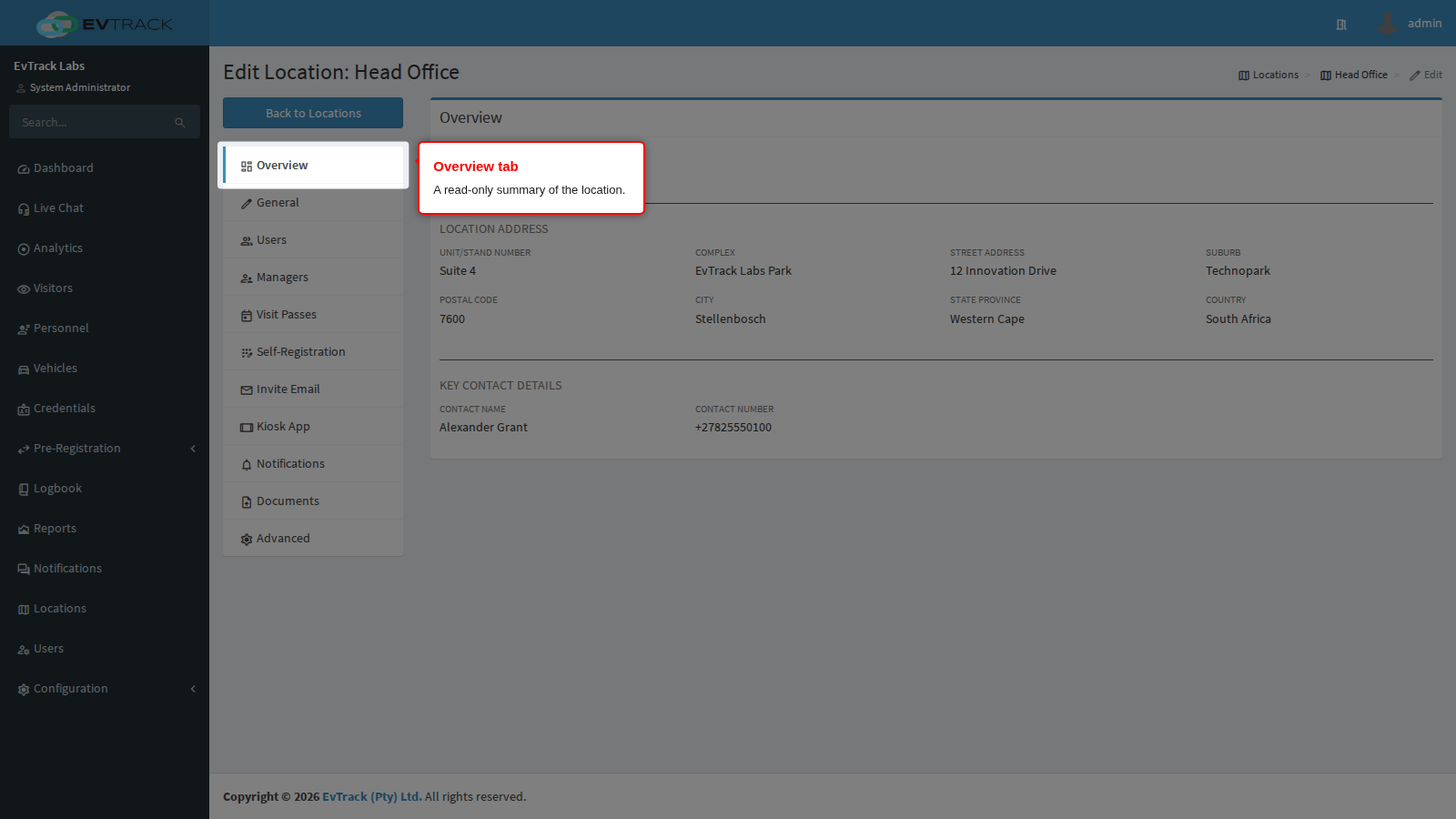
The Overview tab is a read-only summary of a location: its type, name, address and key contact on one screen. It has no Save button. To change any of these details, use the General tab.
Who can use this tab: users with “Configuration: Location - Edit/View”. Overview is the tab every location opens on.
Step 1: Open the Overview tab
Click the location’s name in the location list, or select its row and click Edit. The Overview tab is the first tab in the menu on the left and is already selected.
Step 2: Read the summary
At the top, the panel shows the location’s icon, its name and its type.
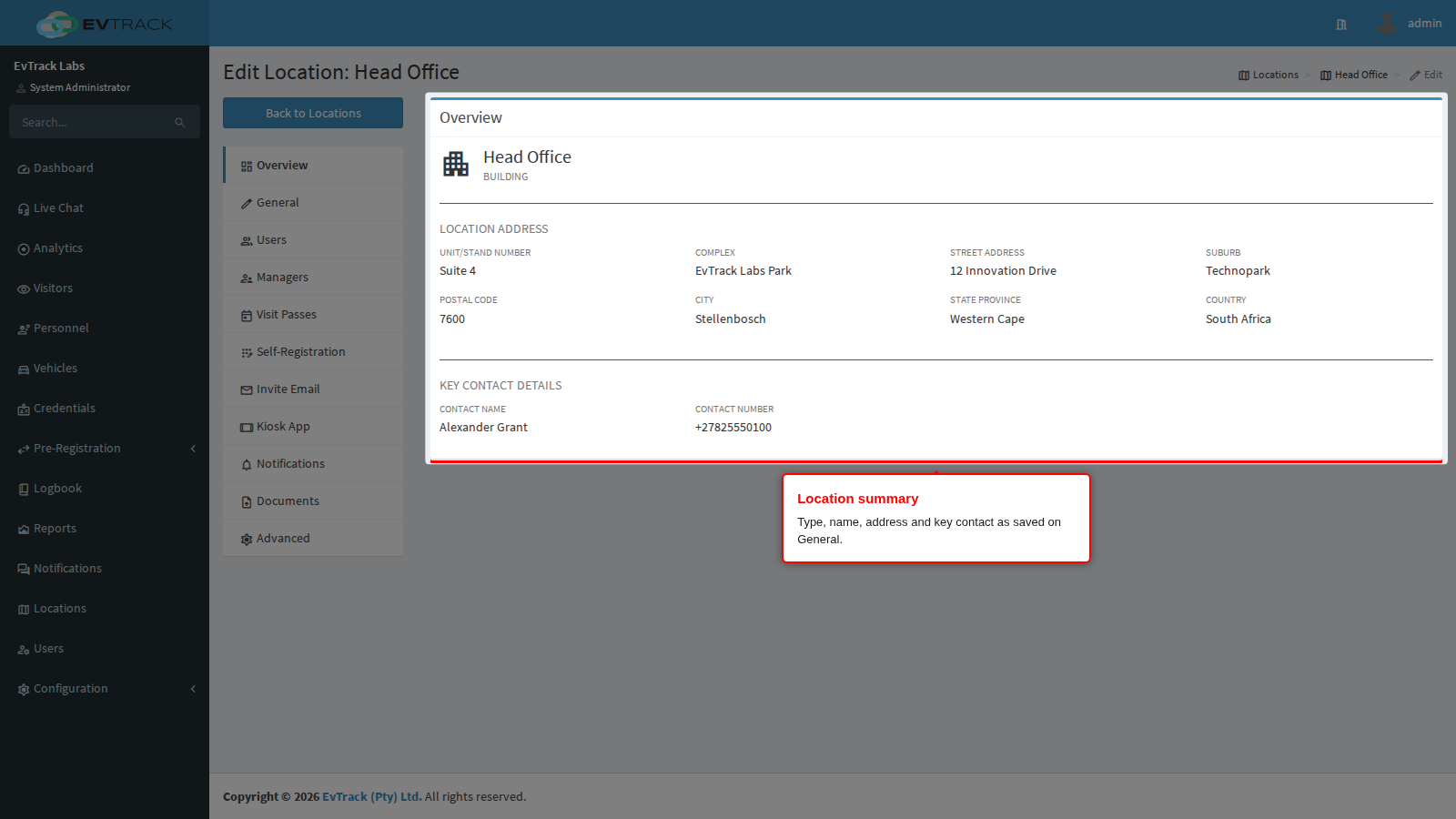
Below that are two sections.
| Section | Fields shown |
|---|---|
| Location Address | Unit/Stand Number, Complex, Street Address, Suburb, Postal Code, City, State Province, Country |
| Key Contact Details | Contact Name, Contact Number |
A field that was never filled in is shown as a label with no value under it.
Not shown here: the location’s comments, its Google Map URL, its latitude and longitude, and whether it is the default location. Open the General tab to see and change those.
Type icons
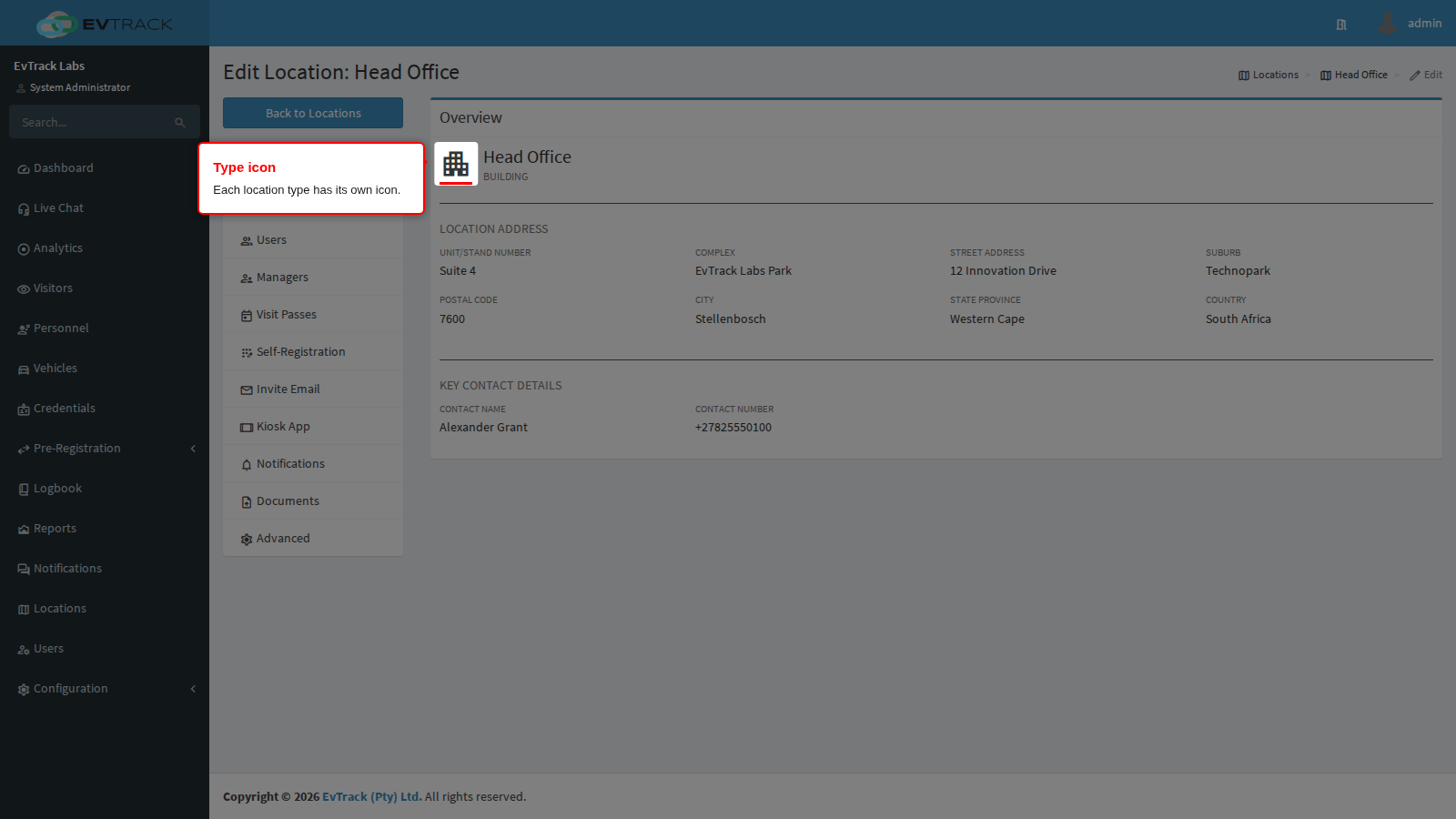
The icon beside the name depends on the location type, so you can tell types apart at a glance.
| Location type | Icon |
|---|---|
| Region | A globe |
| Campus | An office block |
| Building | A tall building with windows |
| Floor | Stacked layers |
| Area | A square frame with open corners |
| Estate | A tree |
| Stand | A house |
| Complex | A cluster of small houses |
| Apartment | A bed |