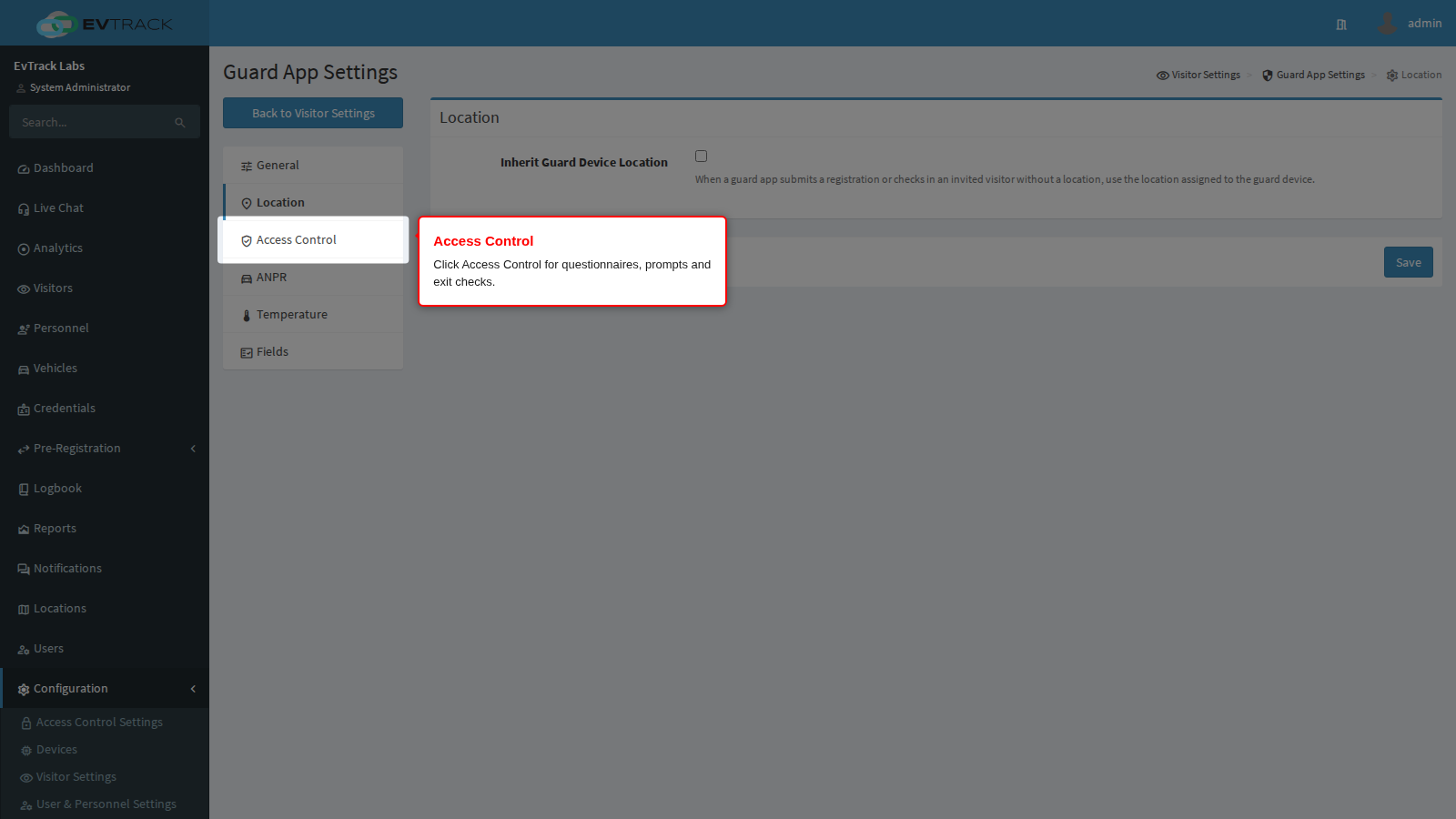
The Access Control panel decides what the officer asks at entry and exit: agreements (questionnaires), your own questions for visitors and staff, and the checks made when a vehicle leaves.
This panel decides what the officer and the visitor are asked during an ordinary entry or exit, as opposed to an enrolment.
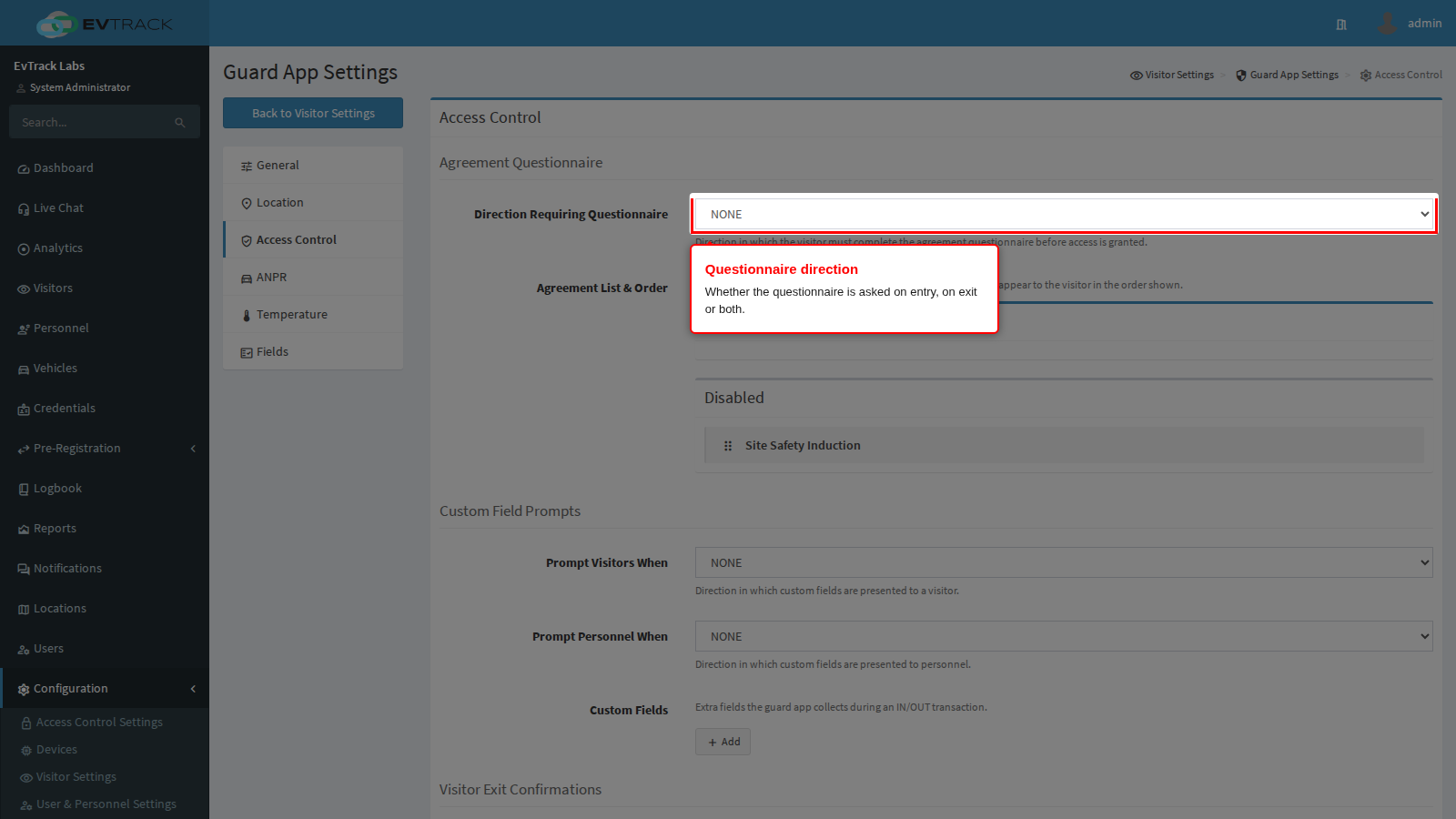
Direction Requiring Questionnaire decides when the agreement questionnaire is presented: never, on the way in, on the way out, or both. Entry is the usual choice, since a site rules acknowledgement is worth having before somebody is inside.
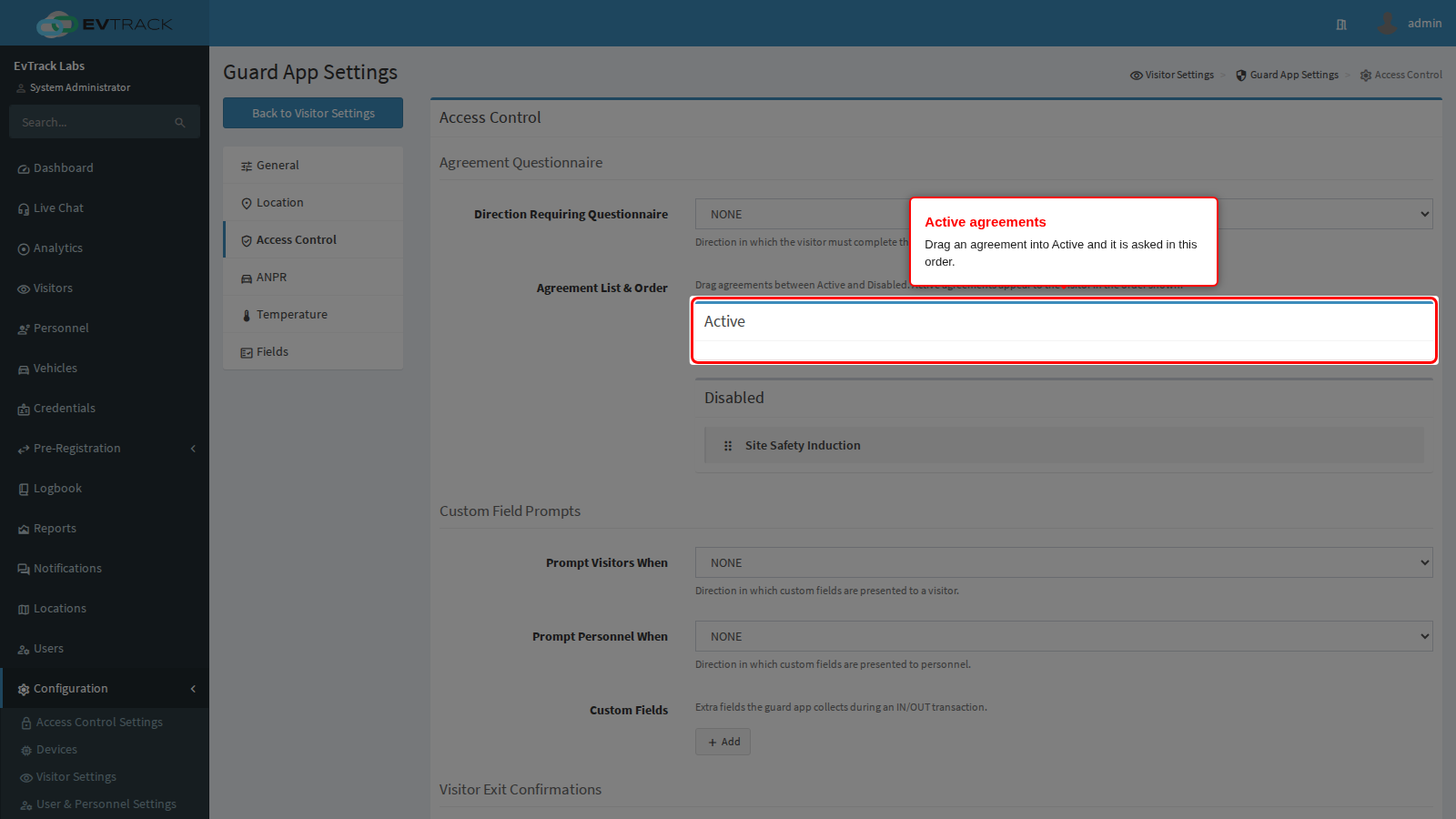
Agreement List & Order holds two lists. Drag an agreement from Disabled to Active to have it asked, and drag inside Active to change the order the visitor sees. Agreements themselves are written under Agreements.
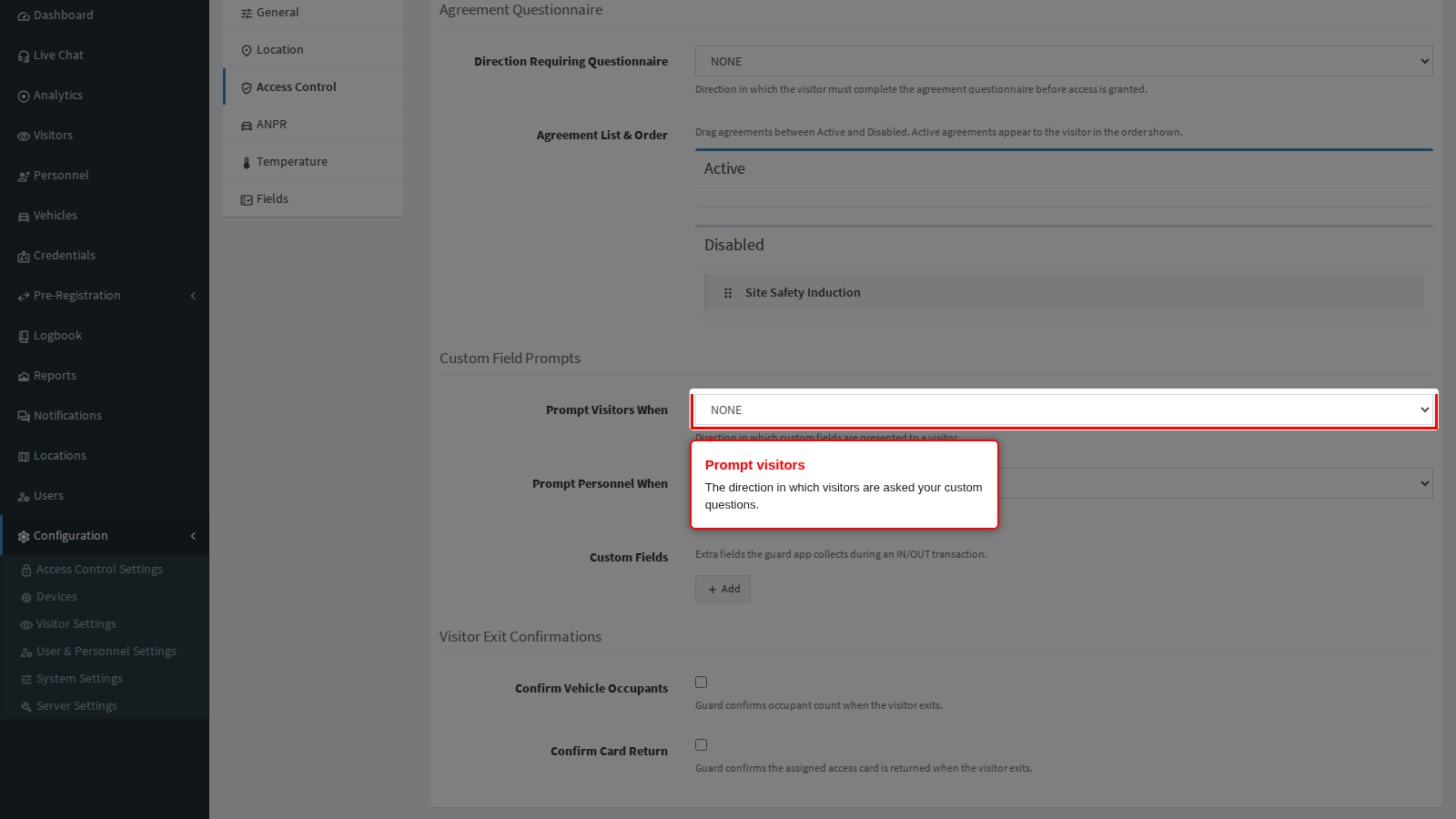
Prompt Visitors When decides in which direction your own custom questions are put to a visitor: never, in, out or both. Use the exit direction for questions that only make sense on the way out, such as what is being removed from site.
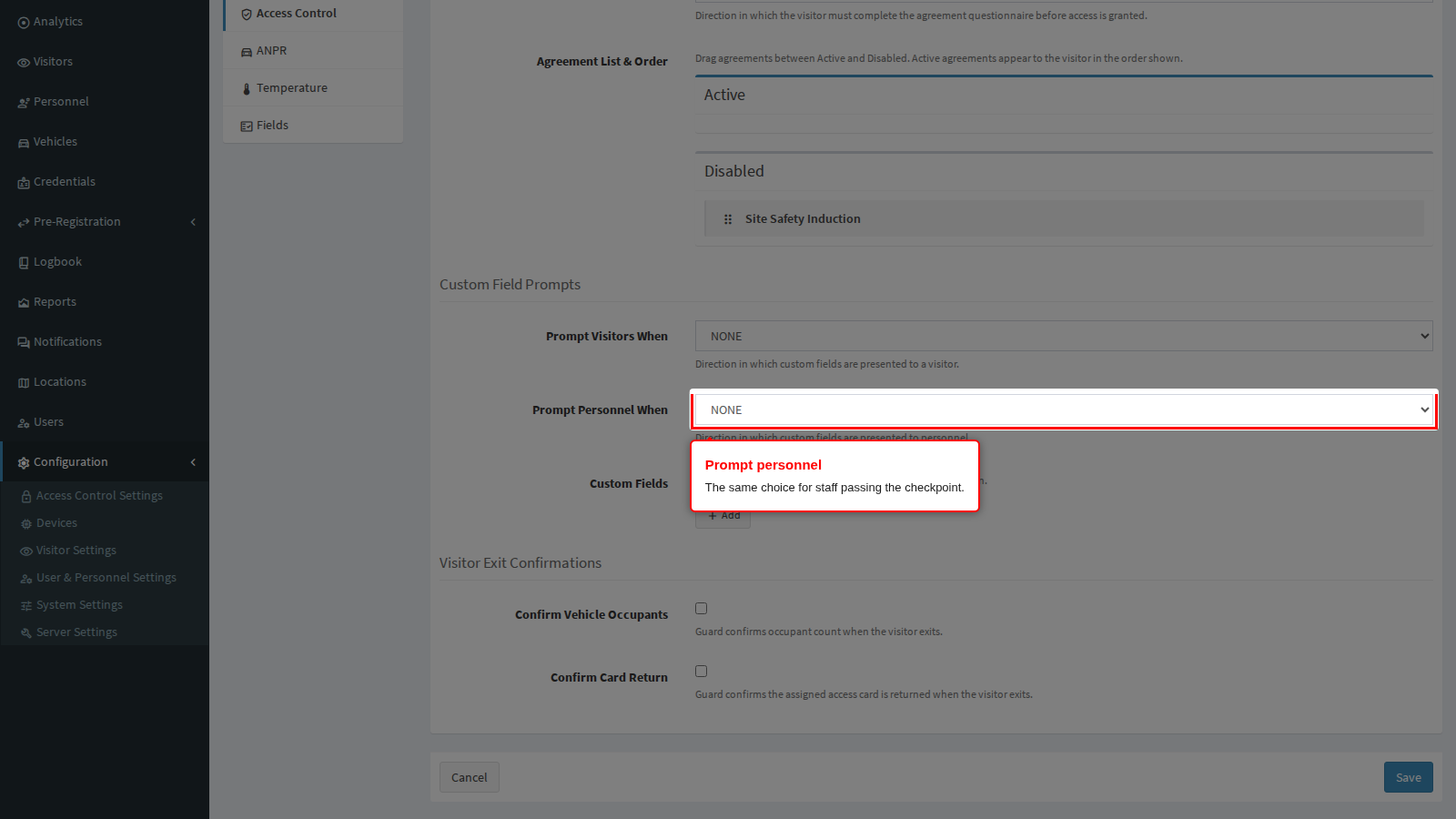
Prompt Personnel When is the same choice for staff passing the checkpoint. Staff usually resent being questioned twice a day, so keep this narrower than the visitor setting.
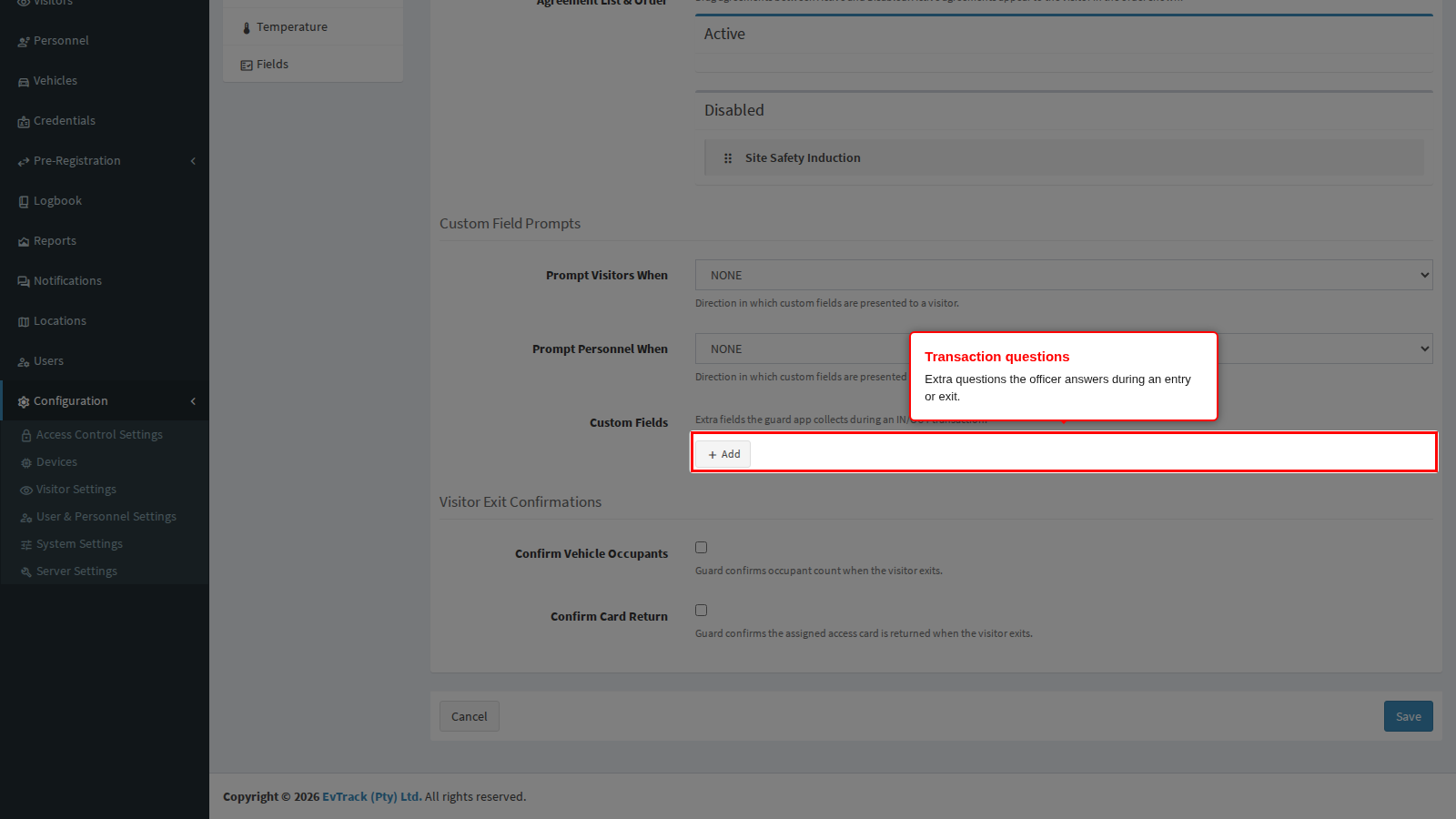
Custom Fields is where those questions are defined. Each one has a type (text, number or photo), a label and a required flag. A photo question is how you capture, for example, the load in an open vehicle.
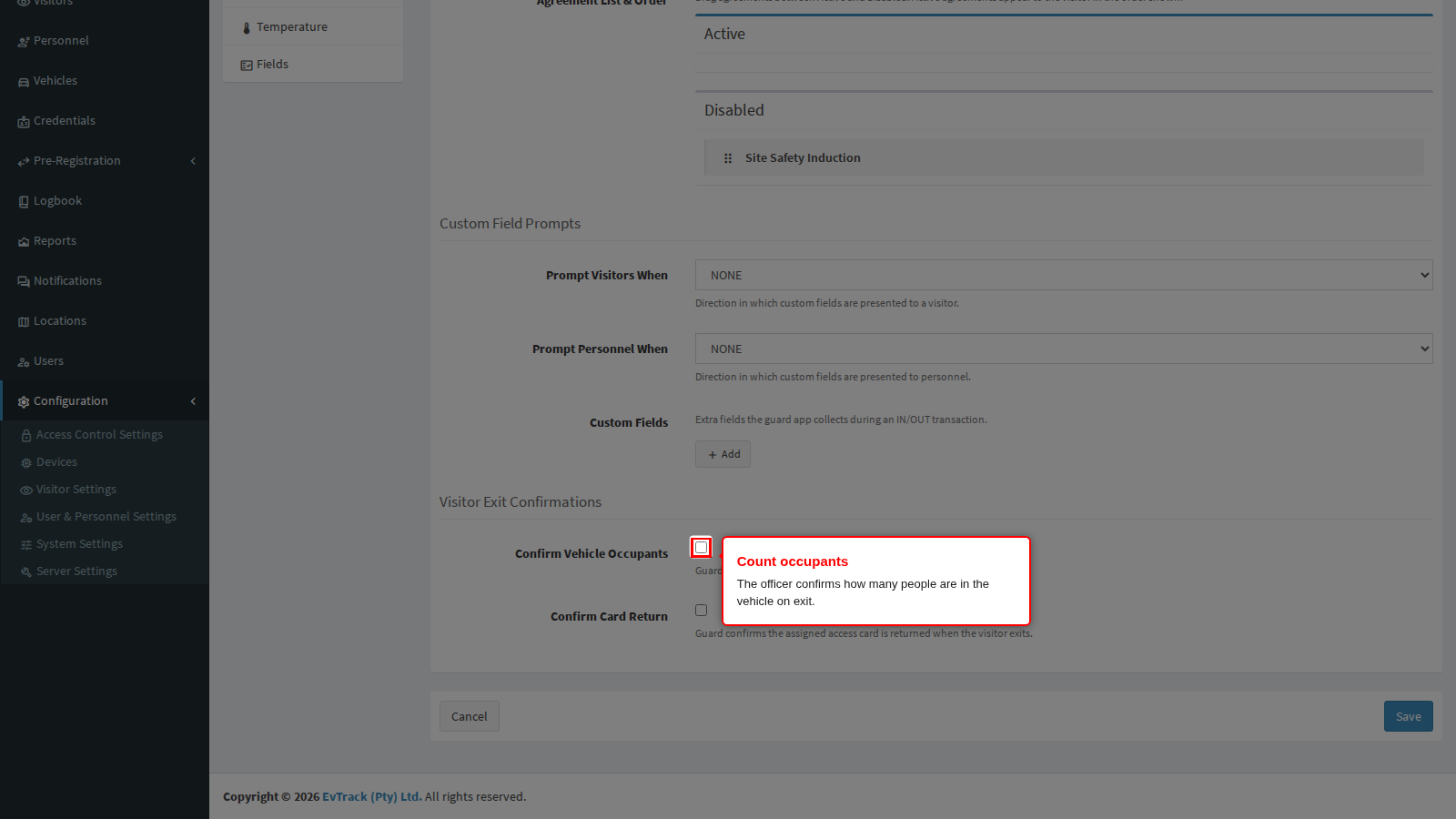
Confirm Vehicle Occupants makes the officer confirm how many people are in the vehicle when it leaves. Together with the occupant count captured on entry, that is what catches somebody who came in on a full vehicle and is not leaving on it.
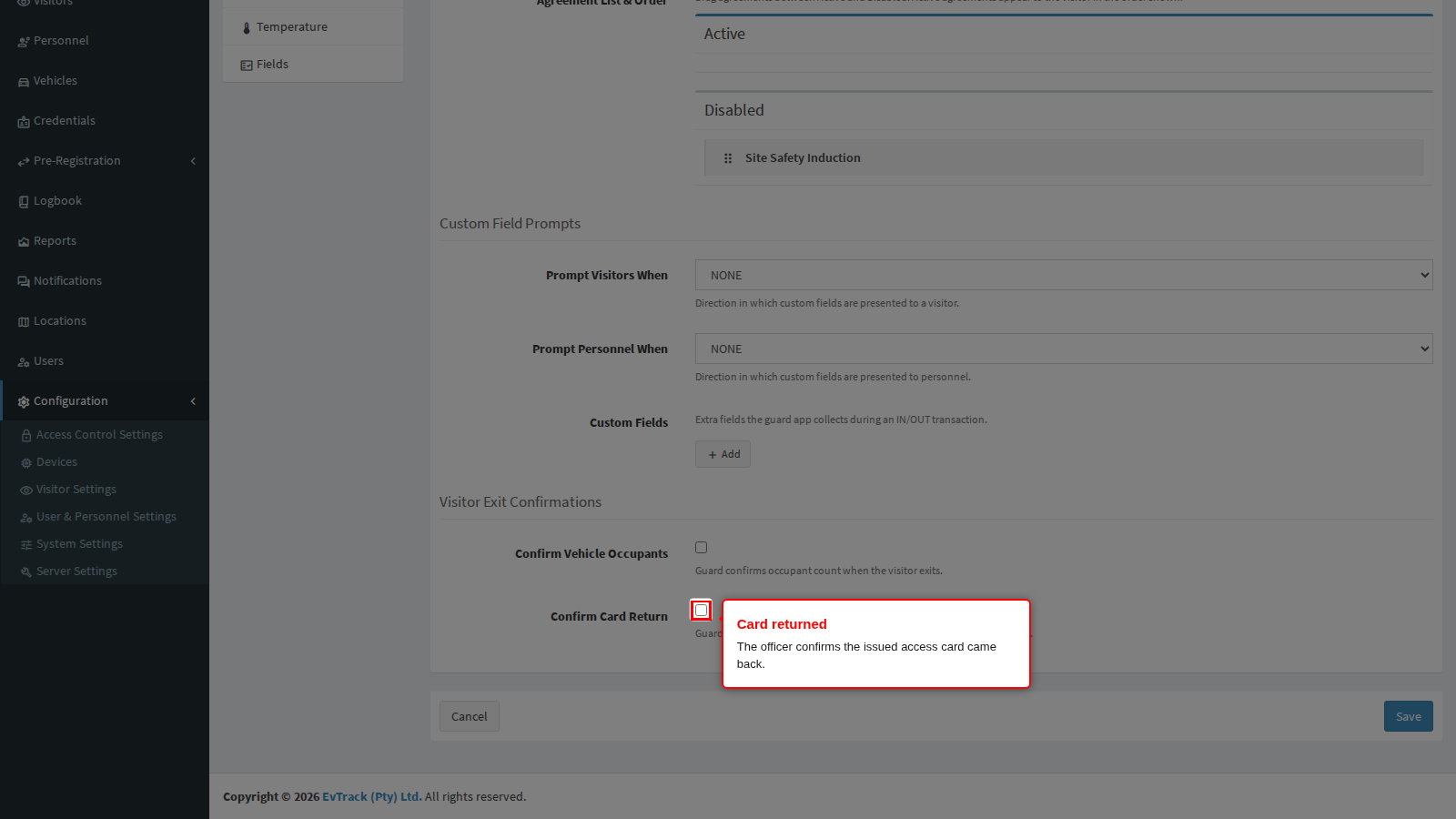
Confirm Card Return makes the officer confirm the access card that was issued has come back. Turn it on wherever you hand out physical cards, otherwise the pool quietly empties.