These settings decide whether the handset checks a driver’s licence, what it accepts from an alternative driver, and what the officer can still do when the handset has no network. They are on the General panel of the Guard App settings (see Officer Login for how to open it).
Driver licence checks and alternative drivers
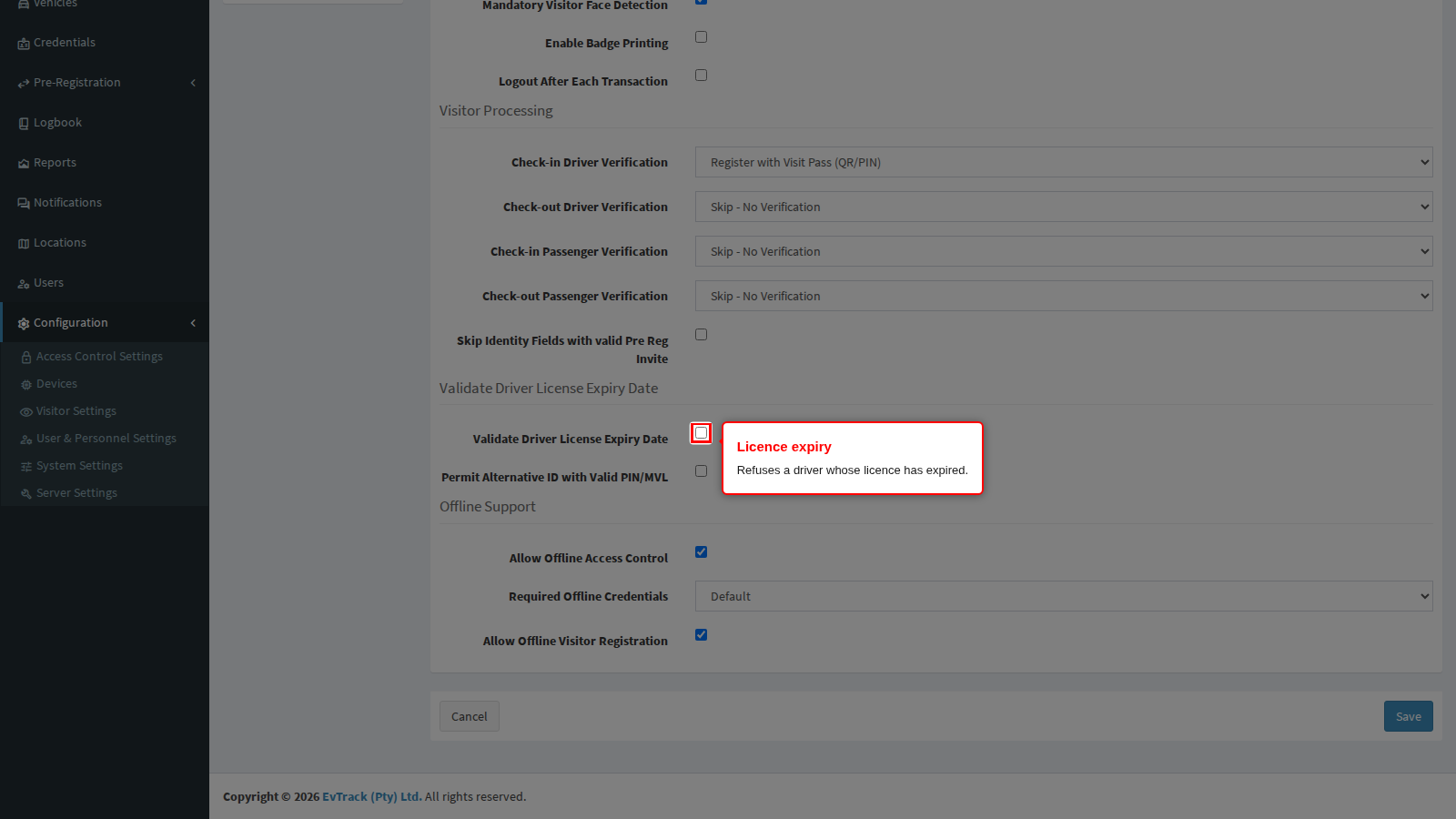
Validate Driver License Expiry Date refuses a driver whose licence has already expired: the officer sees the app decline the document and the visitor cannot be admitted as a driver.
It only bites on a licence card the app has actually decoded as a driving licence, and that is narrower than it sounds:
- The licence card is read by scanning its barcode, not by the document reader. On a rugged handset with a built-in imager the imager does the scan; on an ordinary handset the camera does it.
- On South African licence cards the handset needs the separate decoder application installed alongside the guard app. Without it the card cannot be decoded, so it never presents itself as a driving licence and the expiry is never checked. This is the usual reason the setting appears to do nothing on a new fleet - check that the decoder is deployed with the app.
- A document captured with the document reader never triggers the check, because the reader does not recognise a South African driving licence card at all. If you are relying on this as a control, make sure your officers are scanning the licence rather than photographing it.
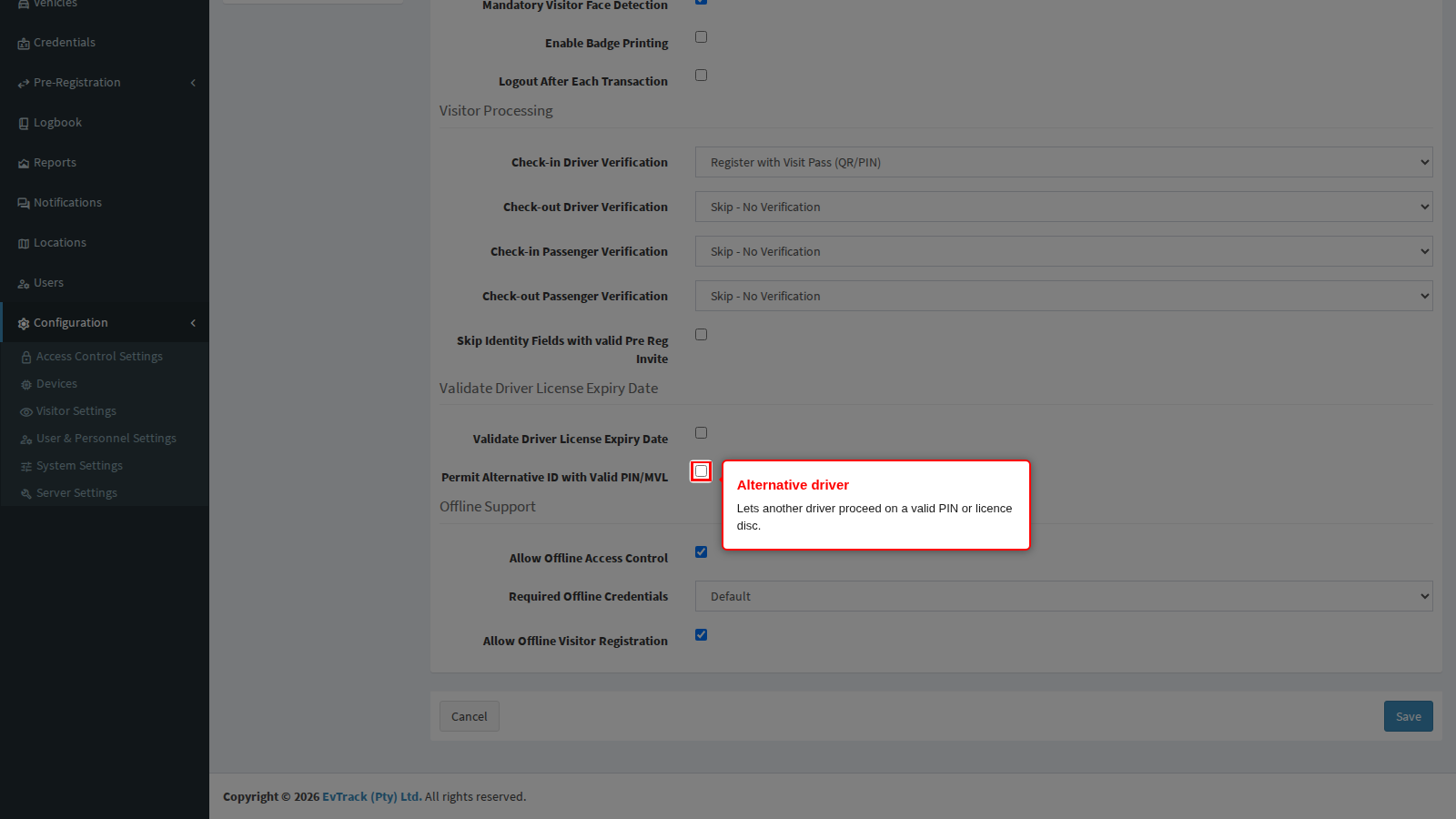
Permit Alternative ID with Valid PIN/MVL covers the case where the person at the wheel is not the person on the invitation. With it on, a different driver may proceed when they present a valid PIN or the vehicle licence disc, and the app offers the officer a Register Driver step to capture who is actually driving. With it off, only the invited driver gets in and anybody else is refused.
Two practical notes:
- The alternative driver is captured from scratch. The registration opens empty, so the officer types or scans the whole identity. It is not pre-filled from the invitation, and it should not be: the point is to record the person who is really there.
- It does not work while the handset is offline. The prompt is the app reacting to a specific answer from the server, so during an outage the offer never appears and an alternative driver cannot be processed at all. Give your officers a documented manual procedure for that case.
Working offline
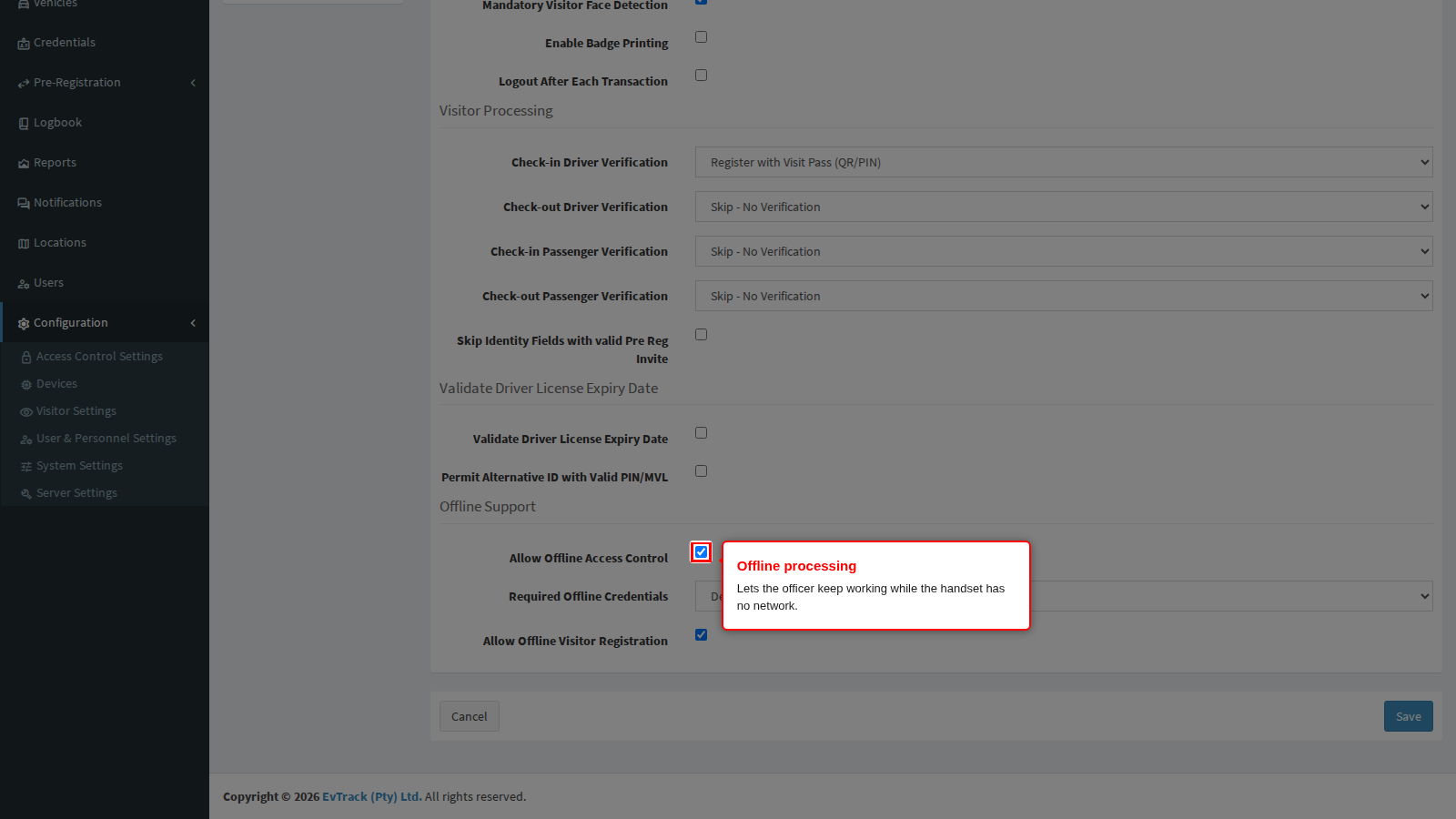
Allow Offline Access Control lets the officer keep processing entries and exits while the handset has no connection, holding the transactions encrypted on the device and syncing them when it reconnects. It keeps a checkpoint moving through a network outage, at the cost of decisions made on data that may be a few minutes old.
Required Offline Credentials narrows what the app will accept while it is offline. Leave it on Default to accept the usual credential types, or name one type that a visitor must present for an offline decision to be made at all.
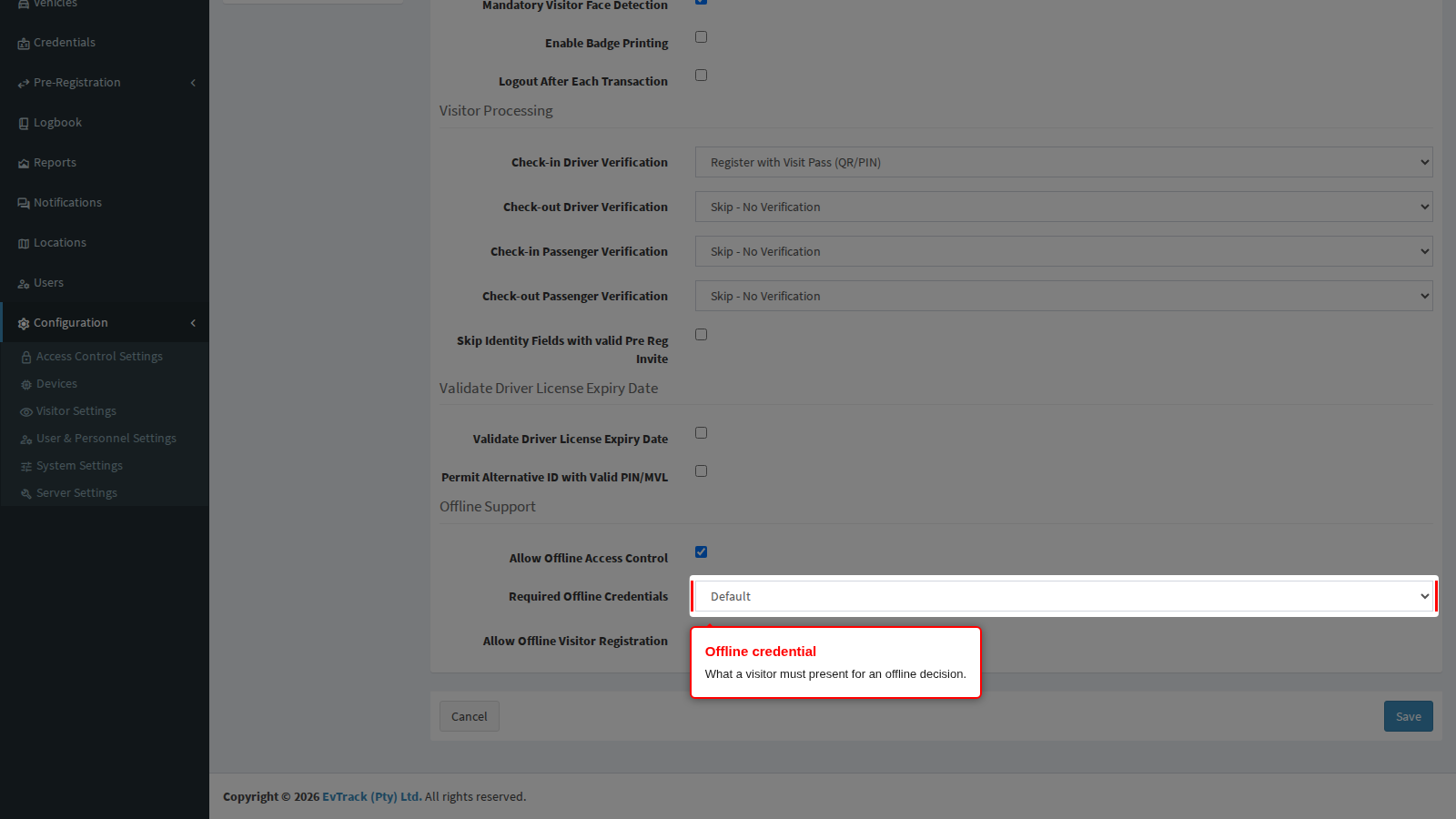
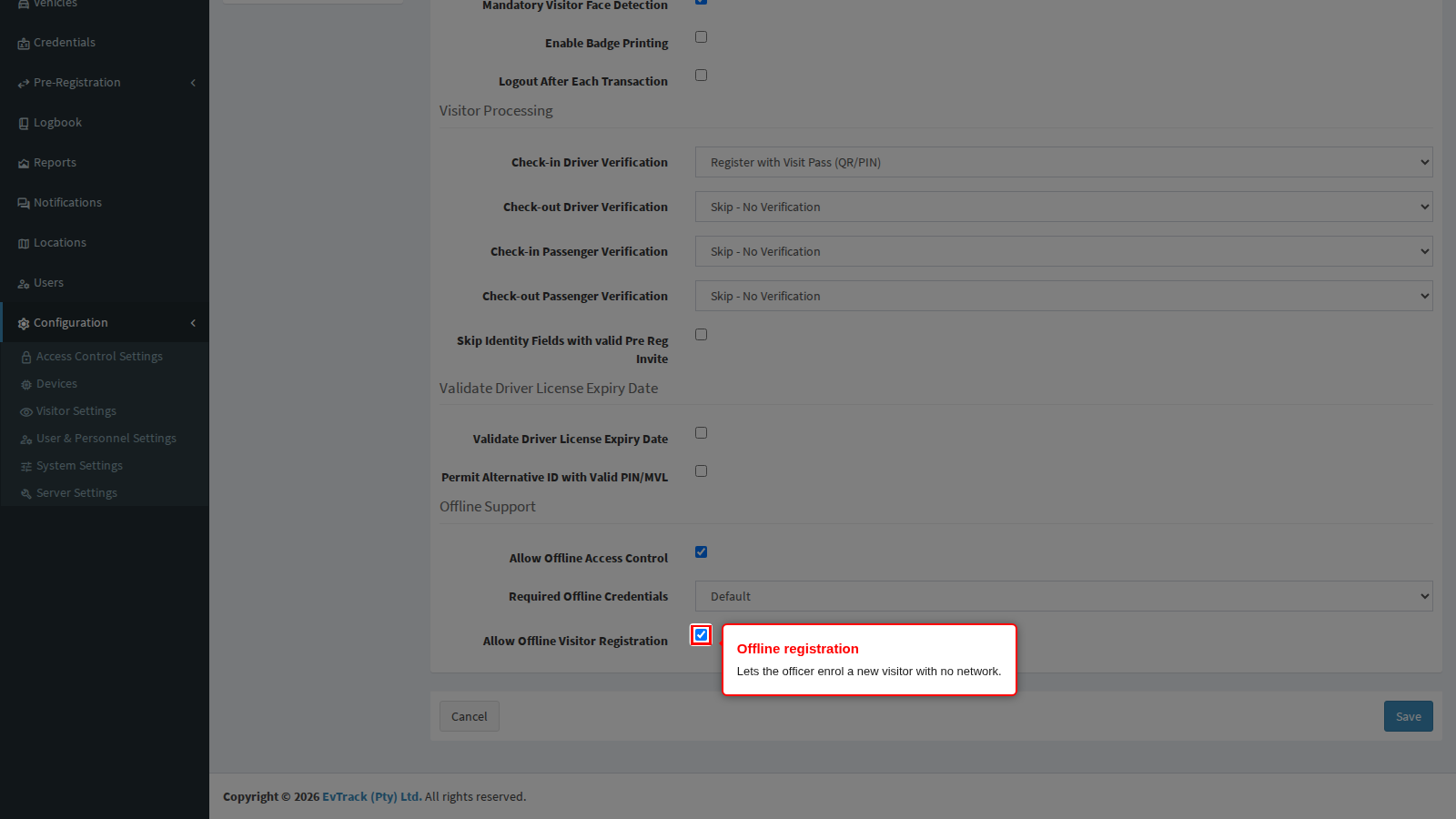
Allow Offline Visitor Registration lets the officer enrol a brand new visitor with no network, uploading the record later. Turn it off where a new visitor must always be checked against your watchlists before they are admitted, because that check needs the server.