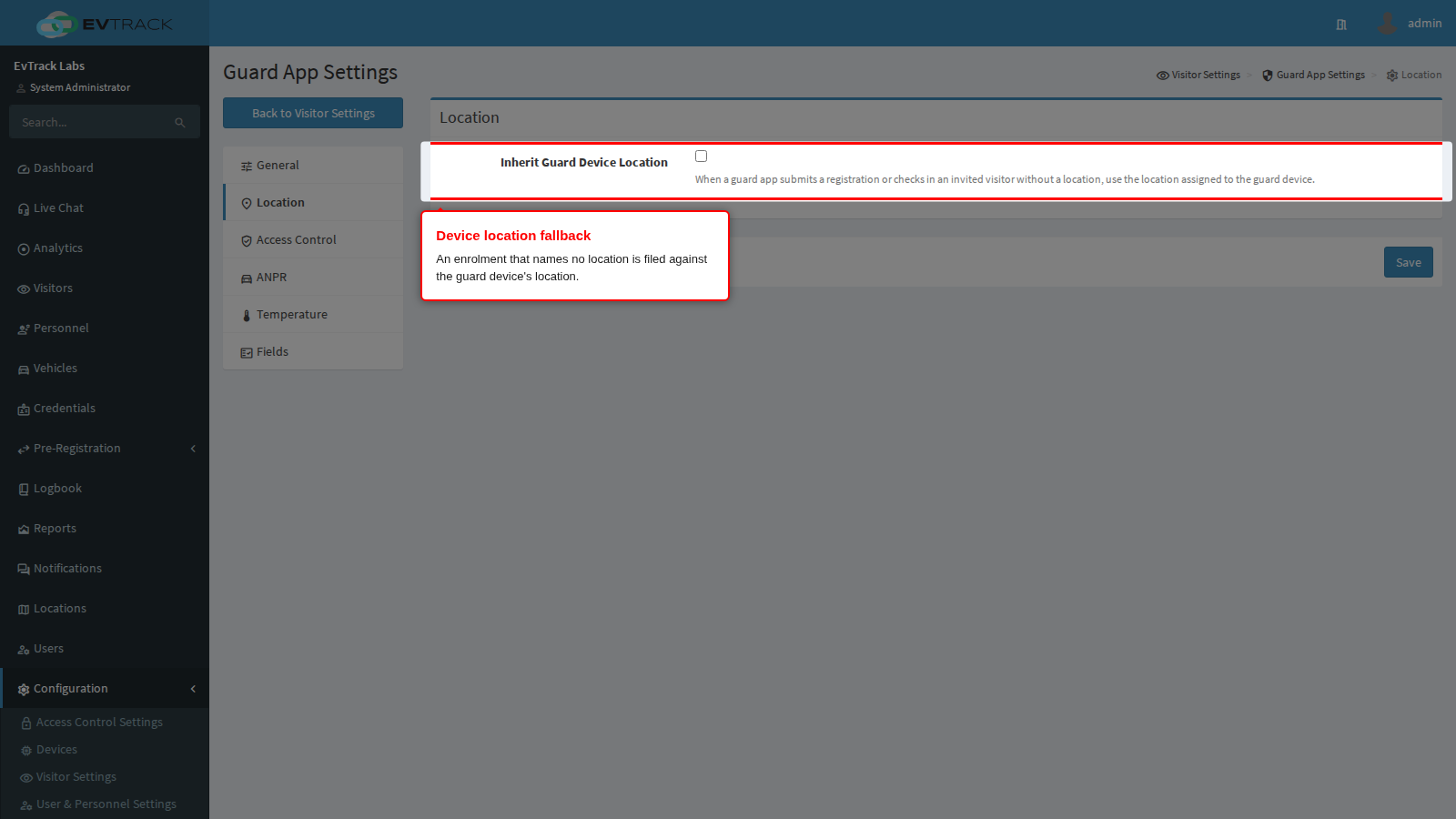
The Location panel of the Guard App settings has one setting. It decides what happens to a visit the officer files without naming a location. Guard settings apply to every handset in the system; this is the only one that reads the guard device’s own location.
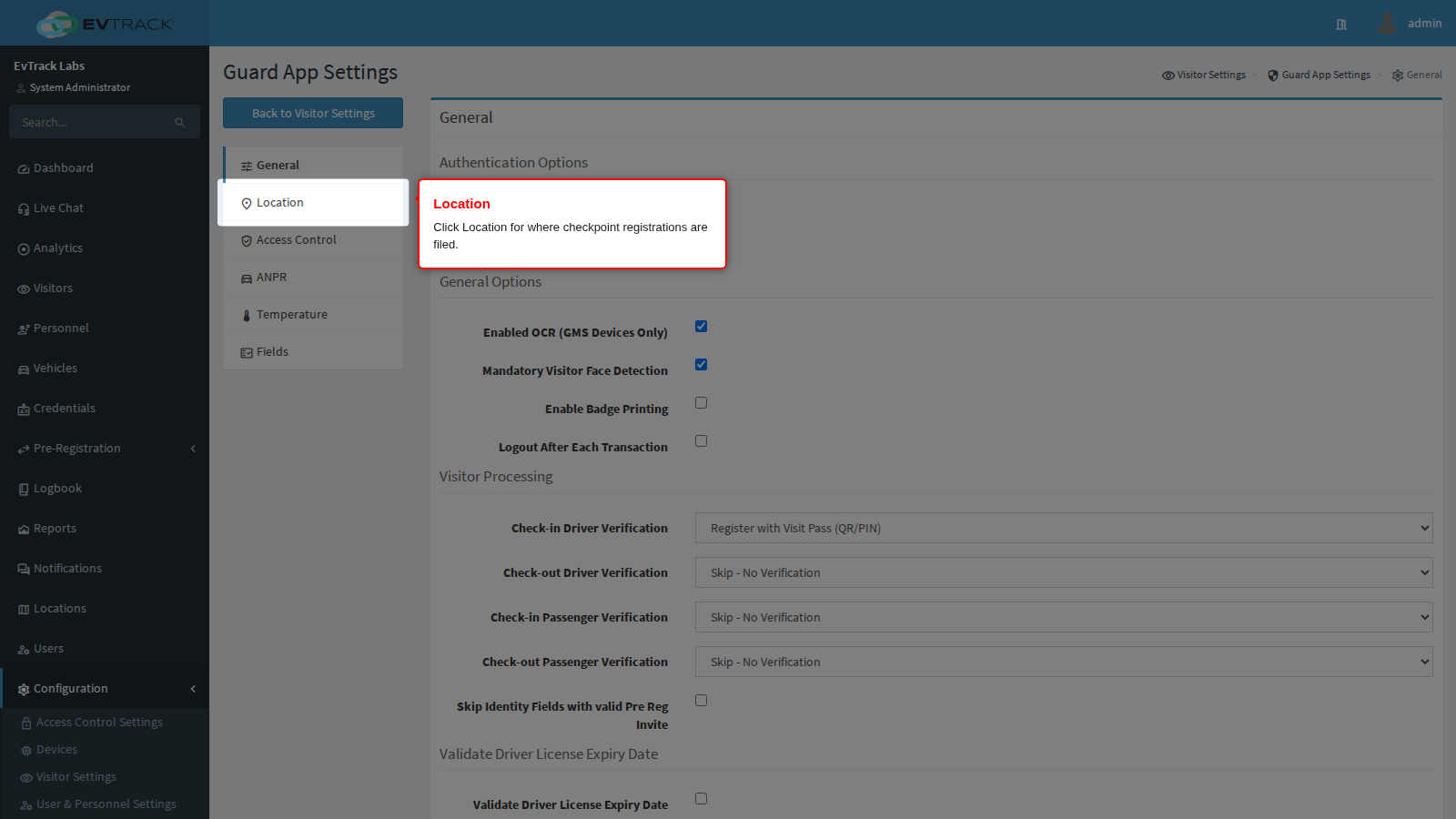
Click Location in the Guard App settings menu.
Inherit Guard Device Location
Every visit is recorded against a location, and reports, badge branding and the access control lists a visitor receives all depend on it being right.
Inherit Guard Device Location makes an enrolment the officer submits without a location fall back to the location assigned to the guard device record. Turn it on at a site with more than one location so a handset issued to the Cape Town checkpoint files its walk-ins against Cape Town without the officer choosing anything. It is the same choice the kiosk already offers, so a mixed checkpoint of handsets and tablets can be configured to behave alike.
Two limits are worth knowing before you rely on it:
- It never changes a location a visit already has. A location the officer’s enrolment names, or one the visit already carries, is kept. The setting only fills a visit that has none.
- It is not limited to enrolment. On entry it fills any visit without a location that the officer processes at the handset: a walk-in enrolment, an invited visitor, or a pass holder whose visit has no location.
The location on a visit is what decides which access control list each visit status grants, so at a site with several locations this setting and Status-Based Access per Location are configured together: the officer enrols a walk-in, the device supplies the location, and the location’s own rows decide what the visitor’s pass opens.
Which location wins
- An access control point set to update the location on entry moves the visit to its own location when the visitor passes it. This wins over everything below, including a location the enrolment named.
- Otherwise a visit that already has a location keeps it, whether the officer’s enrolment named it or the visit carried it already.
- Otherwise, with this setting on, the guard device’s location fills it. This applies only on entry.
Separately, an access card handed out at a guard handset must come from the card pool of the guard device’s own location, whether or not this setting is on.
If visits end up at the wrong location, see Visits Are Filed at the Wrong Location.