EvTrack FrontDesk runs on an Android tablet. On its own the tablet is enough for a check-in point; in a kiosk enclosure it gains a document scanner, an ID card reader and a badge printer, depending on the model.
Choosing an enclosure
| Pedestal | Counter-top | Horizontal counter unit | |
|---|---|---|---|
| Form | Free-standing pedestal | Angled unit on a counter | Screen laid flat on a stand |
| Passport and licence scanner | Built in, plus a top tray | Optional side-mount bracket | Rear document tray |
| ID card reader | Built in, where fitted | Built in, where fitted | Side-mounted, where fitted |
| Badge printer | Built in | Built in | None |
| Best for | A permanent main reception | A counter with no floor space | Events, contractor intakes, small front desks |
| Moving it | Not really | With effort | One cable, one stand |
Every enclosure runs the same FrontDesk app and the same check-in flow. Model names and fittings vary by region and order: ask EvTrack which fit your site.
Pedestal
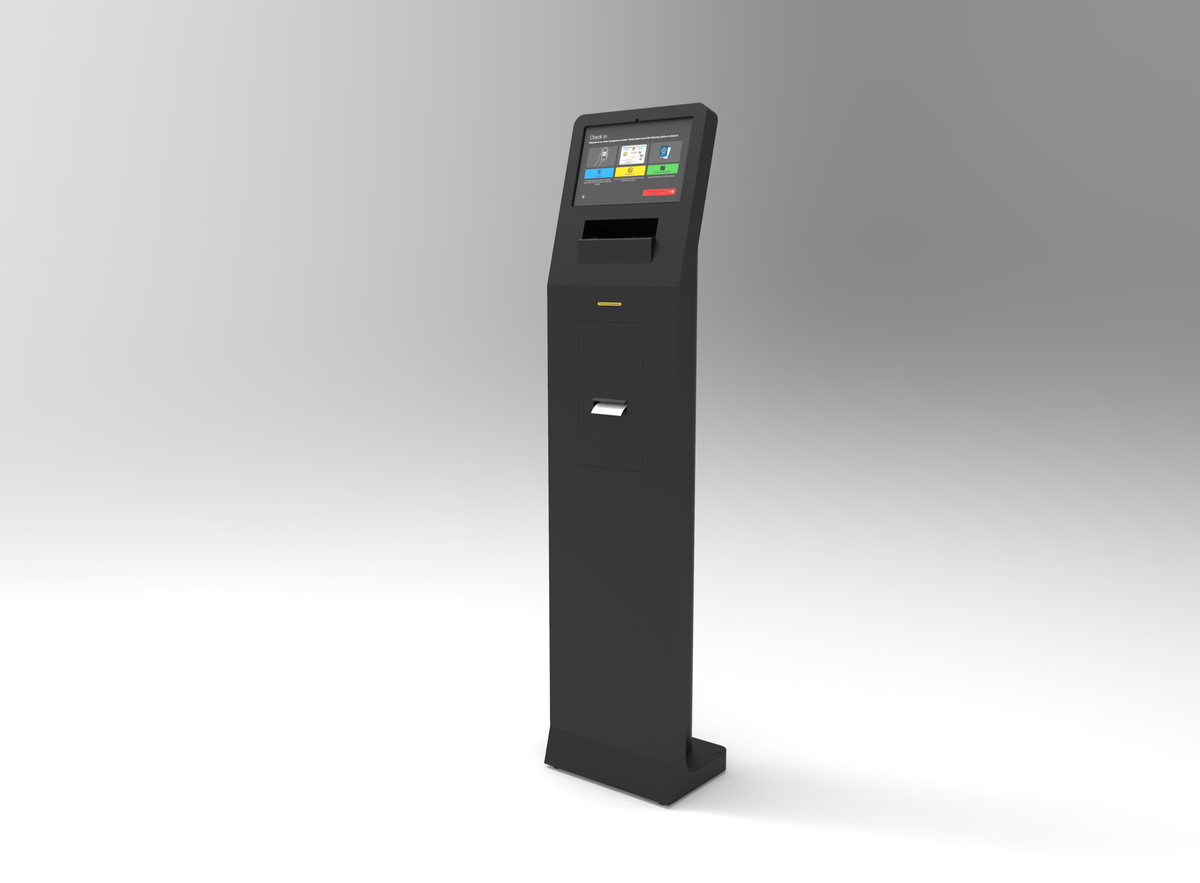
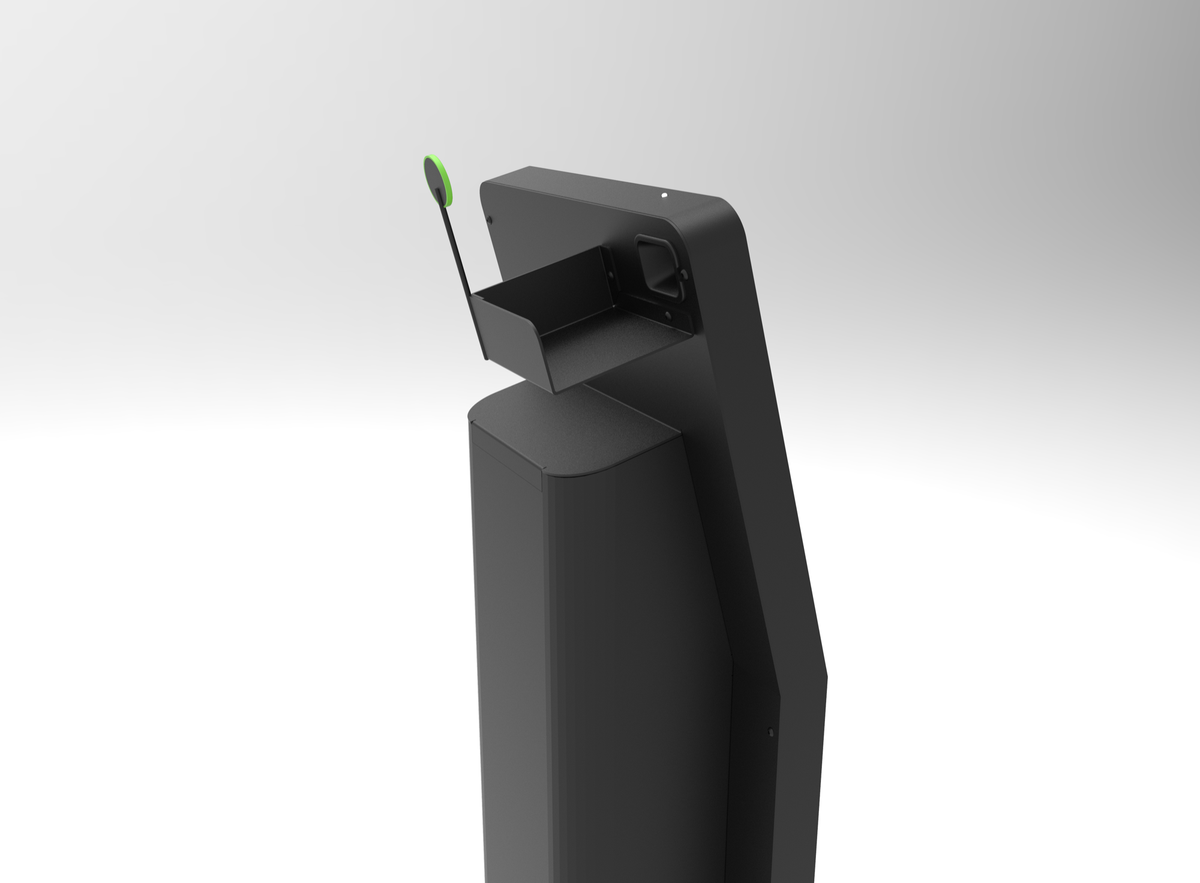
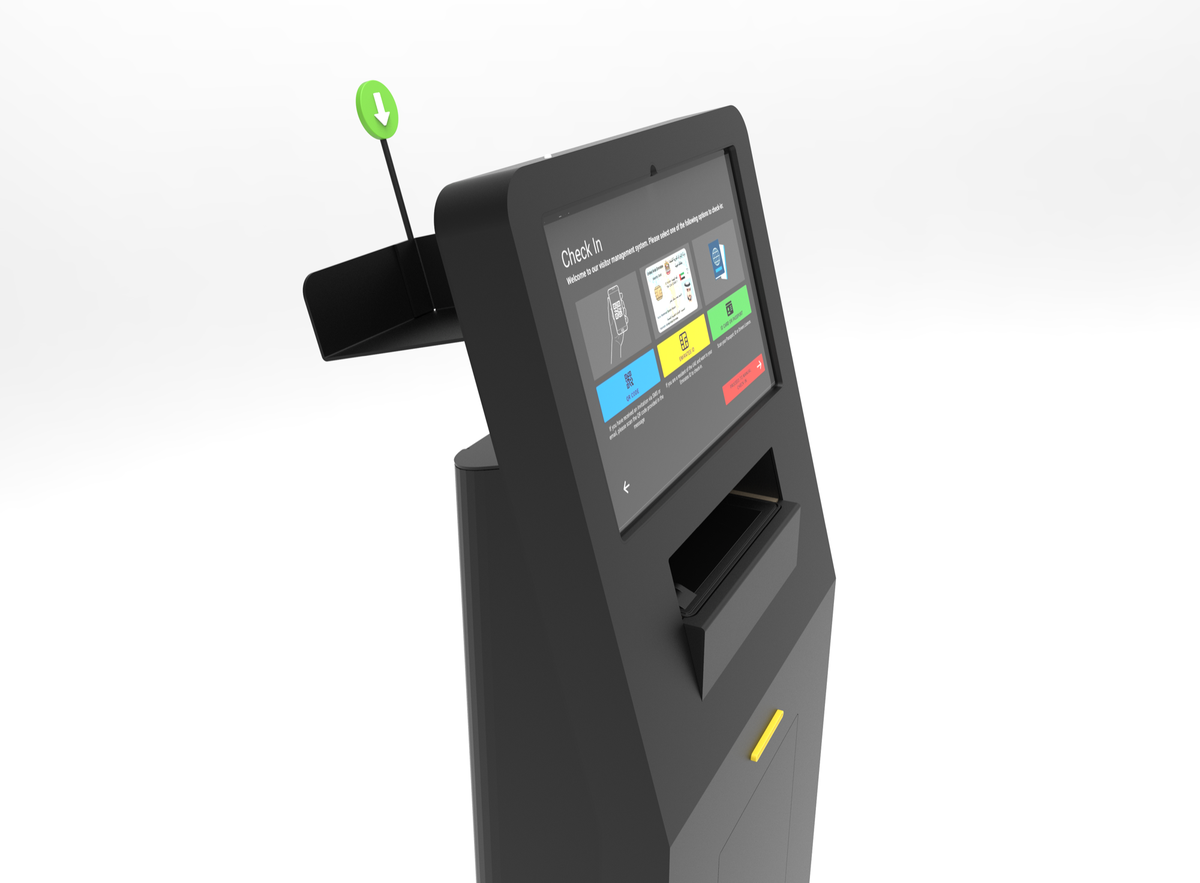
Below the screen, top to bottom: a passport reader (on models that have one), the ID card slot, and the thermal badge printer. A pull-out tray above the screen scans passports and driving licences.
Counter-top
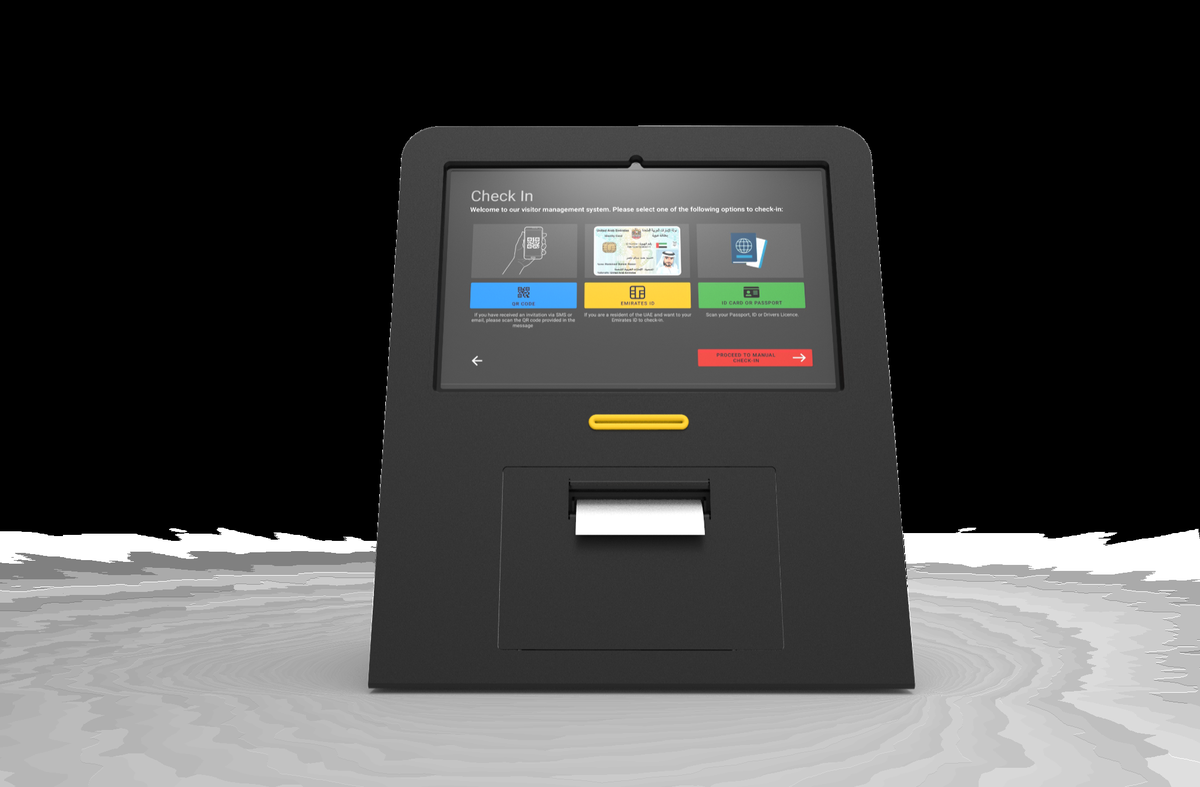
A wide screen above an ID card slot and a thermal badge printer, with no built-in passport scanner. If your site regularly receives visitors on passports, add the side-mount passport bracket: without it, passport holders cannot check themselves in.
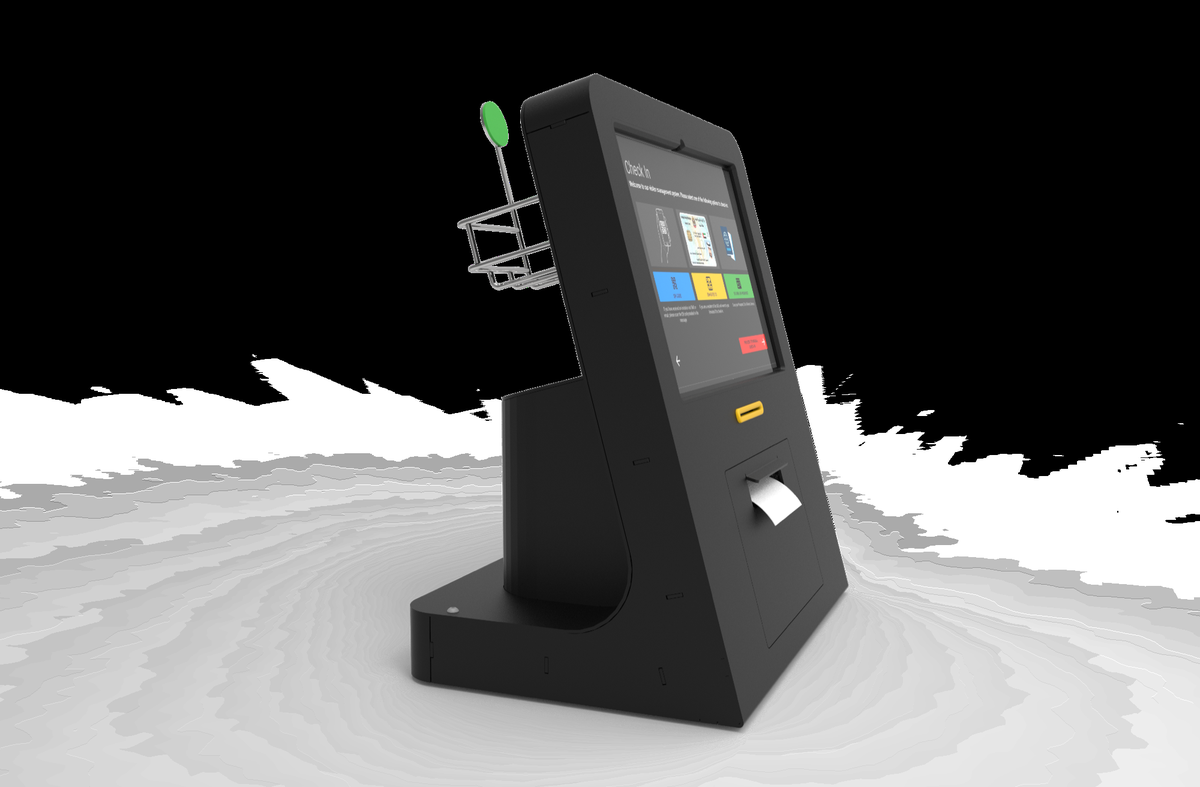
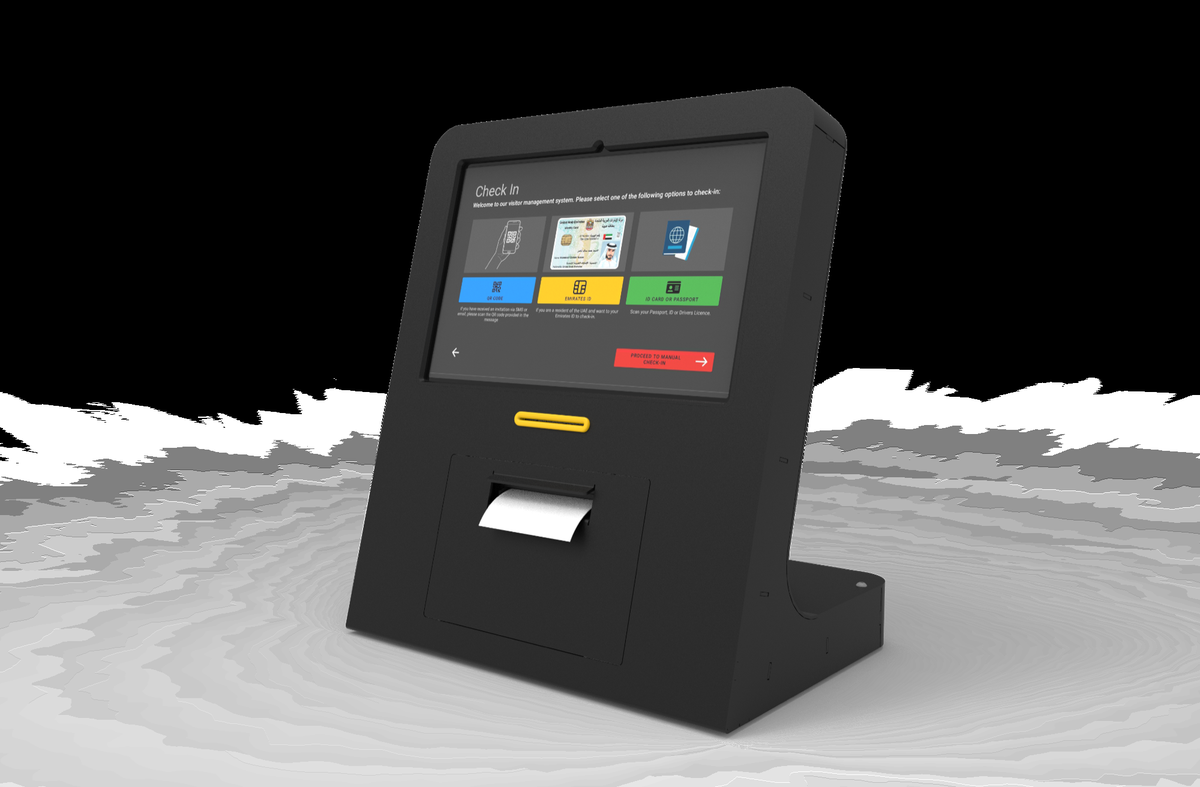
Horizontal counter unit
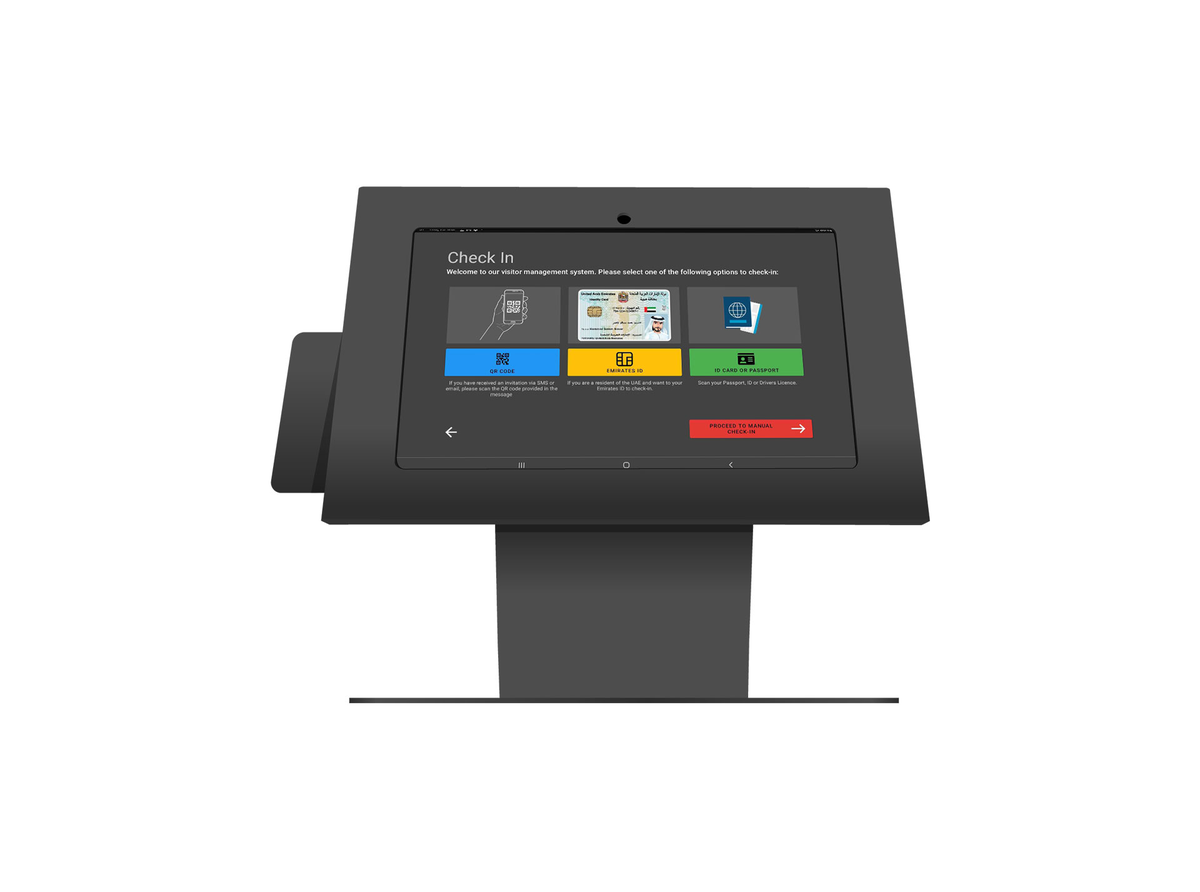
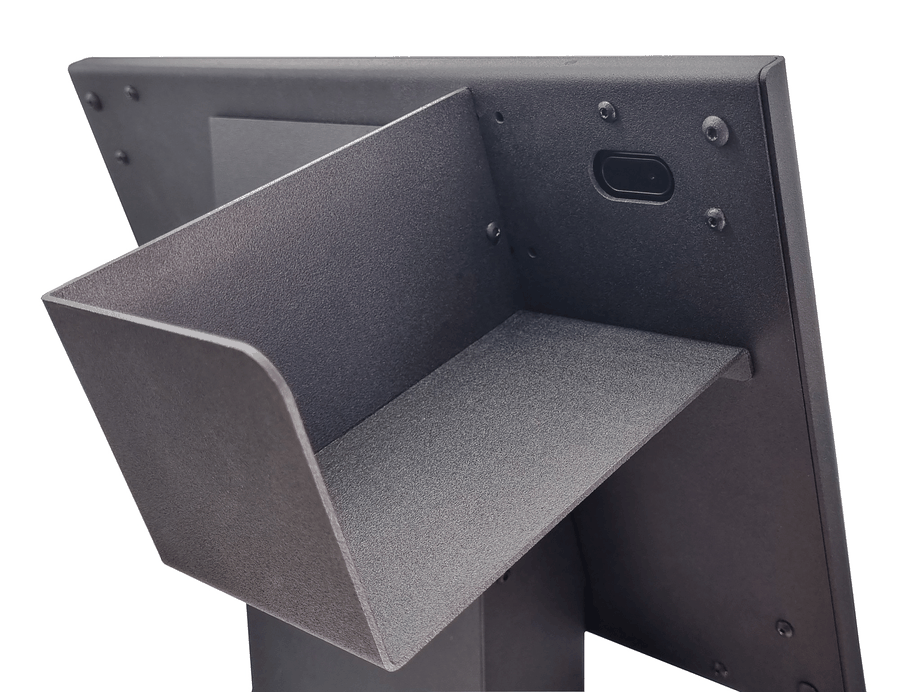
The screen sits flat on its stand, with a document tray on the back that holds passports and licences for the camera. It needs one cable and one stand, so it moves easily between events.
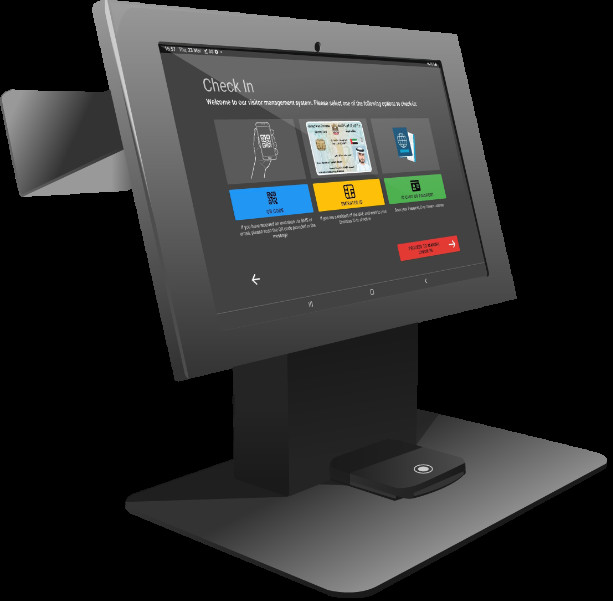
The screens in these photos show the FrontDesk check-in options with a specimen identity card.
Optional hardware
- Badge printer. Set per kiosk on the device’s Optional tab under Printer: the driver (Brother QL over Bluetooth or TCP/IP, Zebra LINK-OS, Evolis card printer, or Epson ePOS), the model, its address and the paper orientation. Badge printing as a whole is switched on with Enabled Badge Printing under Badge and Live Chat (off by default).
- 2D barcode imager. A 2D imager reads the PDF417 barcode printed on many identity documents and fills in the visitor’s details in one scan; a 1D laser scanner cannot read it.
Placing and looking after a kiosk
See Check the Kiosks Each Morning for daily checks and where to place a kiosk.